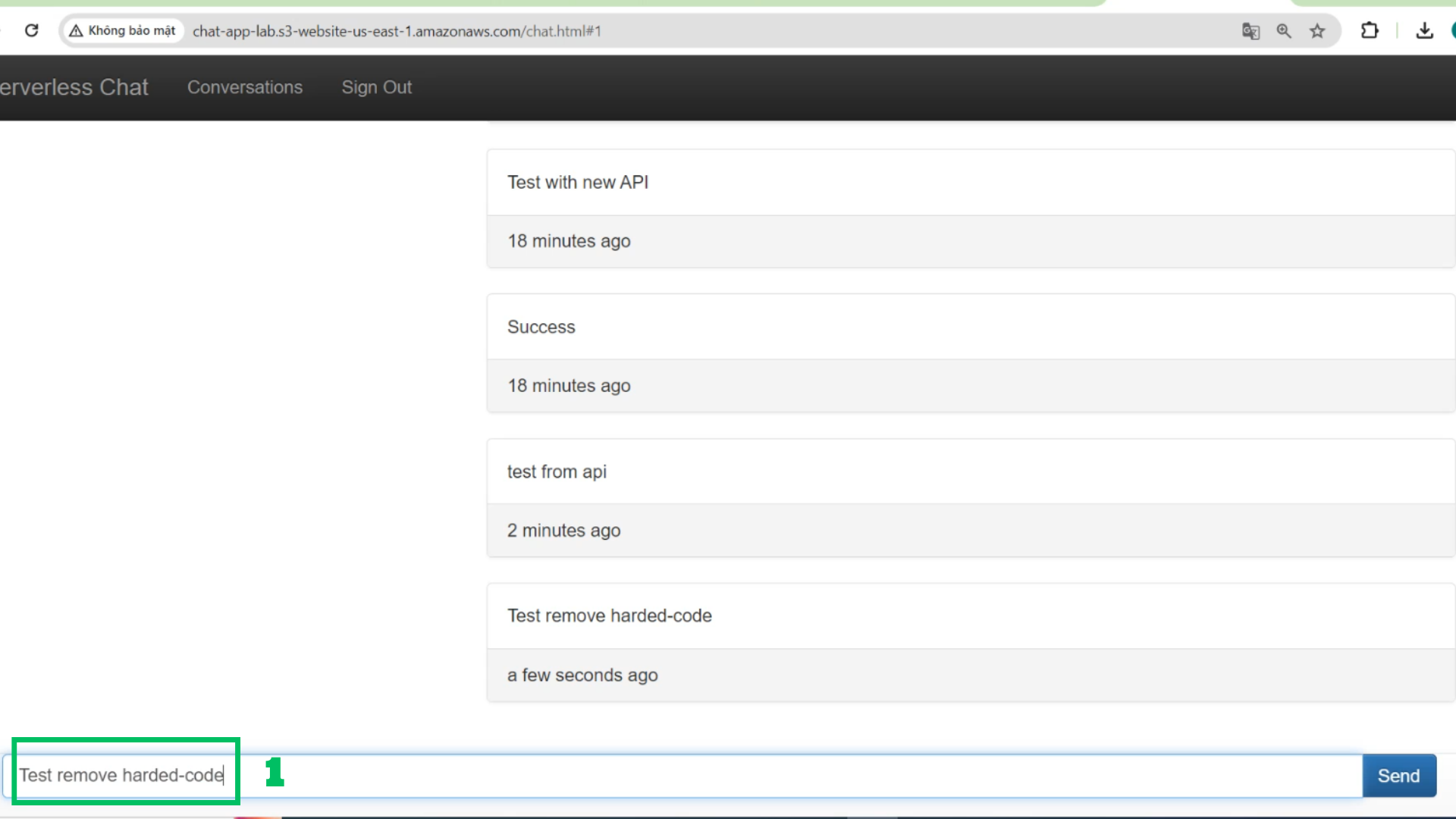
Build a Complete serverless Chat Website > Break up the monolith – Start build Complete App > Remove hard-coded user names from Lambda
Remove hard-coded user names from Lambda
- Go to Chat-Conversation-GET lambda function
- Find:
{S: 'Student'}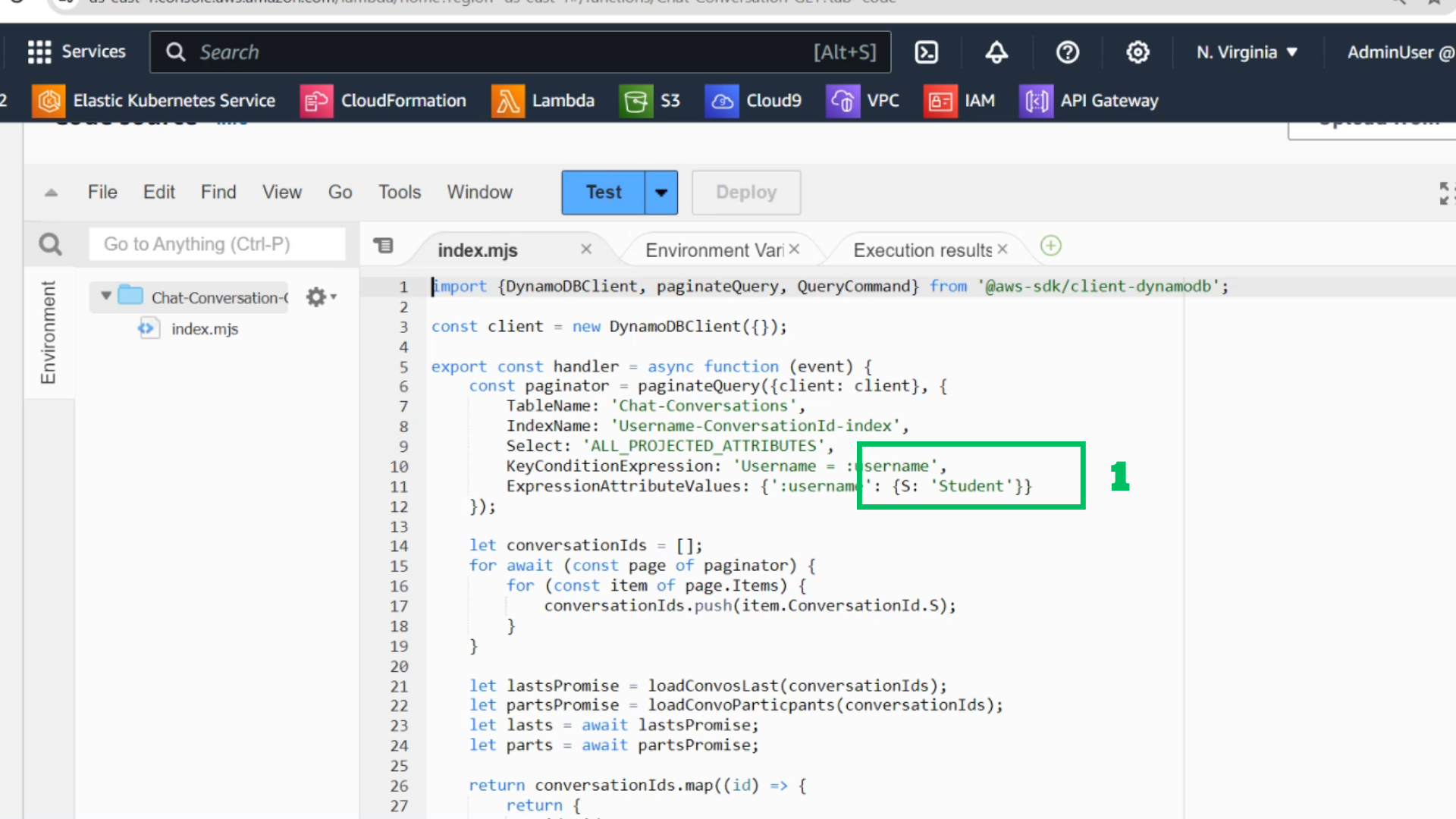
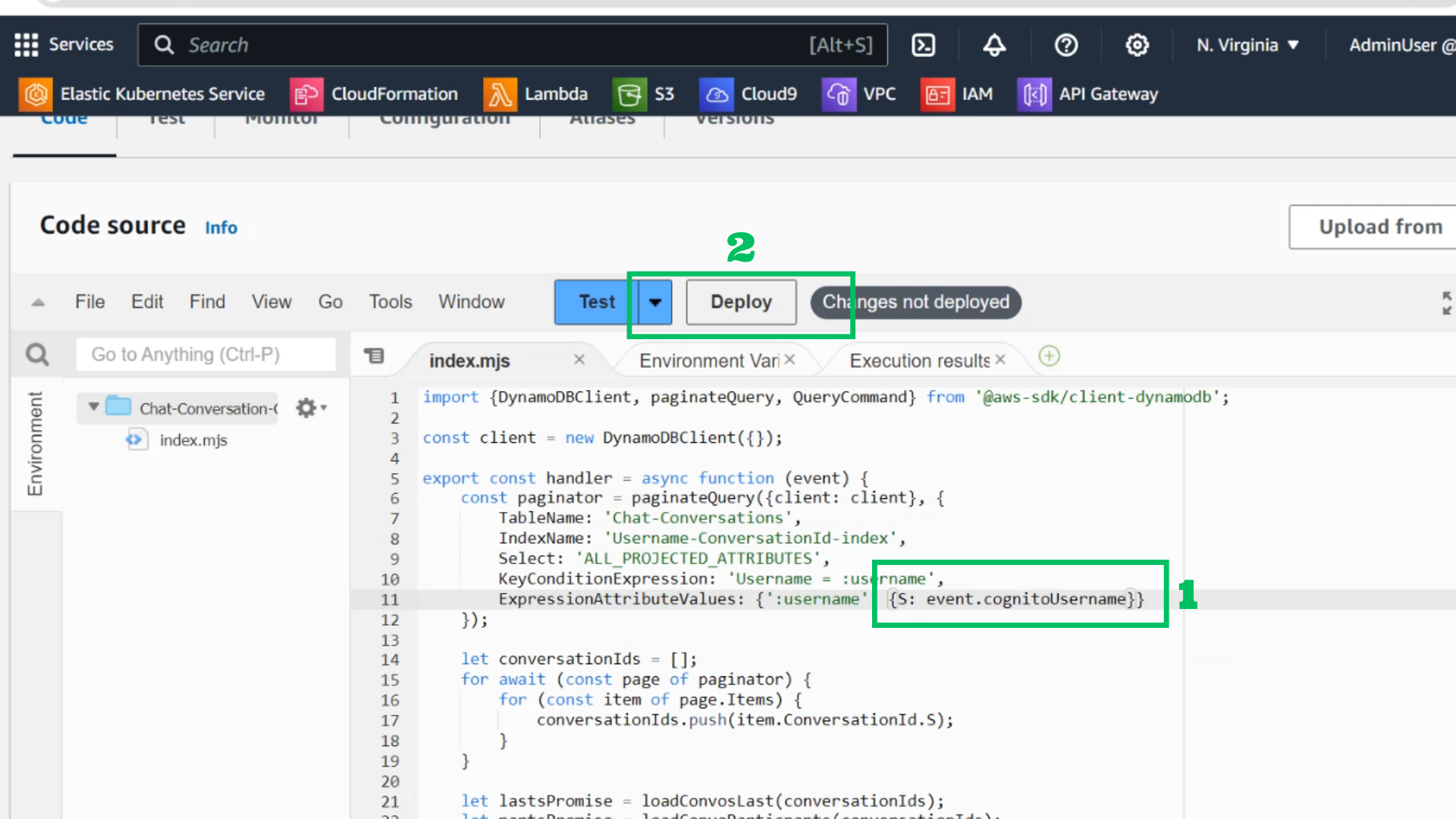
- Change it:
{S: event.cognitoUsername} - Choose Deploy
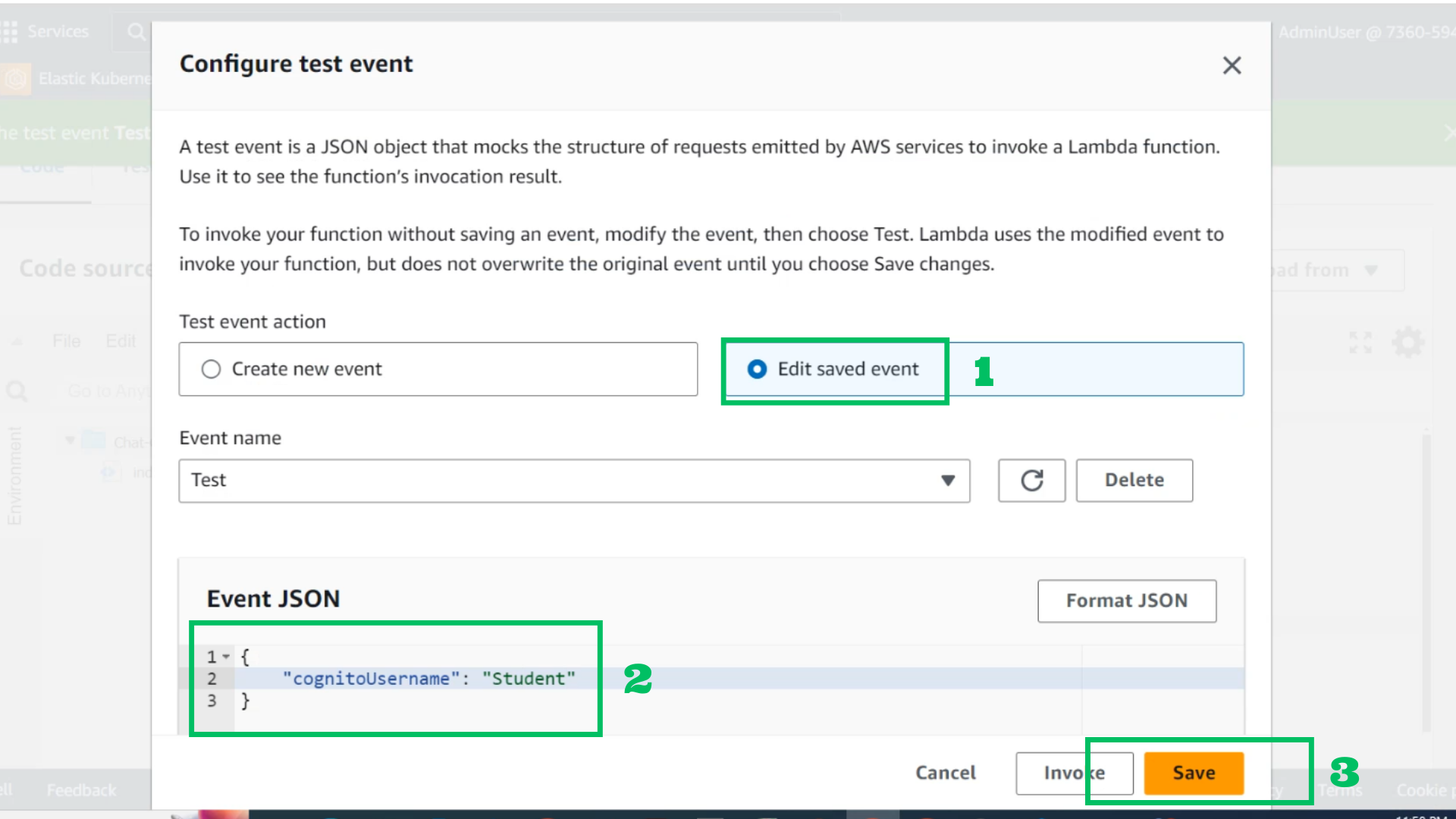
- Choose configure test
- At configure test event
- Edit saved event
- Event JSON
{
    "cognitoUsername": "Student"
}
- Choose Save
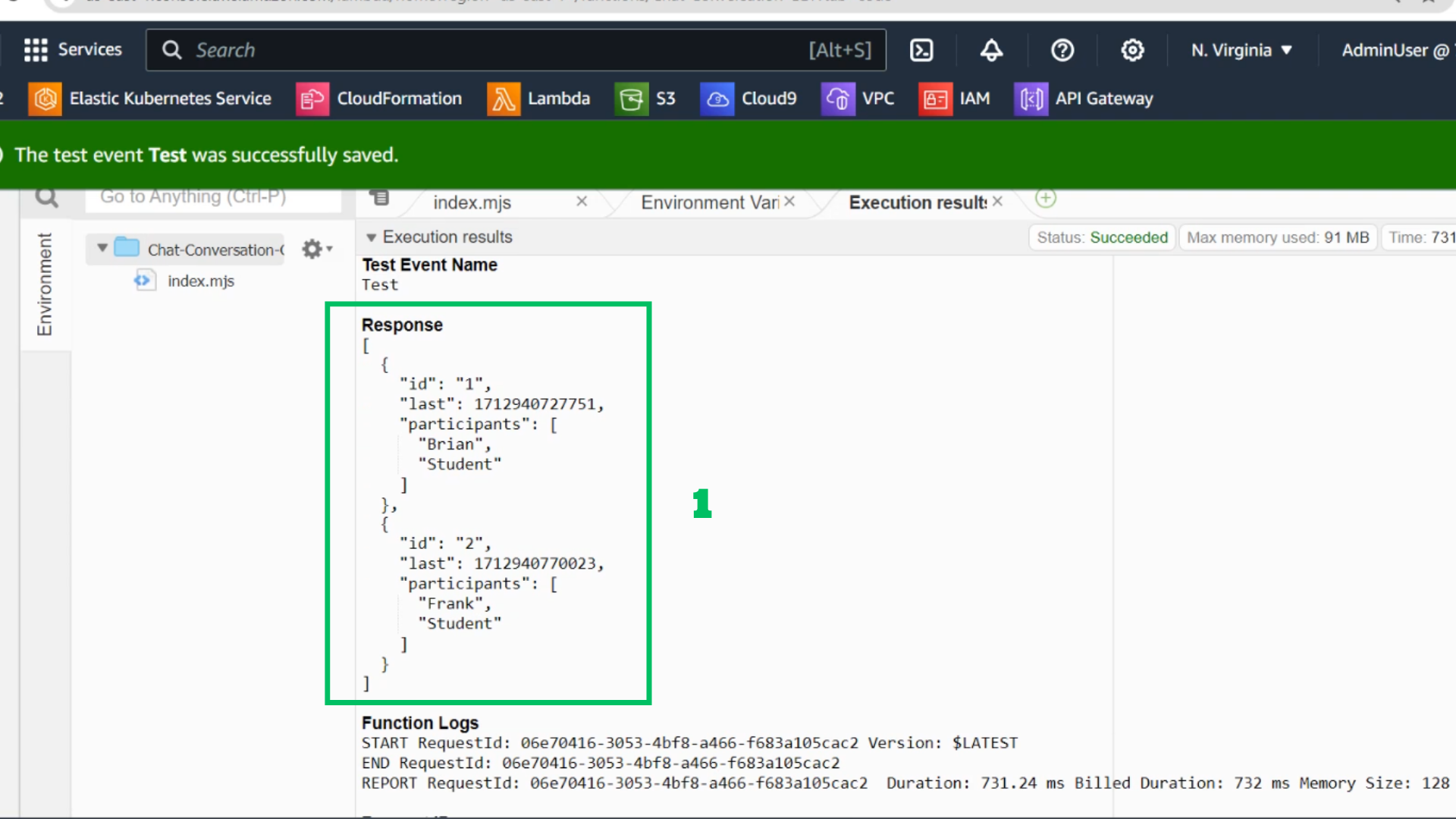
- Check the results
- Go to Chat-Conversation-POST lambda function
- Find:
{S: 'Student'}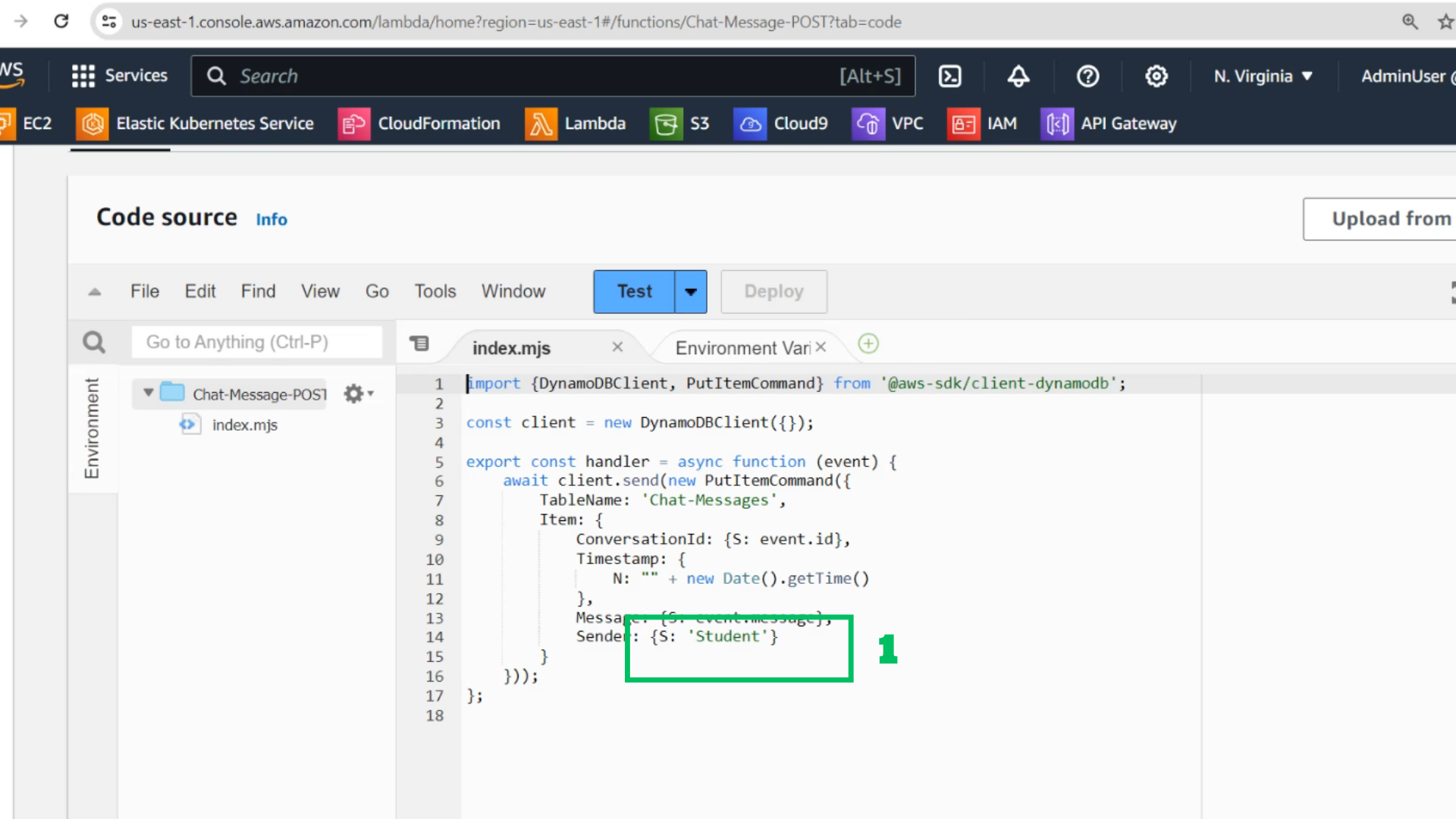
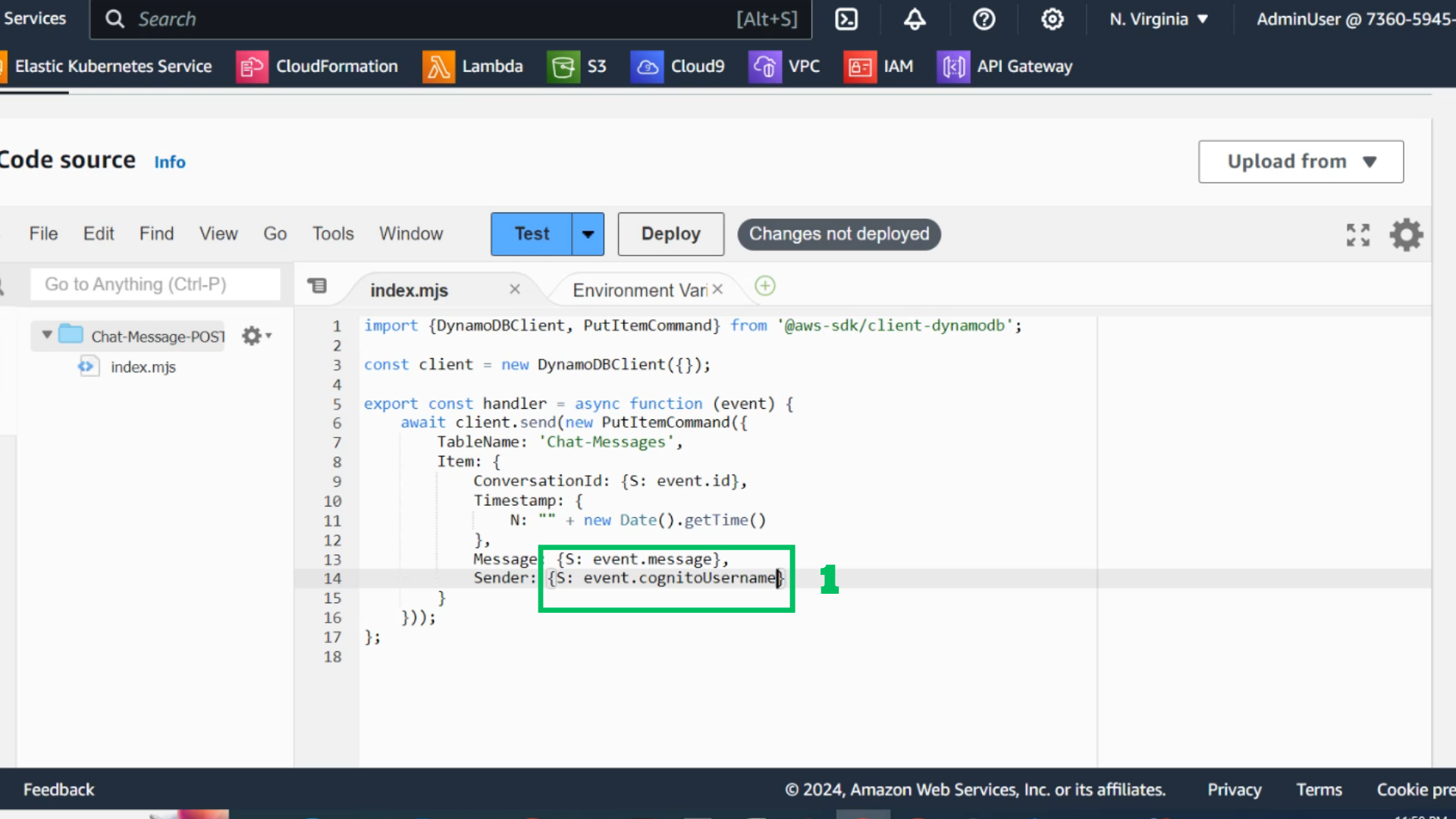
- Change it:
{S: event.cognitoUsername} - Choose Deploy
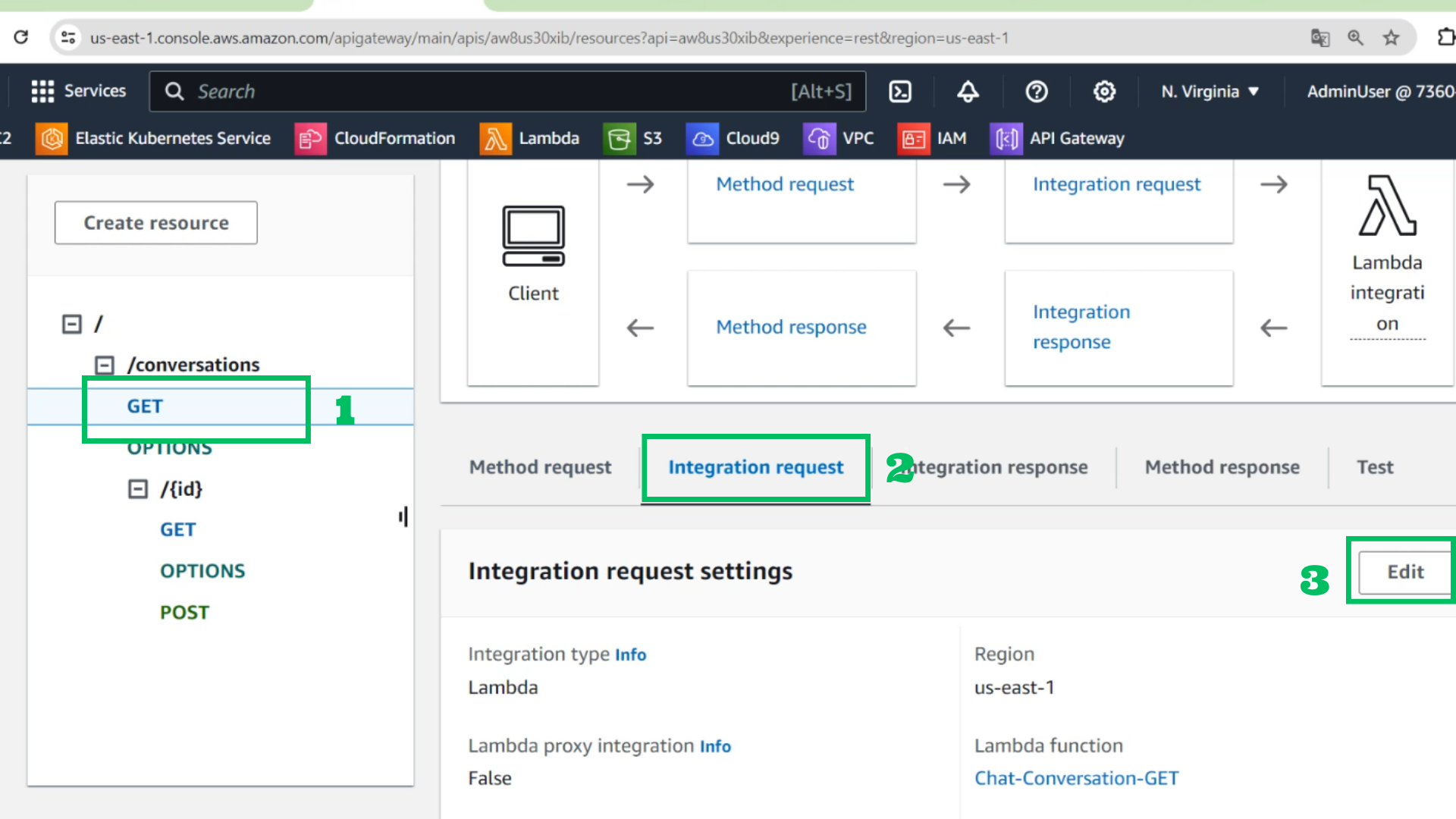
- At API gateway
- Choose GET in /conversations
- Choose Integration request
- Choose Edit
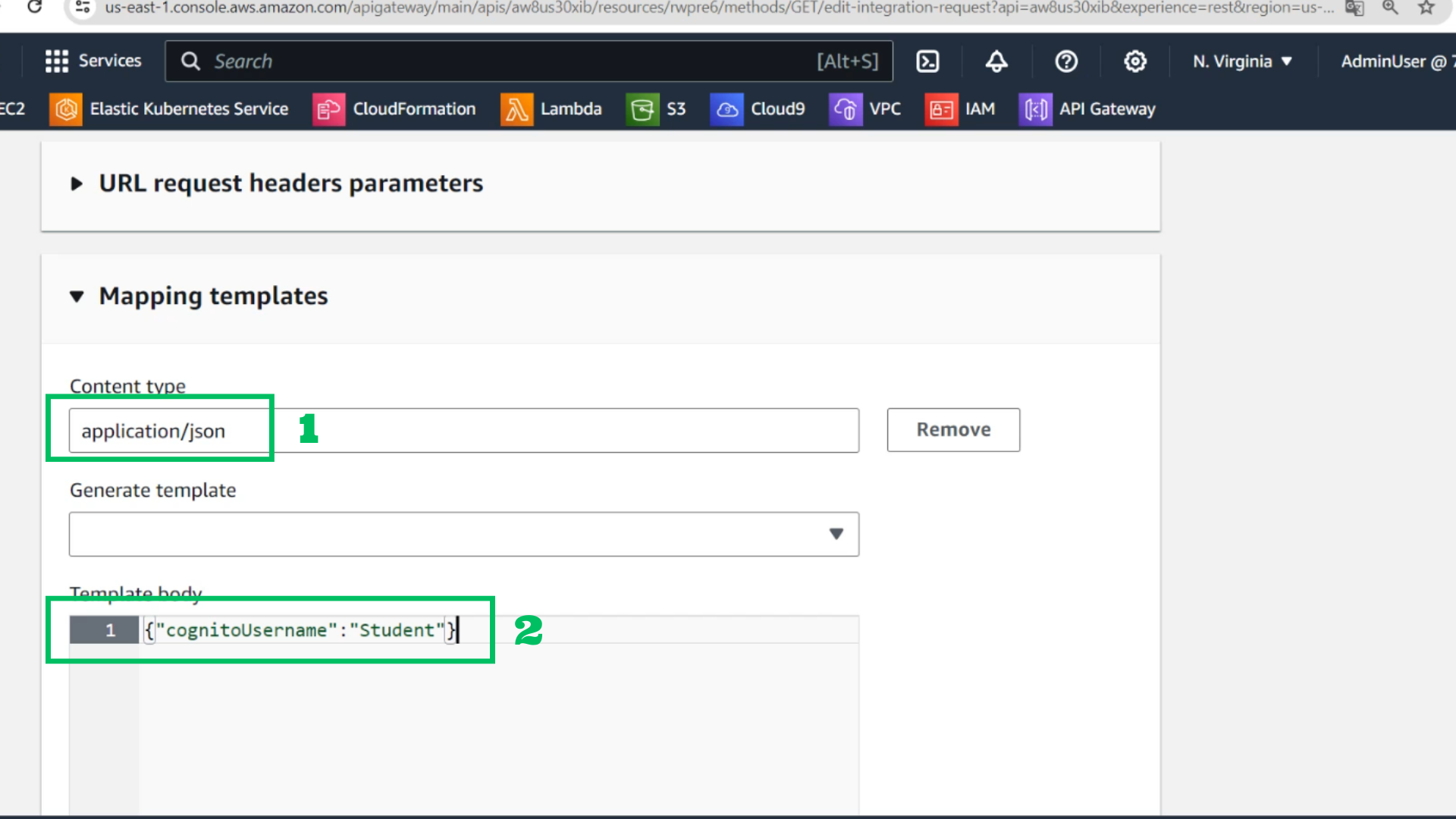
- Mapping templates
- Content type: application/json
- Template body:
{
    "cognitoUsername": "Student"
}
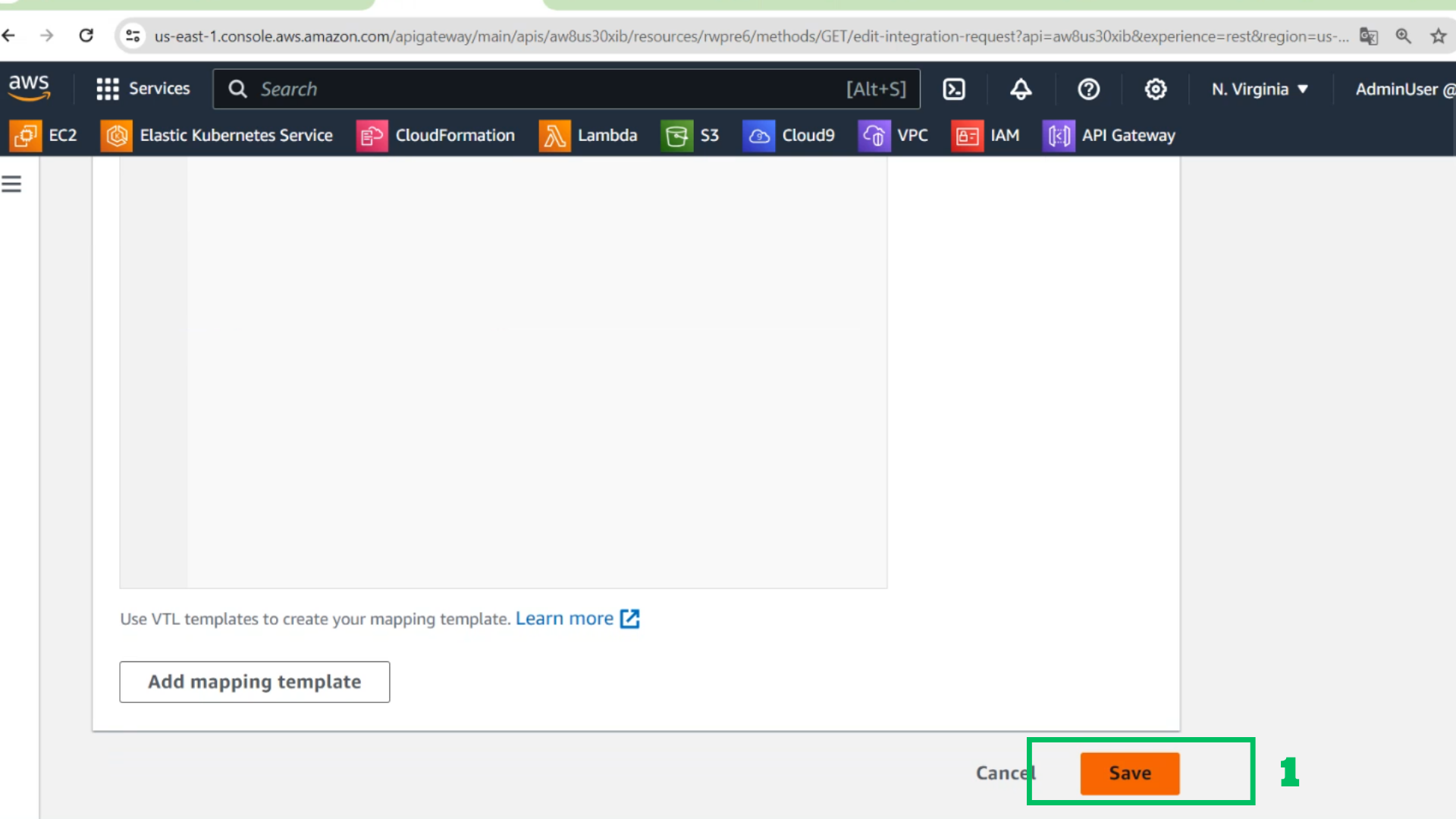
- Choose Save
- At API gateway
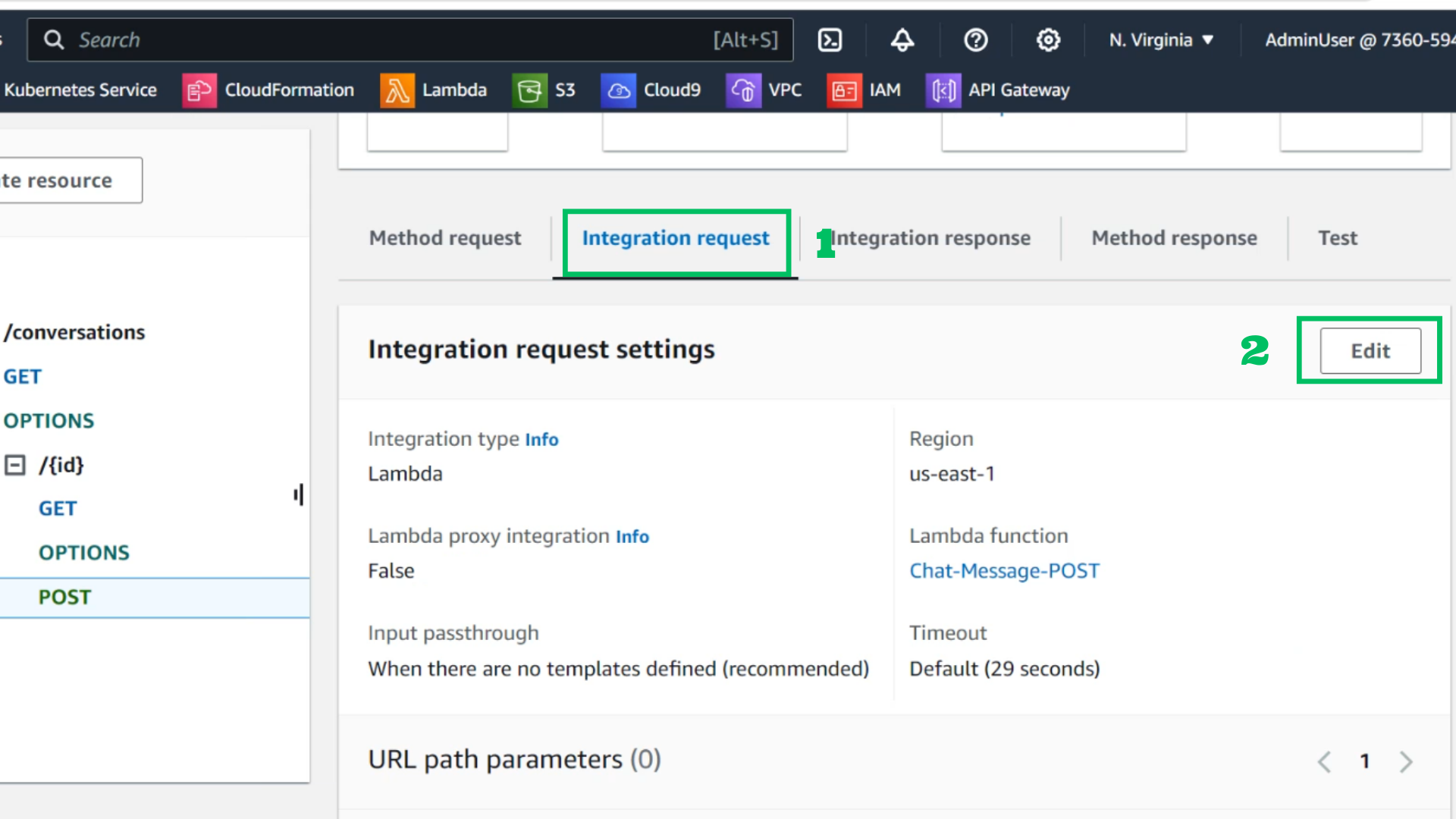
- Choose POST in /{id}
- Choose Integration request
- Choose Edit
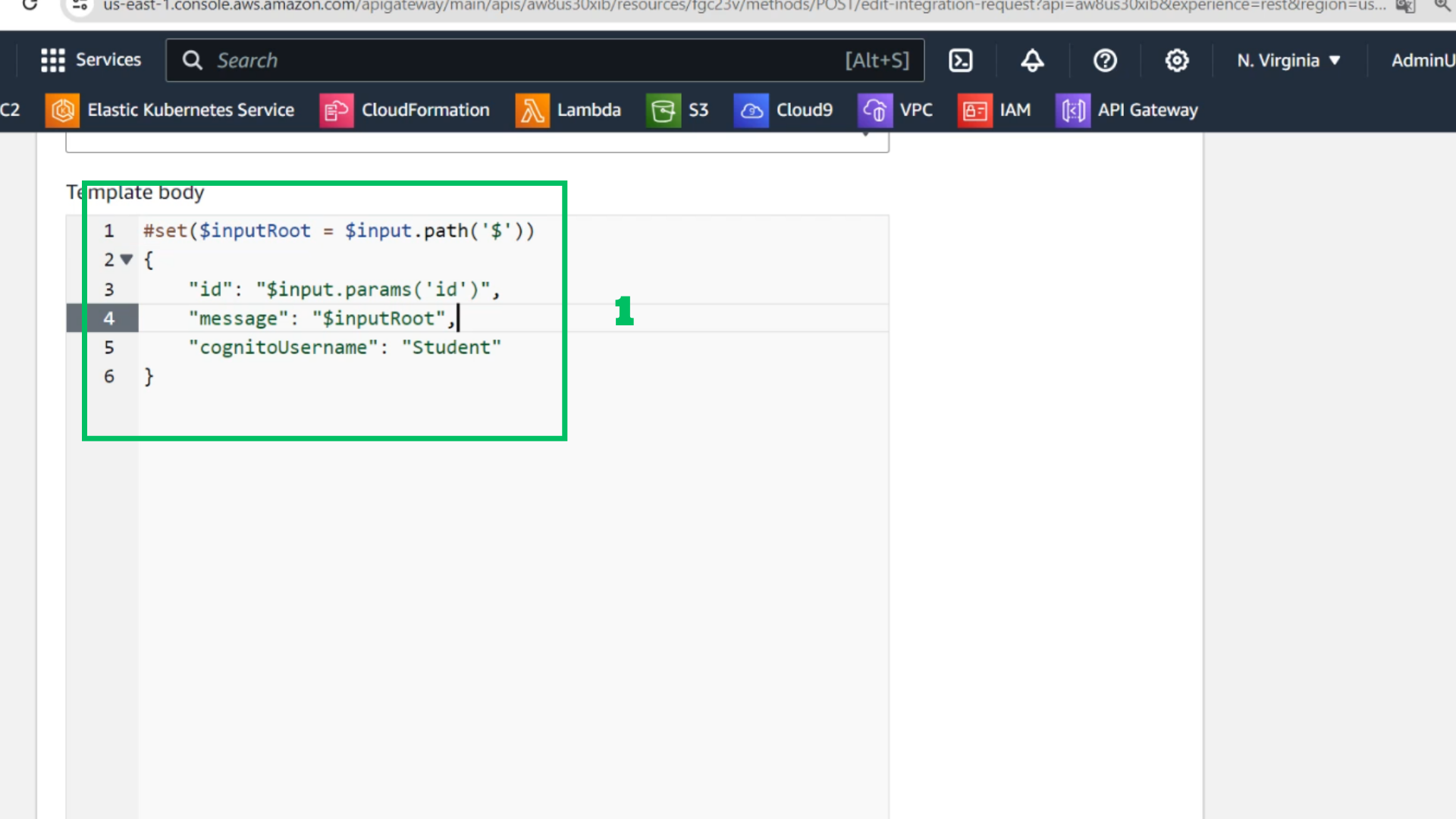
- Mapping templates
- Content type: application/json
- Template body:
{
    echo "code"
    "cognitoUsername": "Student"
}
 9. At API Interface
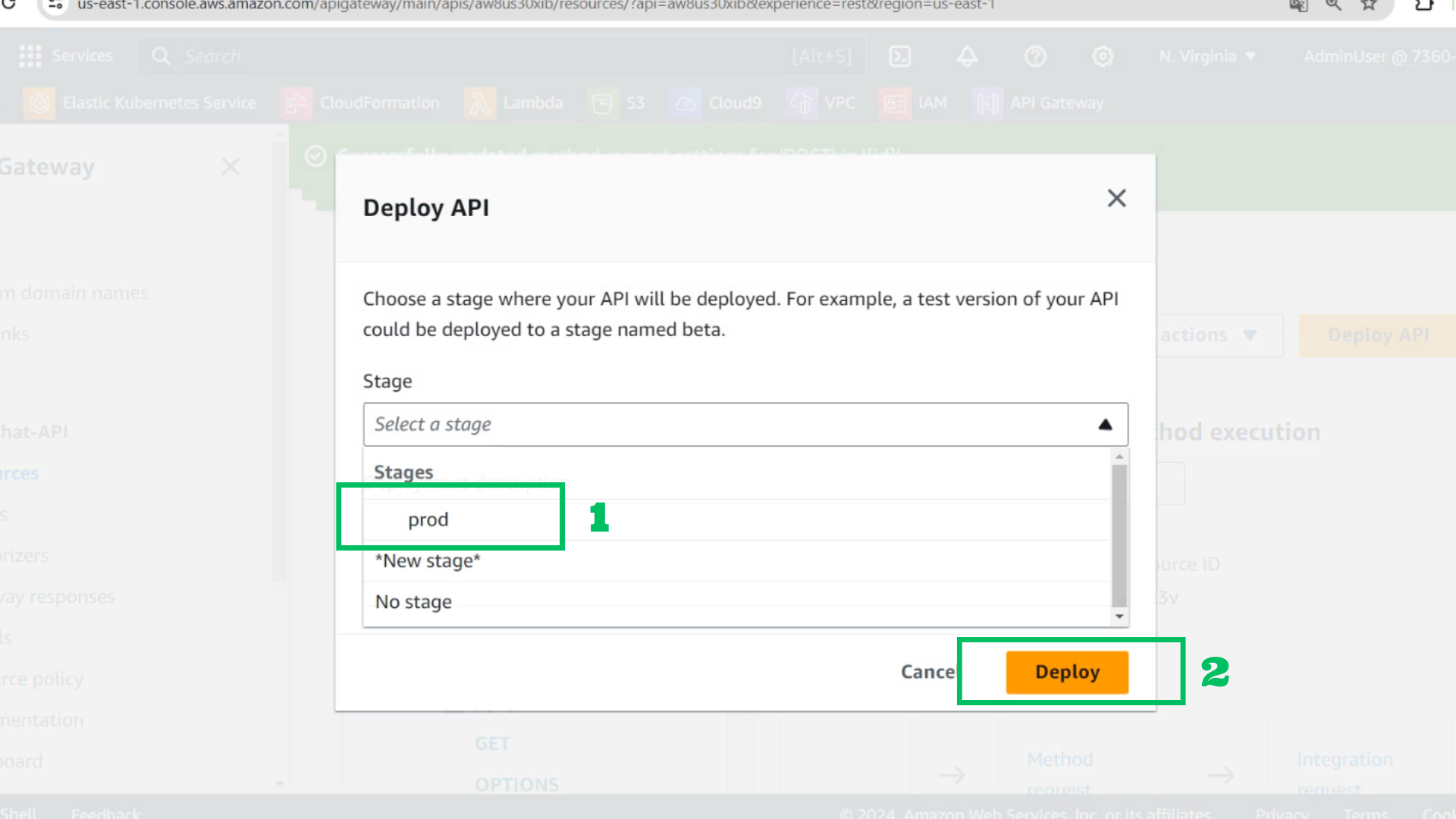
- Choose Deploy API
- Stage: prod
- Choose Deploy
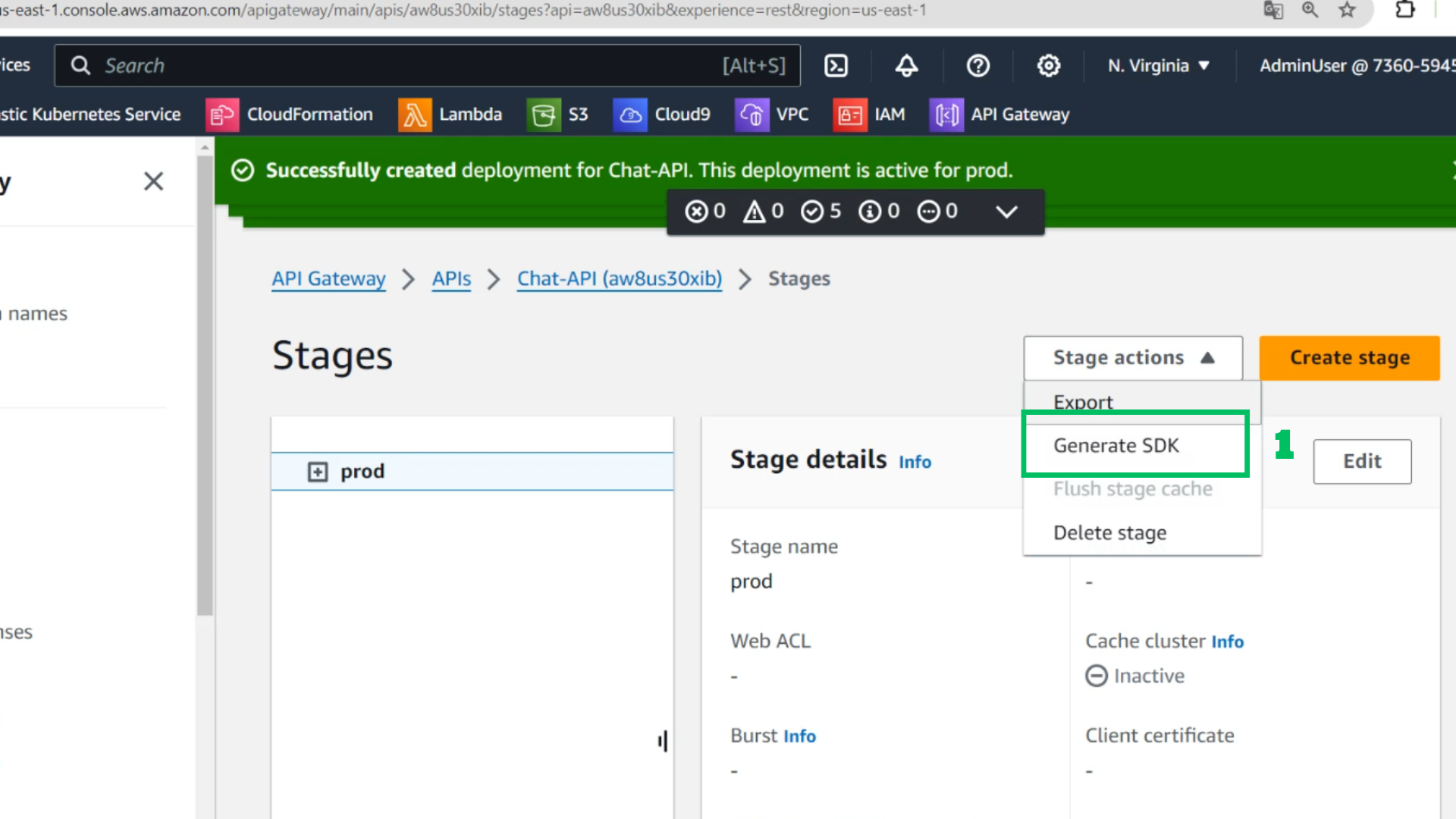
- At stages
- Choose stage actions
- Choose generate SDK
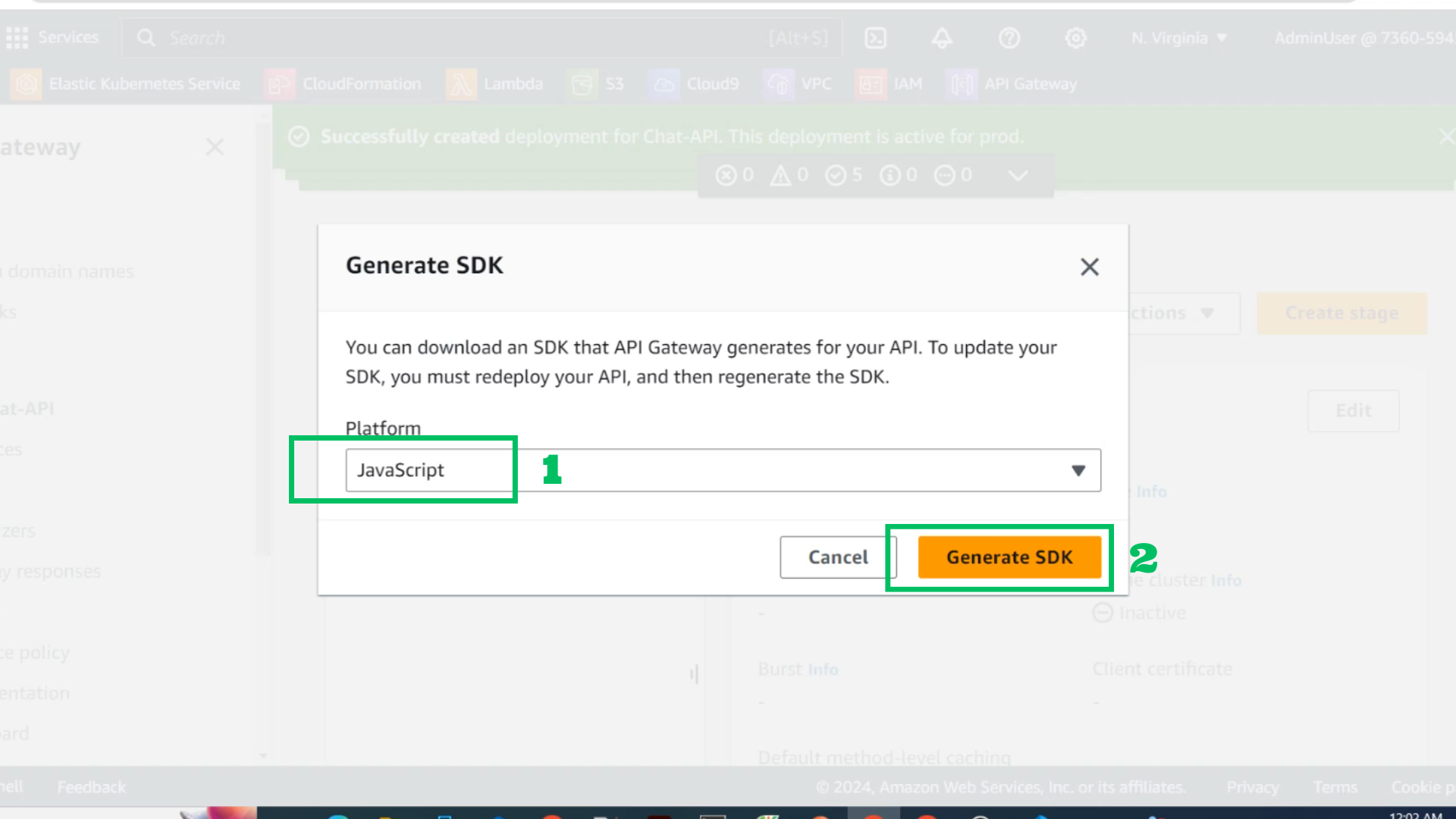
- Platform: Javascript
- Choose Generate SDK
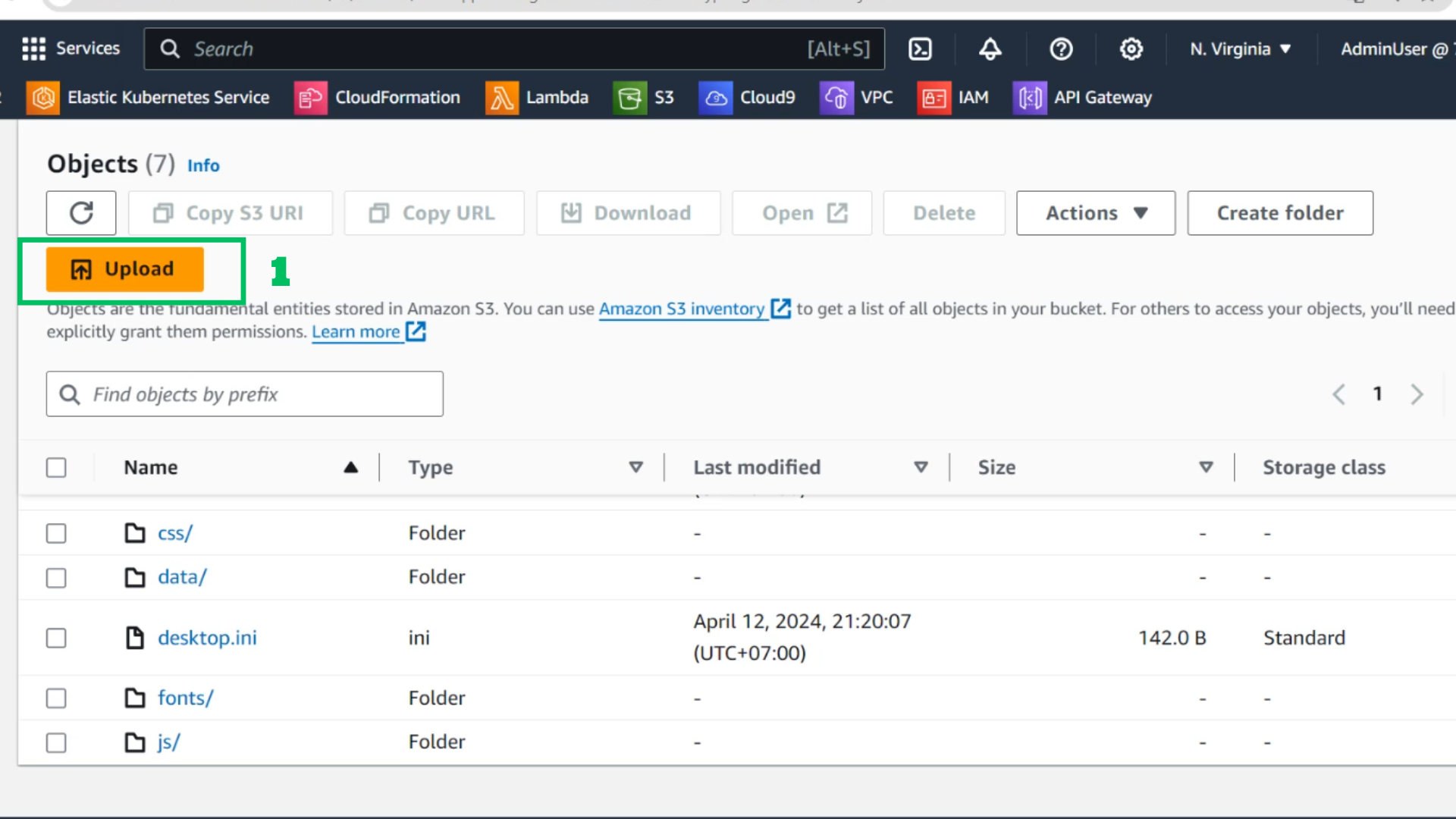
- At S3 Bucket
- Choose Upload
- Choose Add files
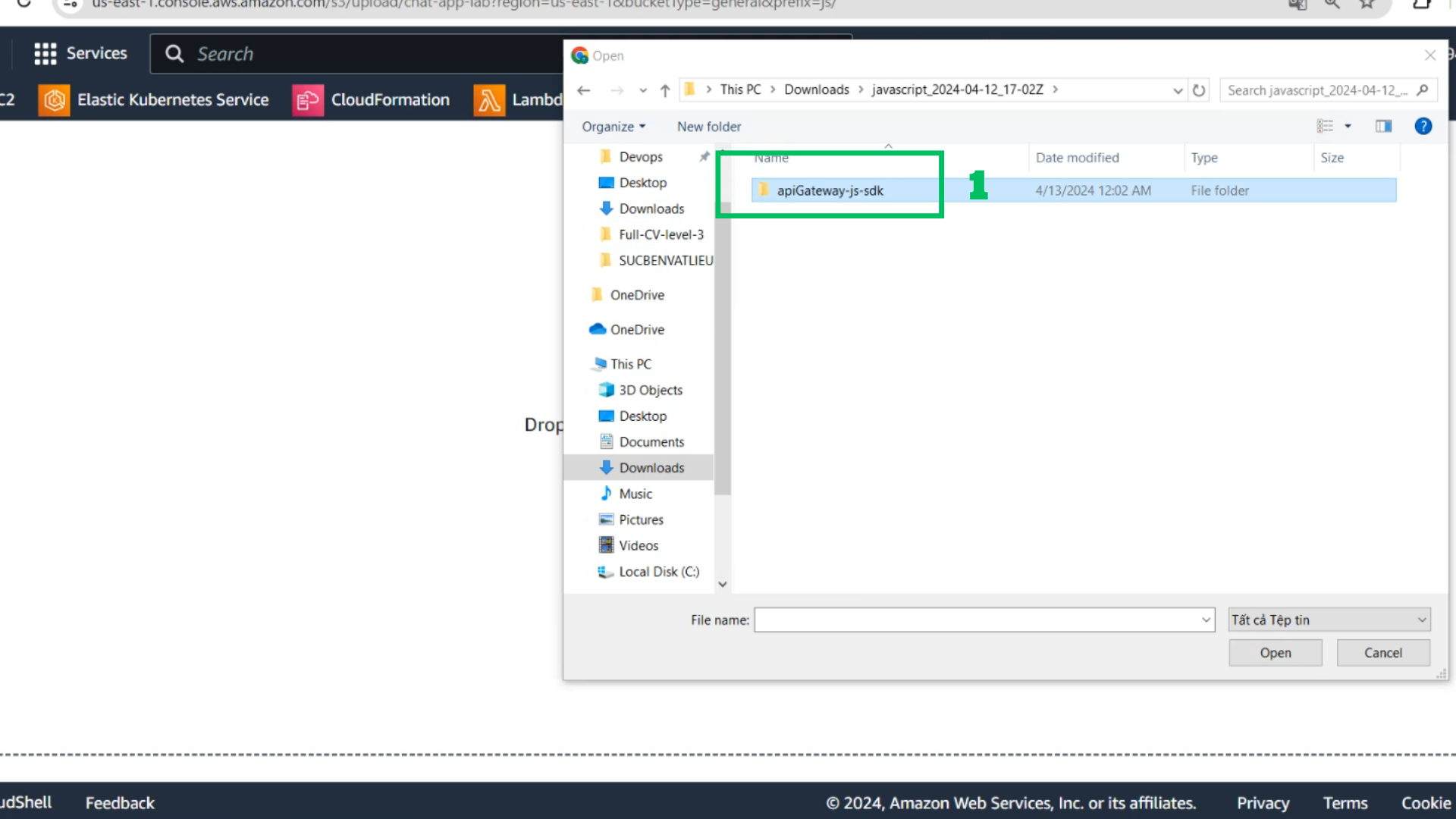
- Extract file zip of sdk file
- Choose and drop this folder into ../js/
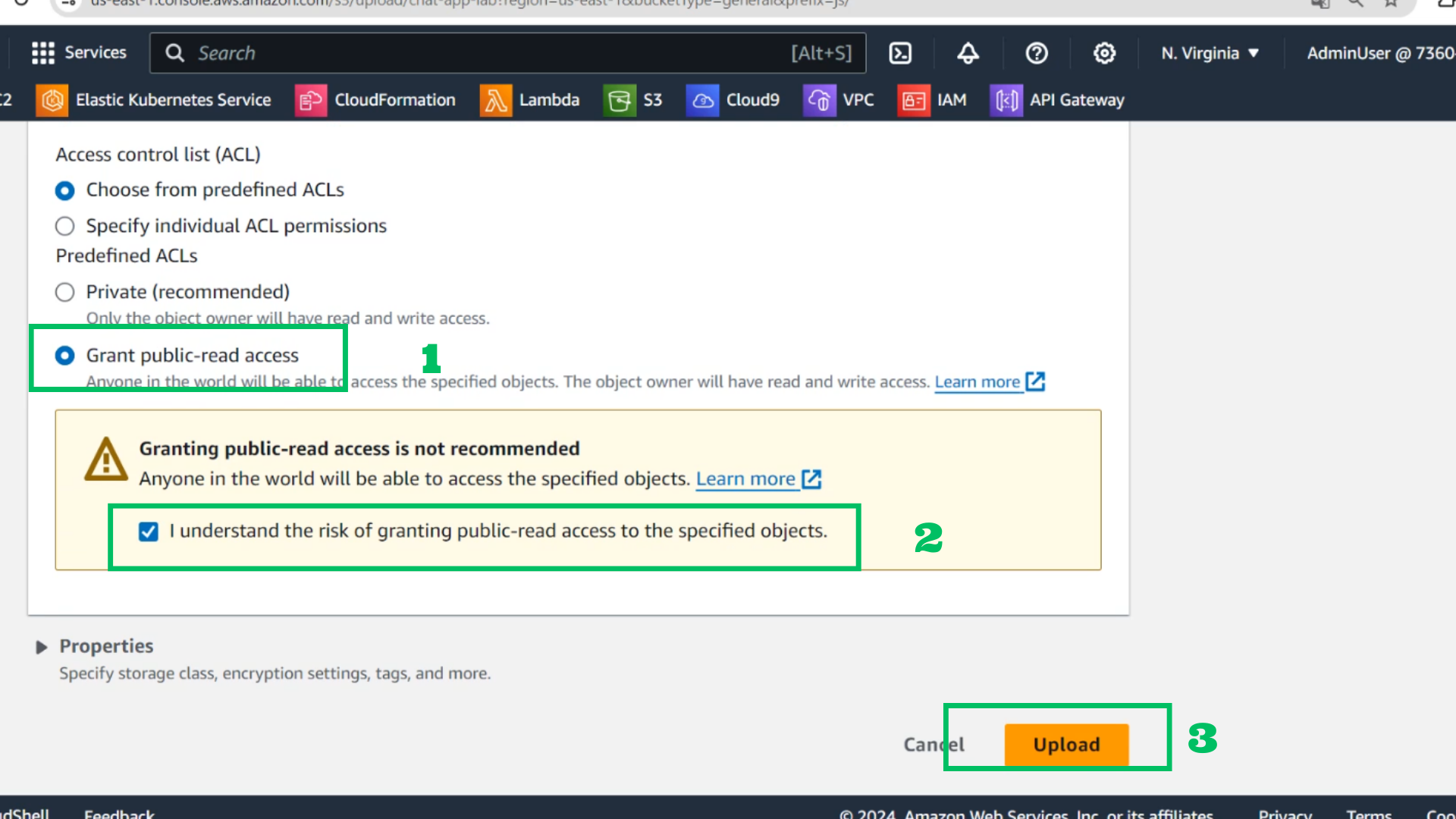
- Grant public-read access
- Choose I understand
- Choose Upload
- Test again with browser chat-app remove harded-code