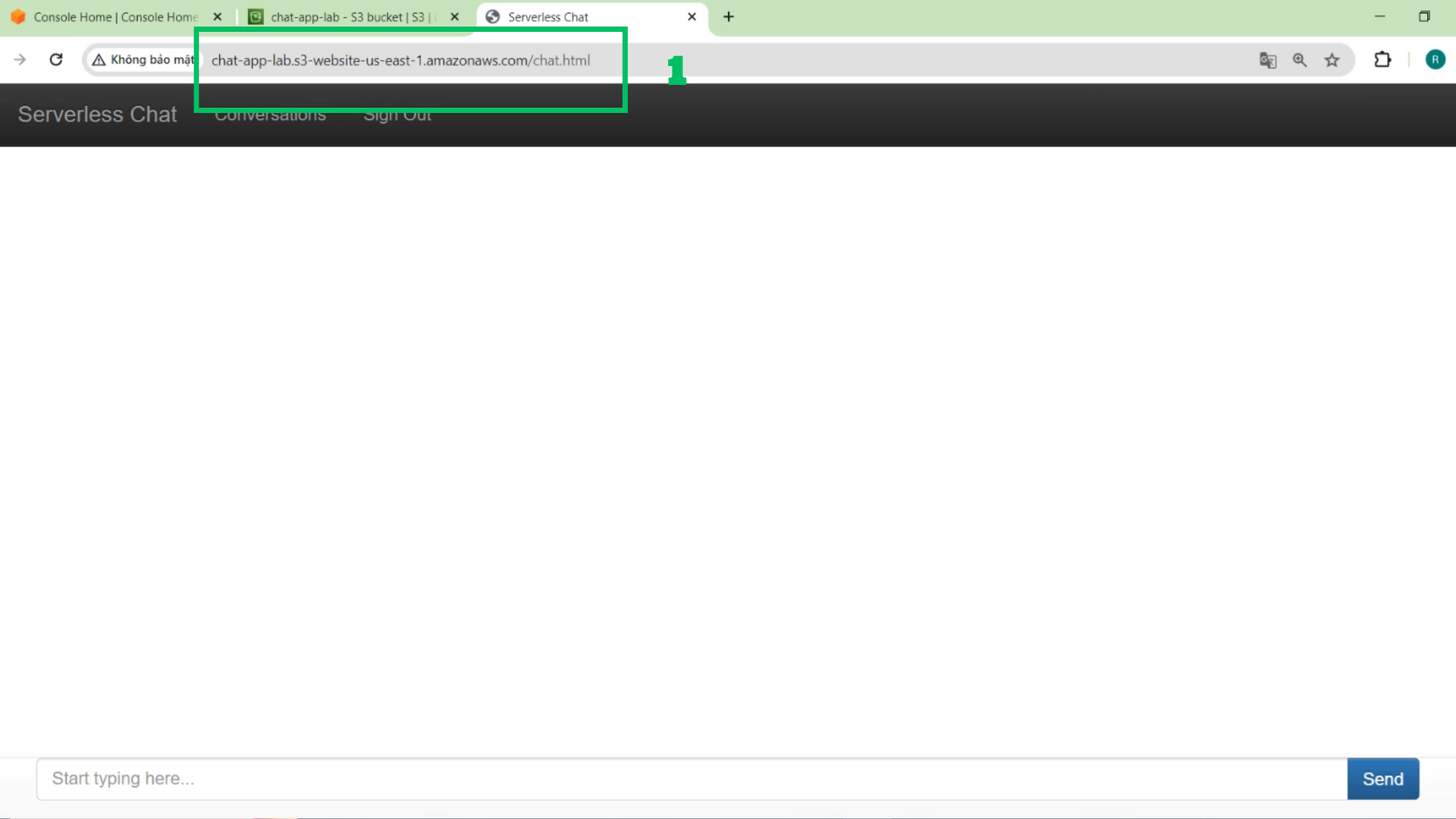
Setup the website
- Access AWS Console Management
- Locate and choose S3
- Choose Create Bucket
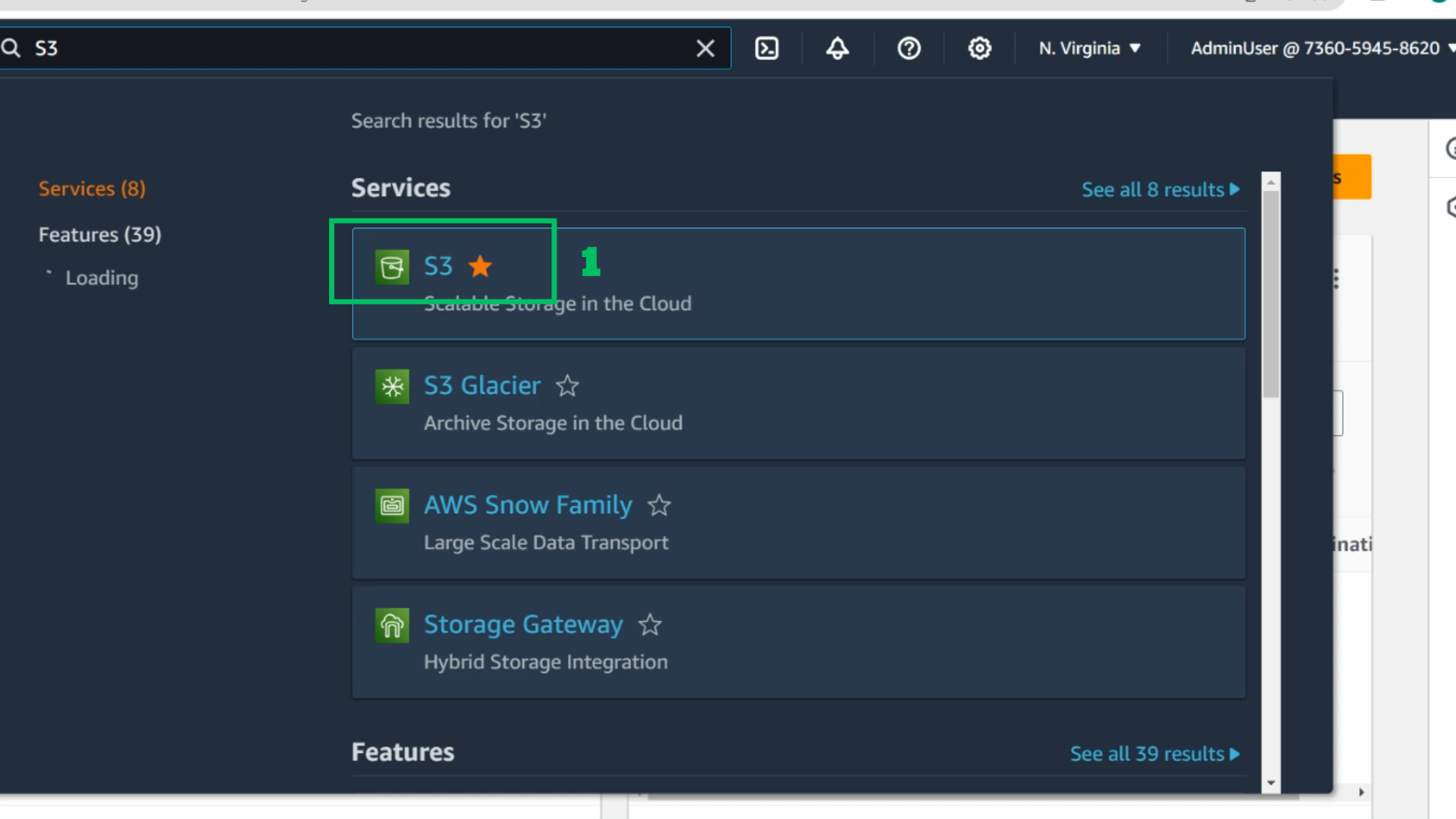
- In the S3 Interface
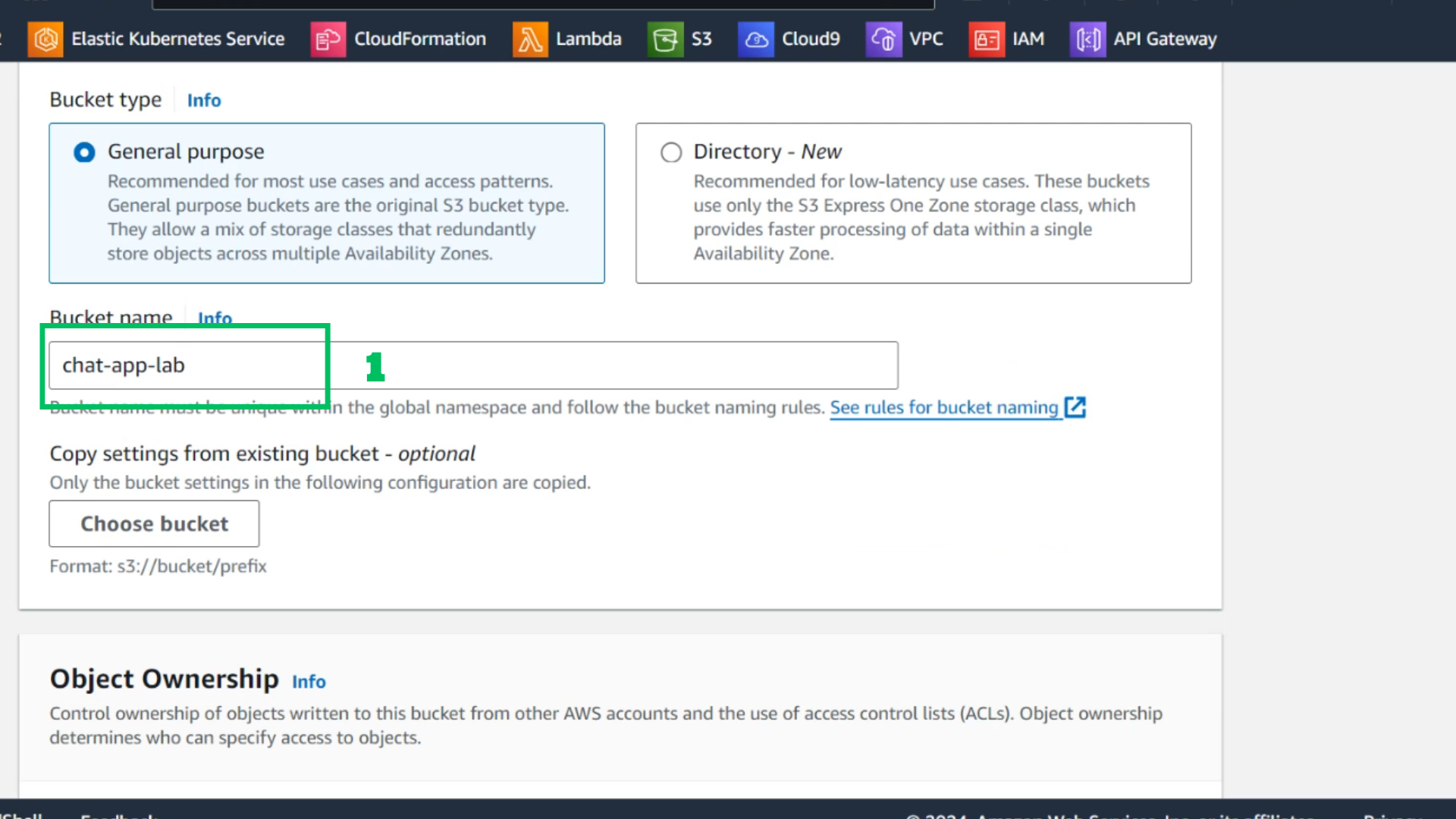
- Bucket name: chat-app-lab
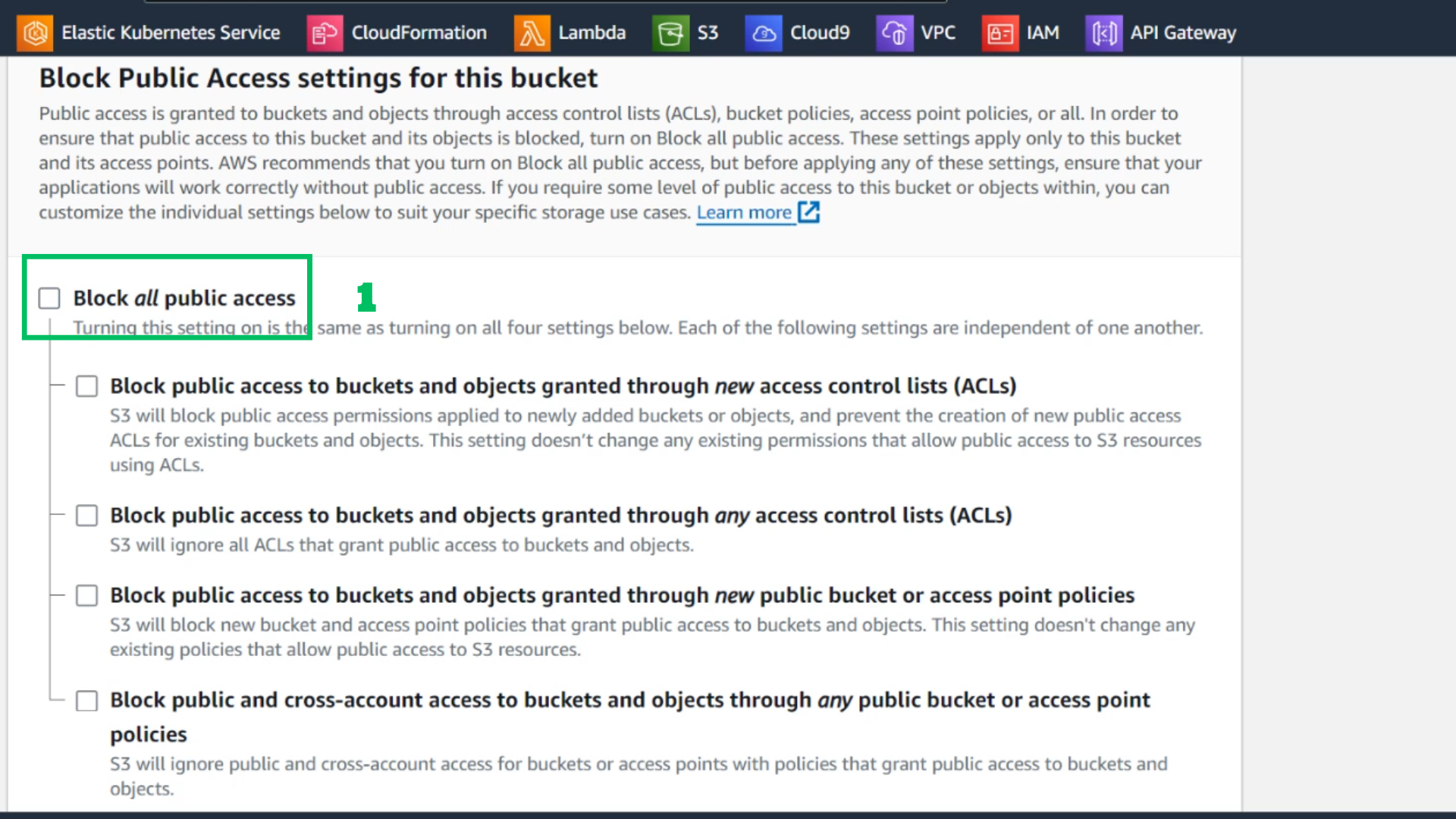
- Untick Block all public access
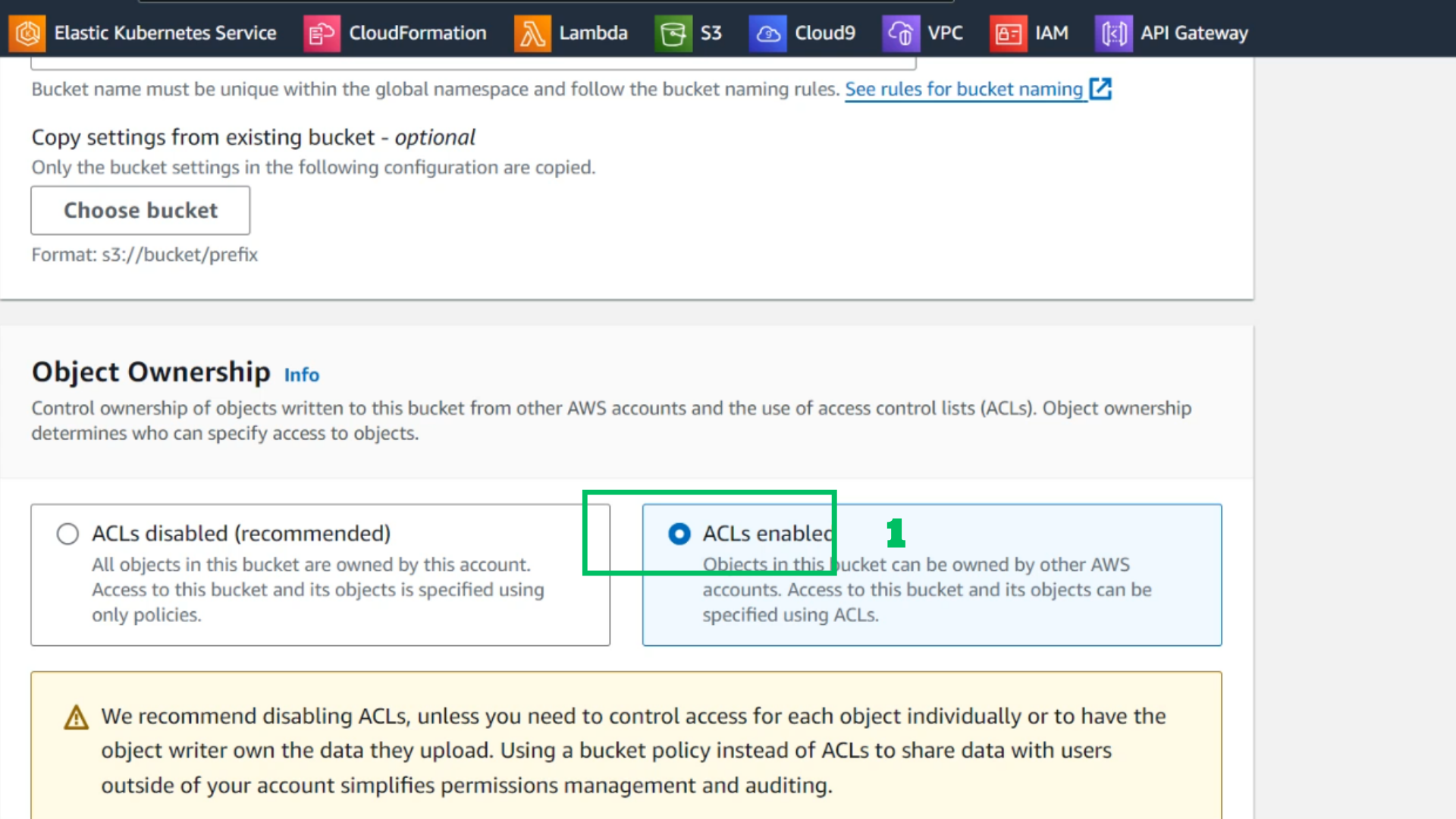
- Choose ACLs enabled
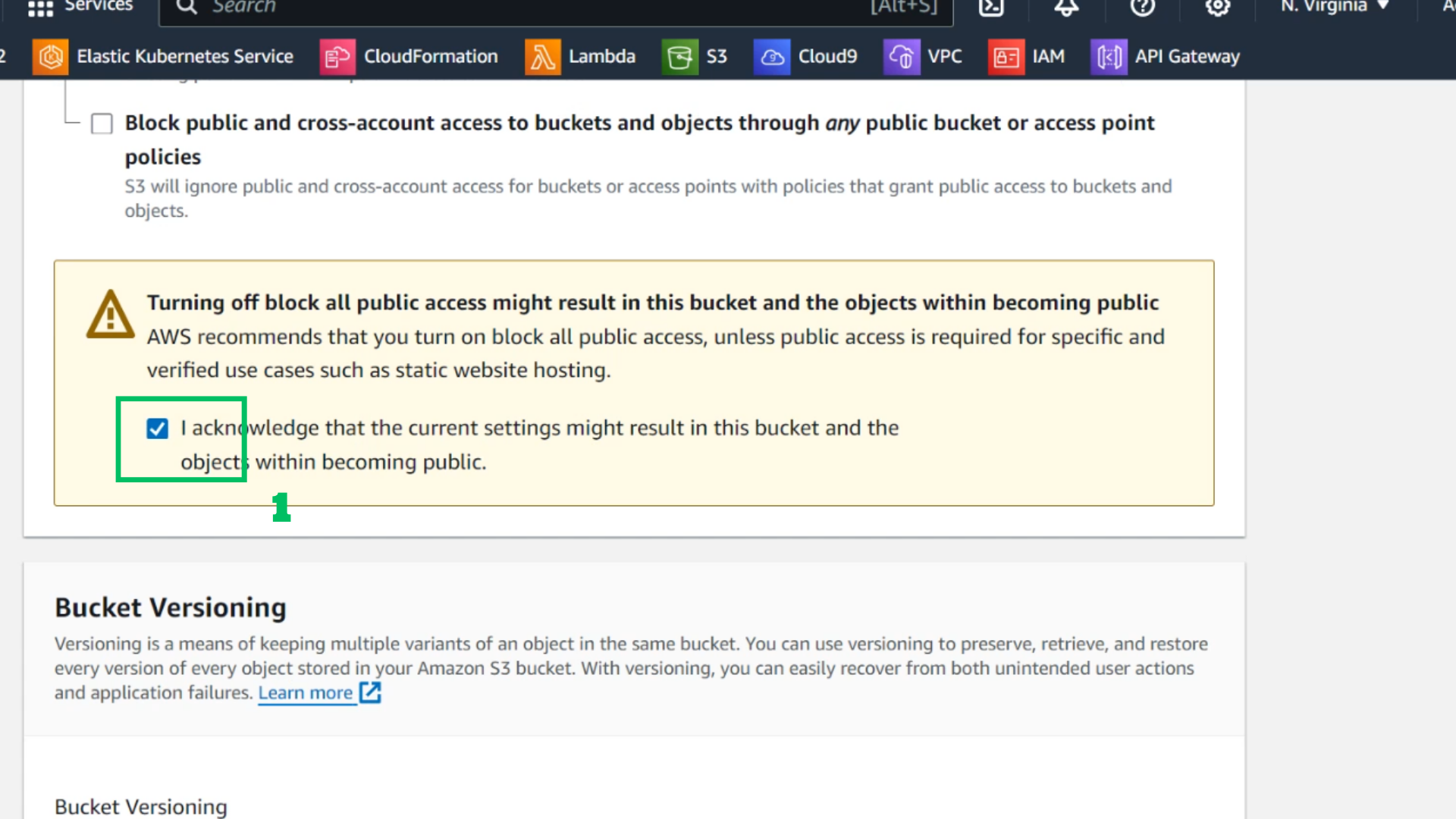
- Tick I acknowledge …
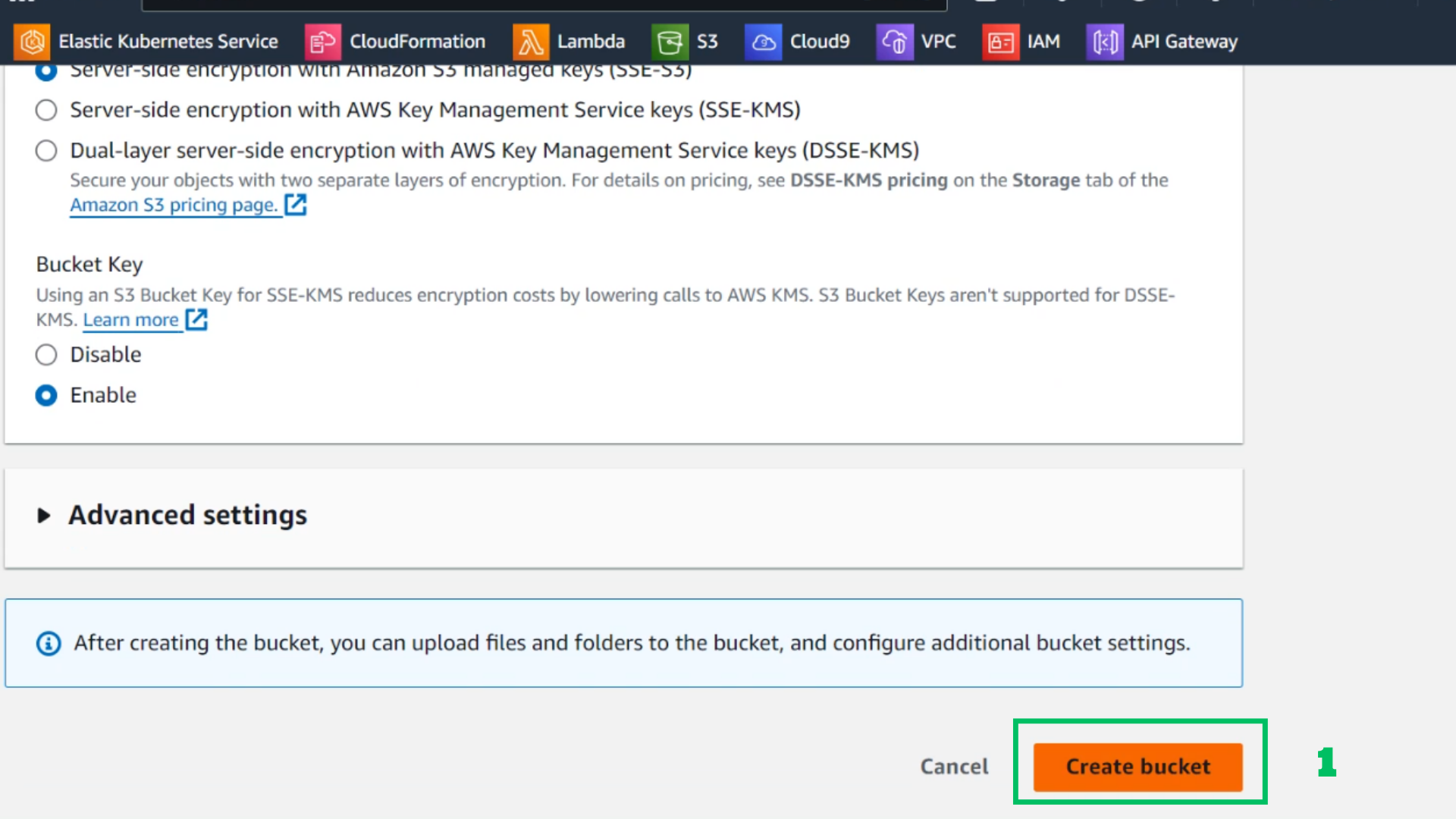
- Choose Create bucket
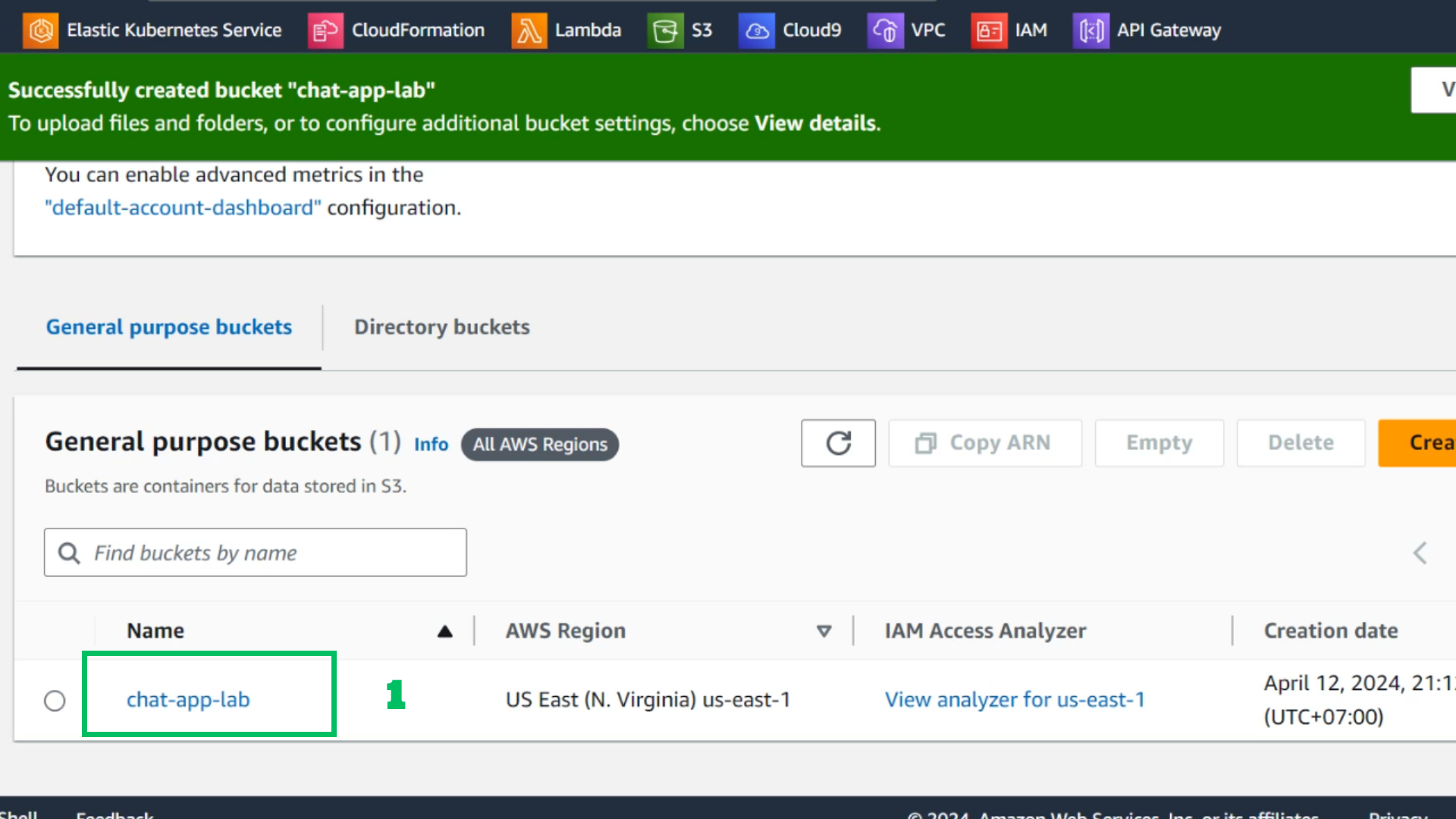
- After creating the bucket
- Choose: chat-app-lab
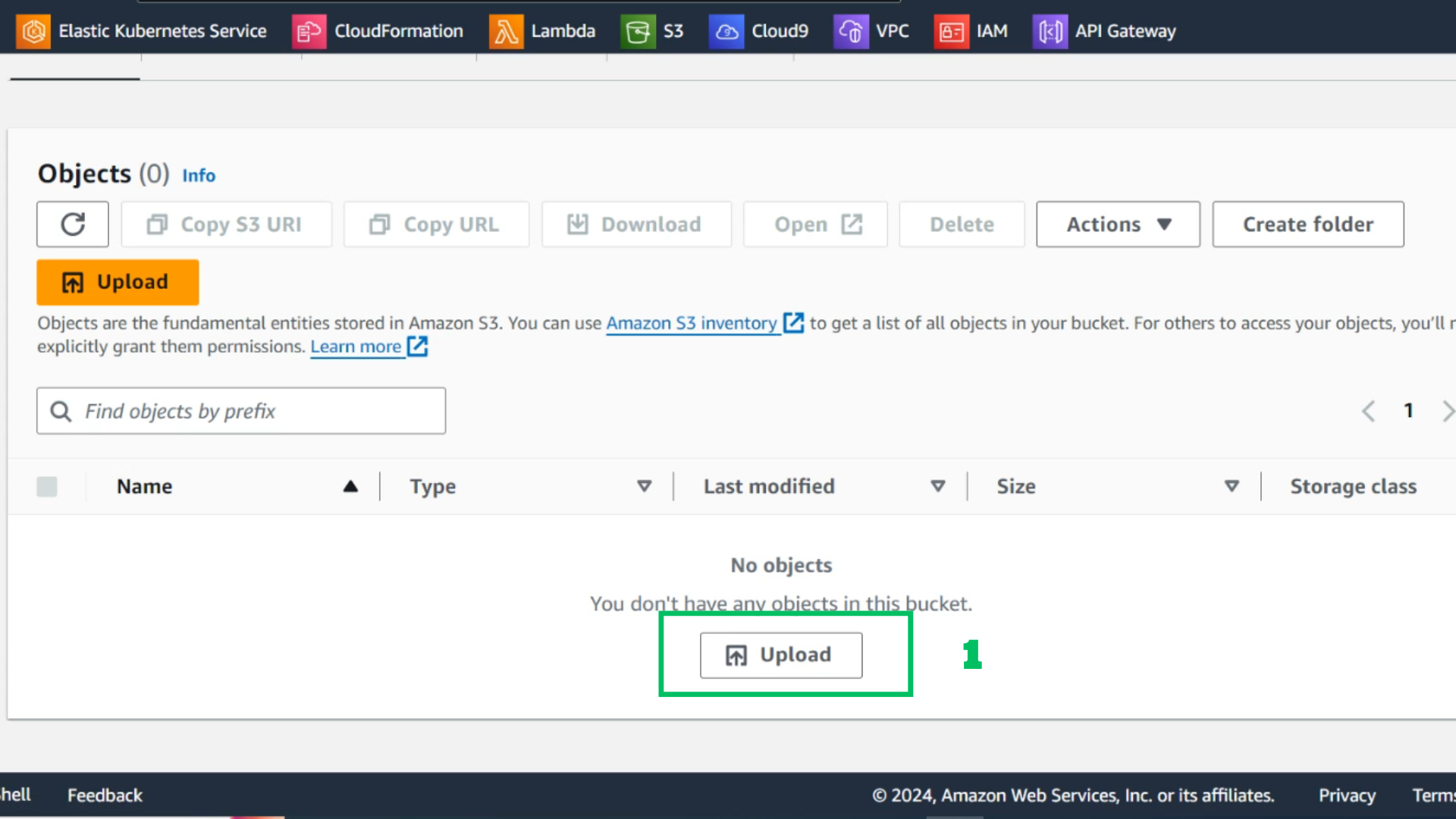
- Choose Upload
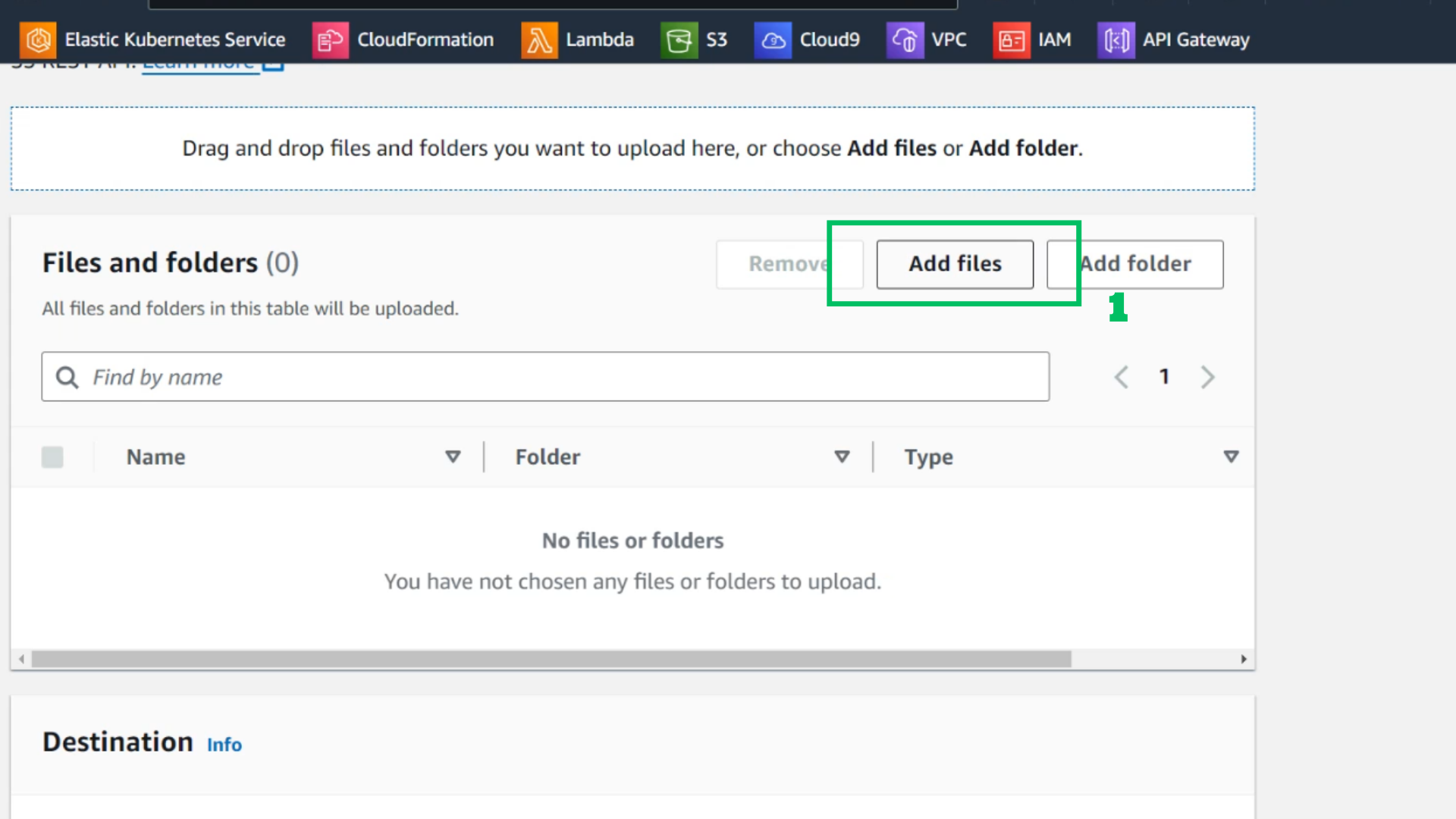
- Choose Add files
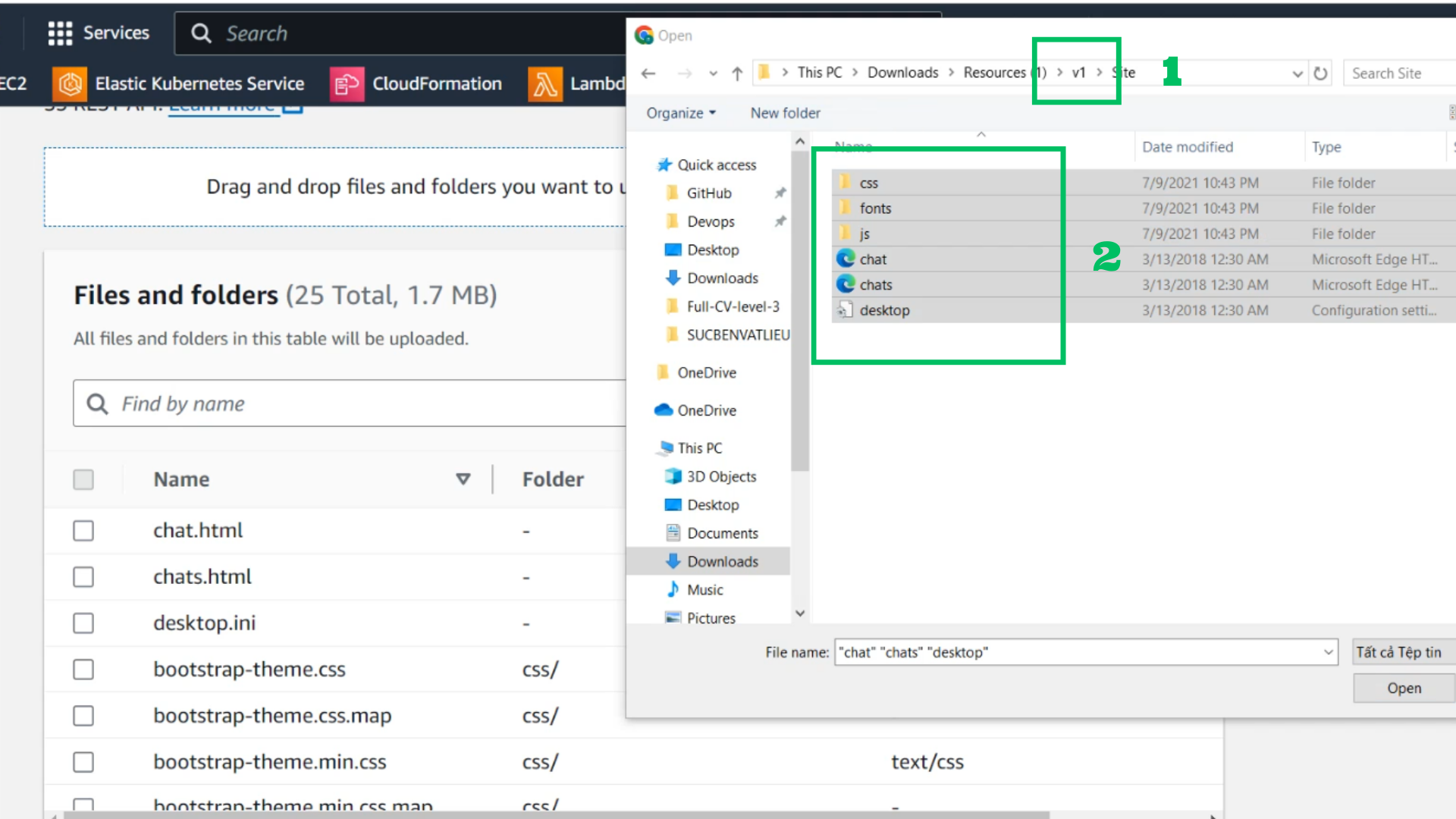
- With the downloaded folder, go to v1 to copy the original files to S3
- Select all then drag and drop
- Choose Upload
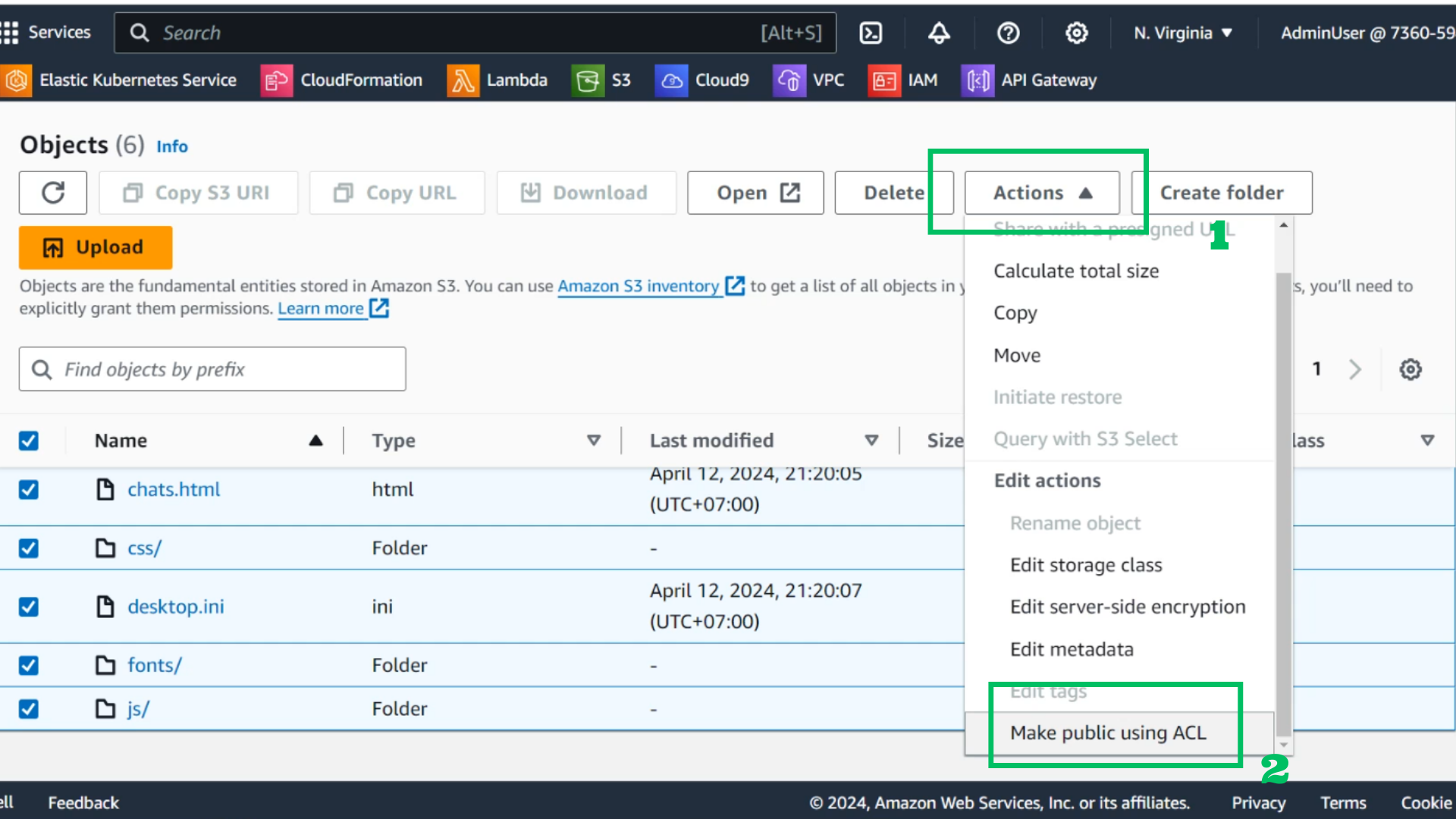
- Choose all downloaded files
- Choose Actions
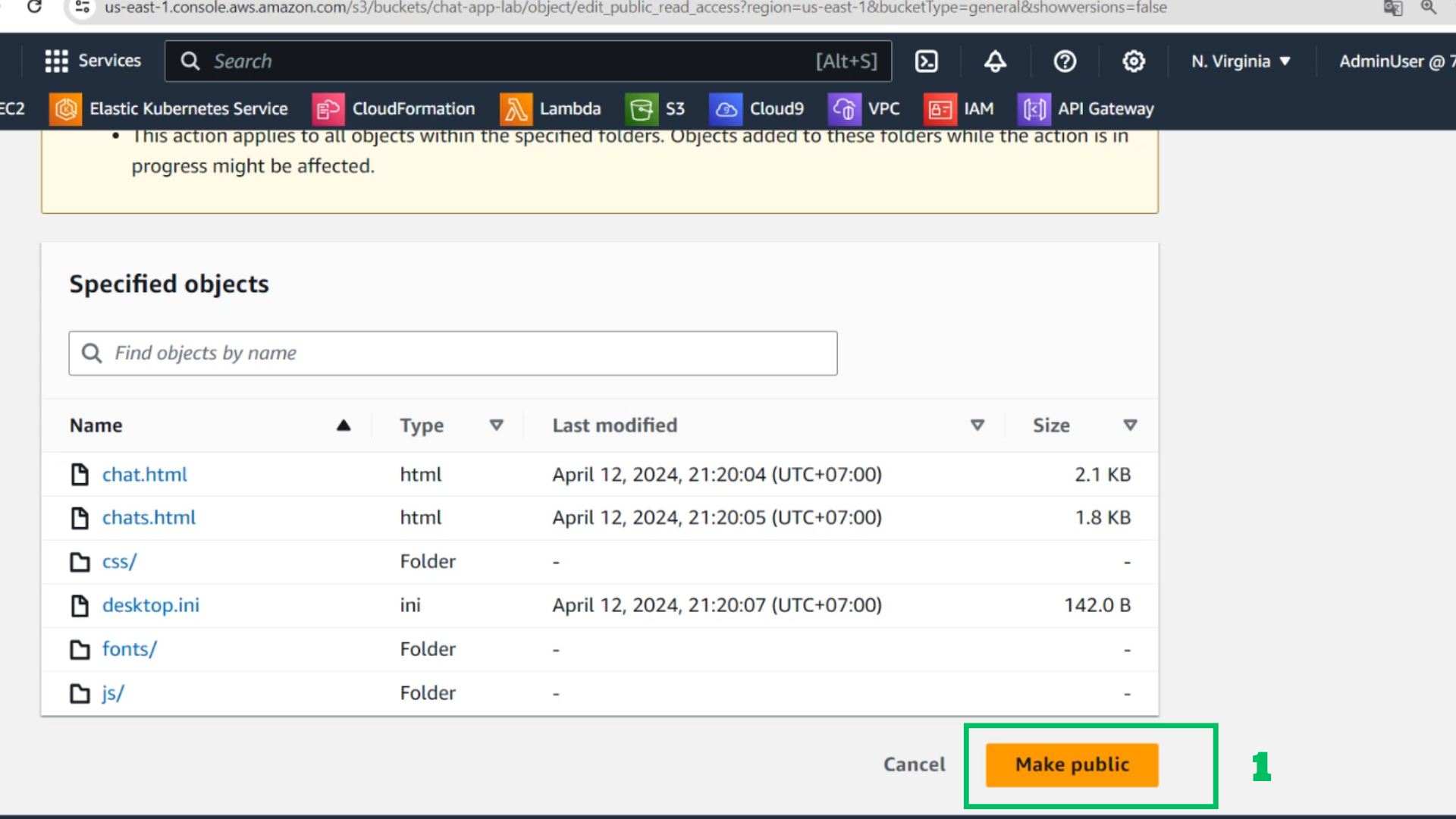
- Choose Make public using ACL
- Choose Make public
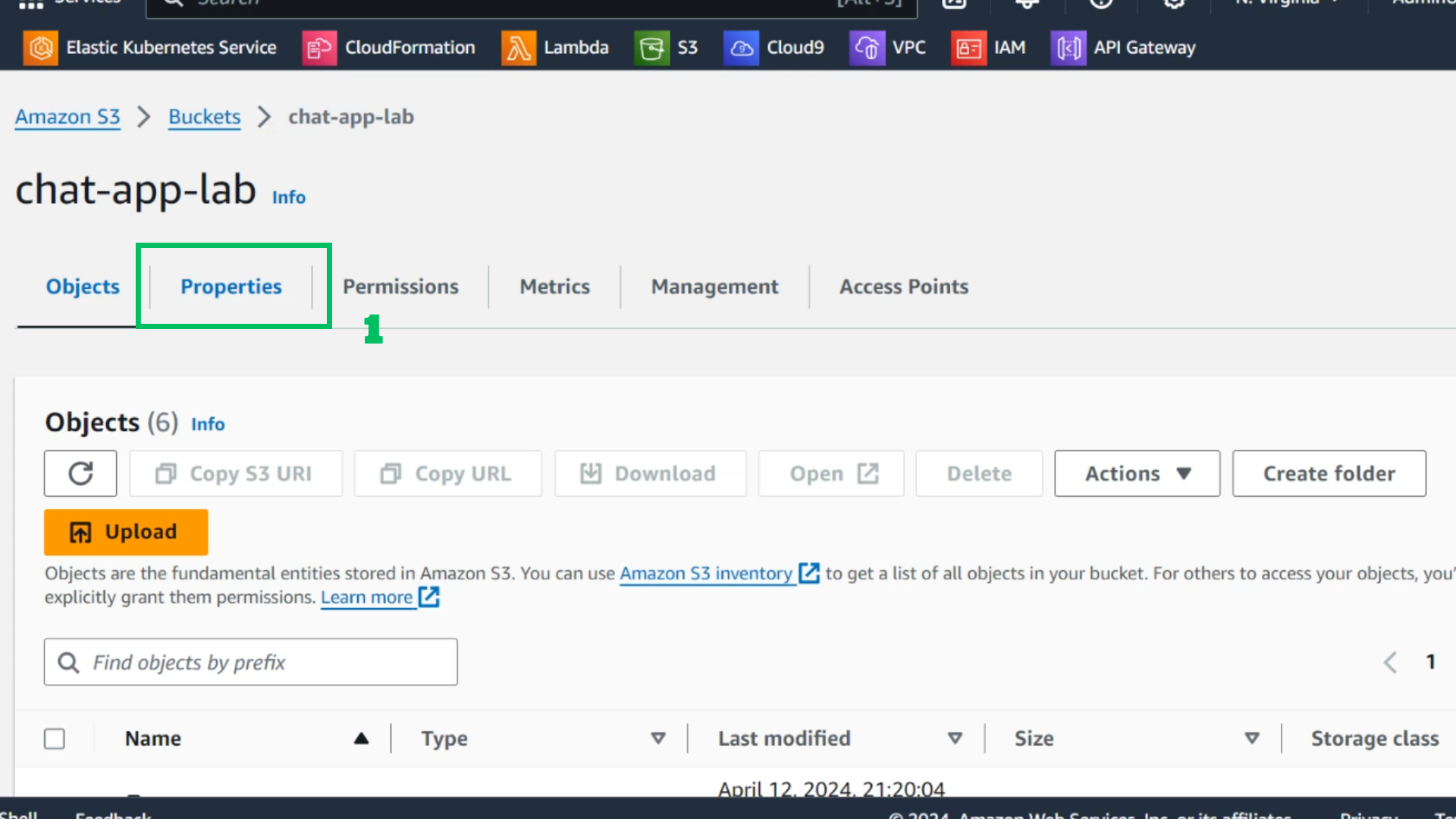
- At the S3 interface
- Choose Properties
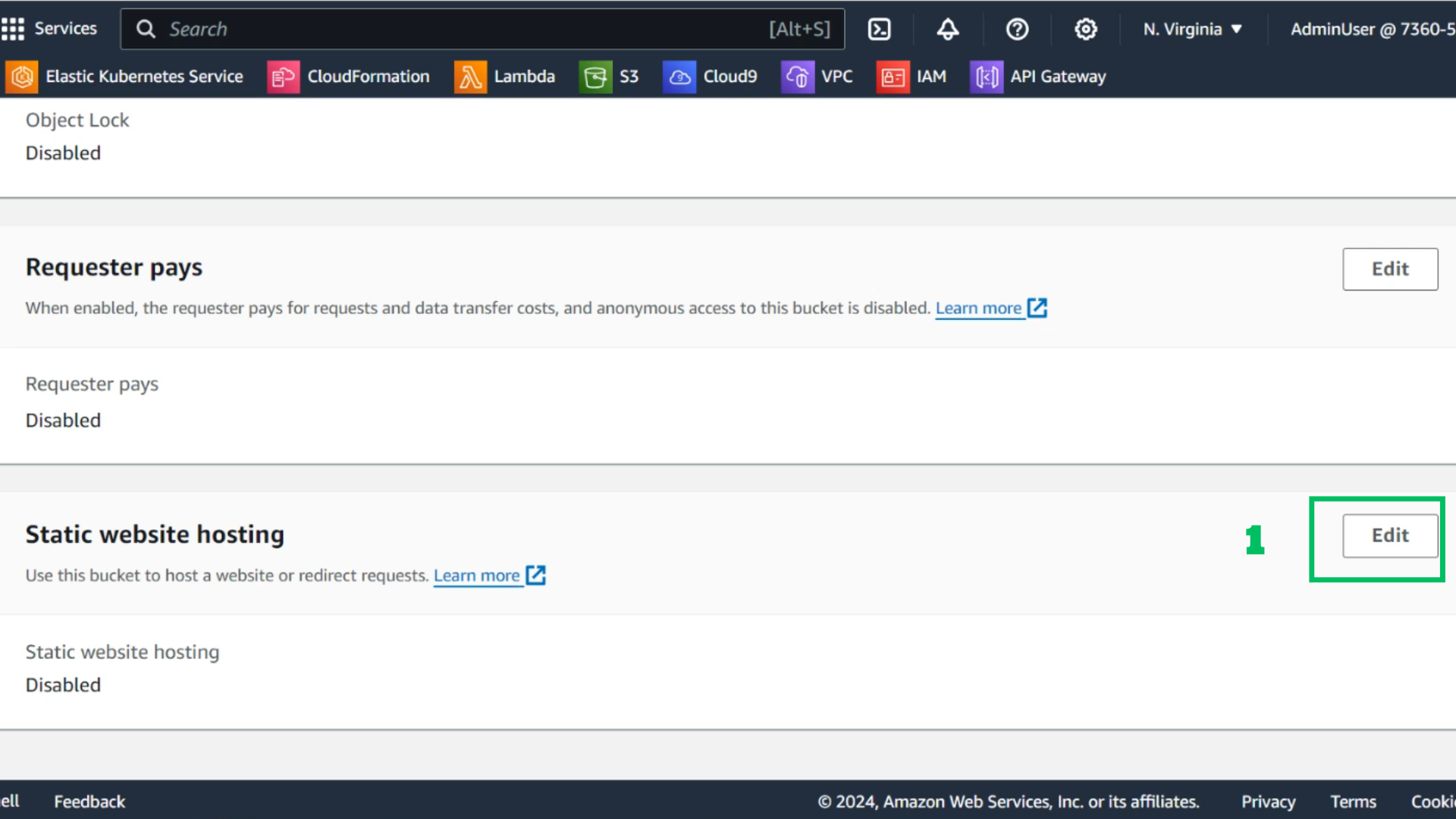
- Scroll down to Static website hosting
- Select Edit
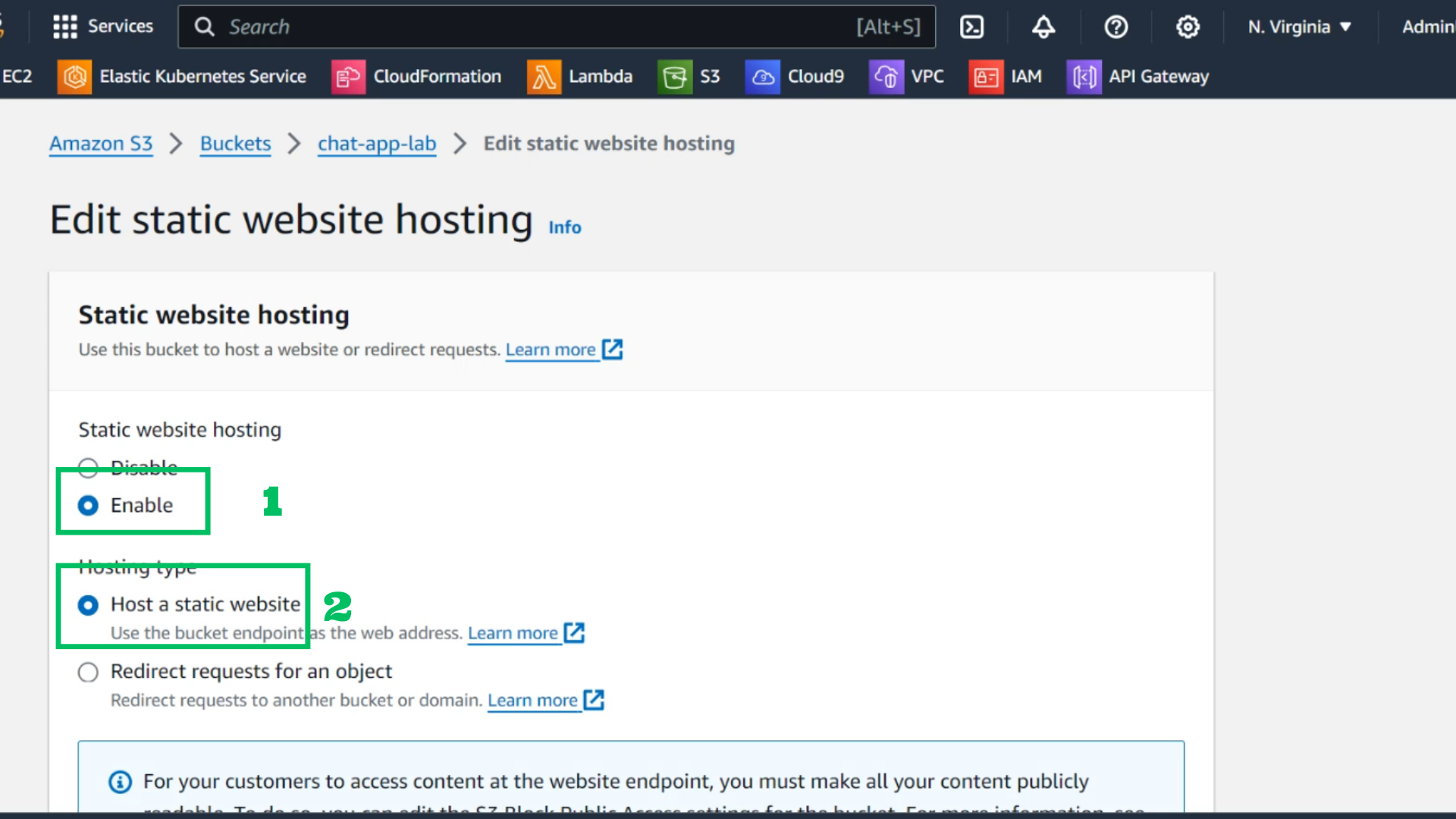
- At the static website interface
- Select enable for static website hosting
- Hosting type : Host a static website
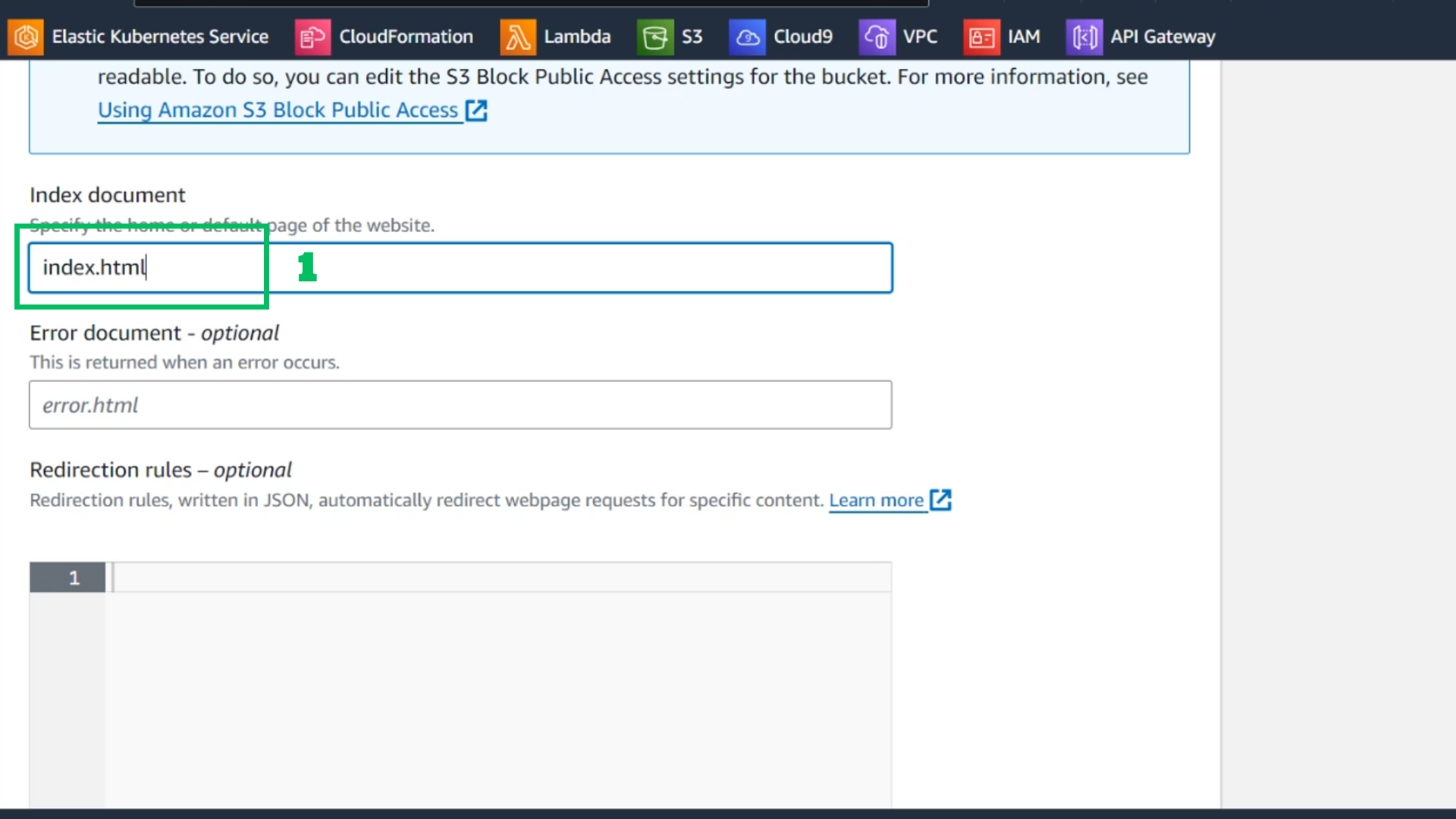
- At Index document
- Fill in: index.html
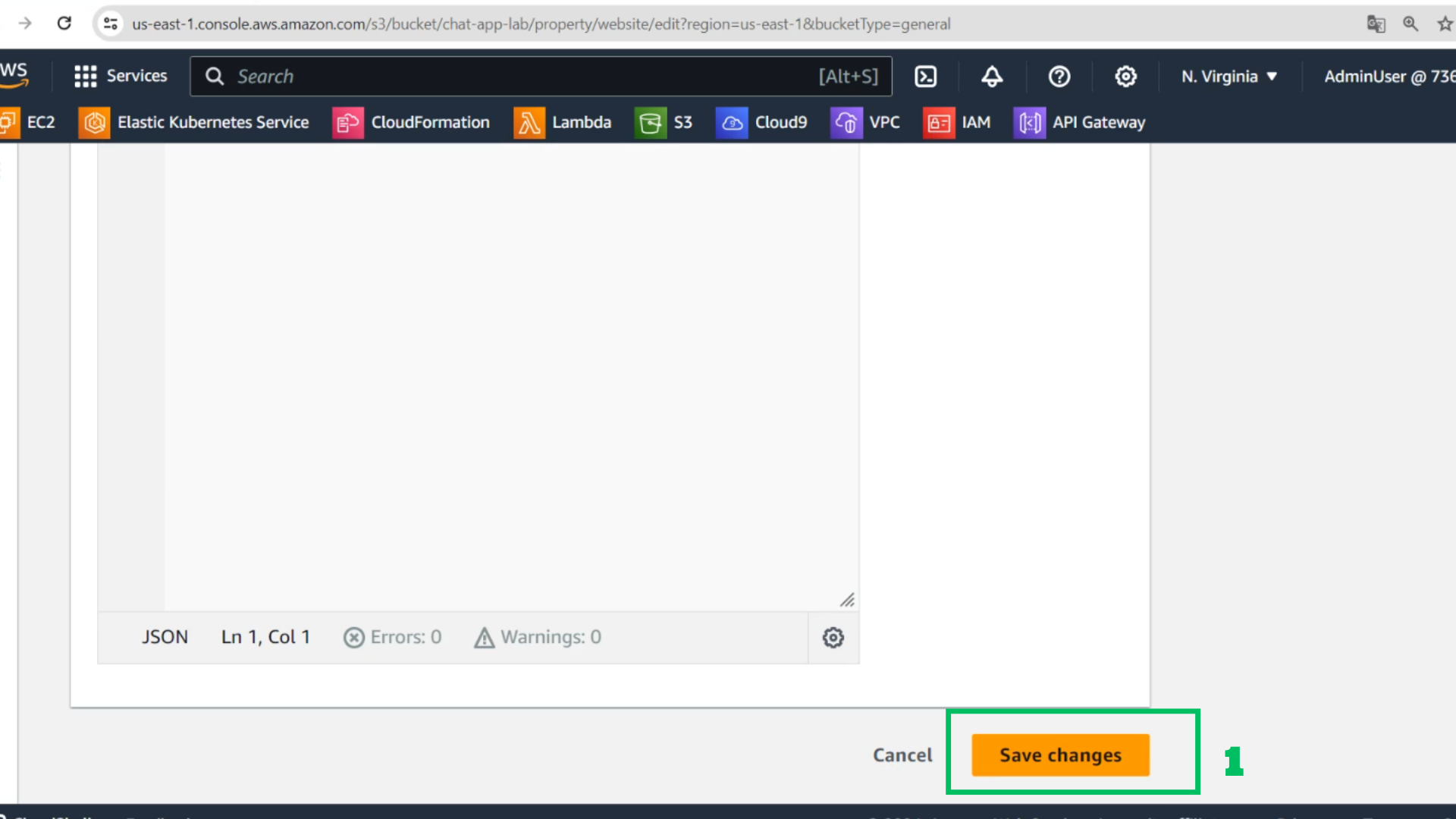
- Choose save changes
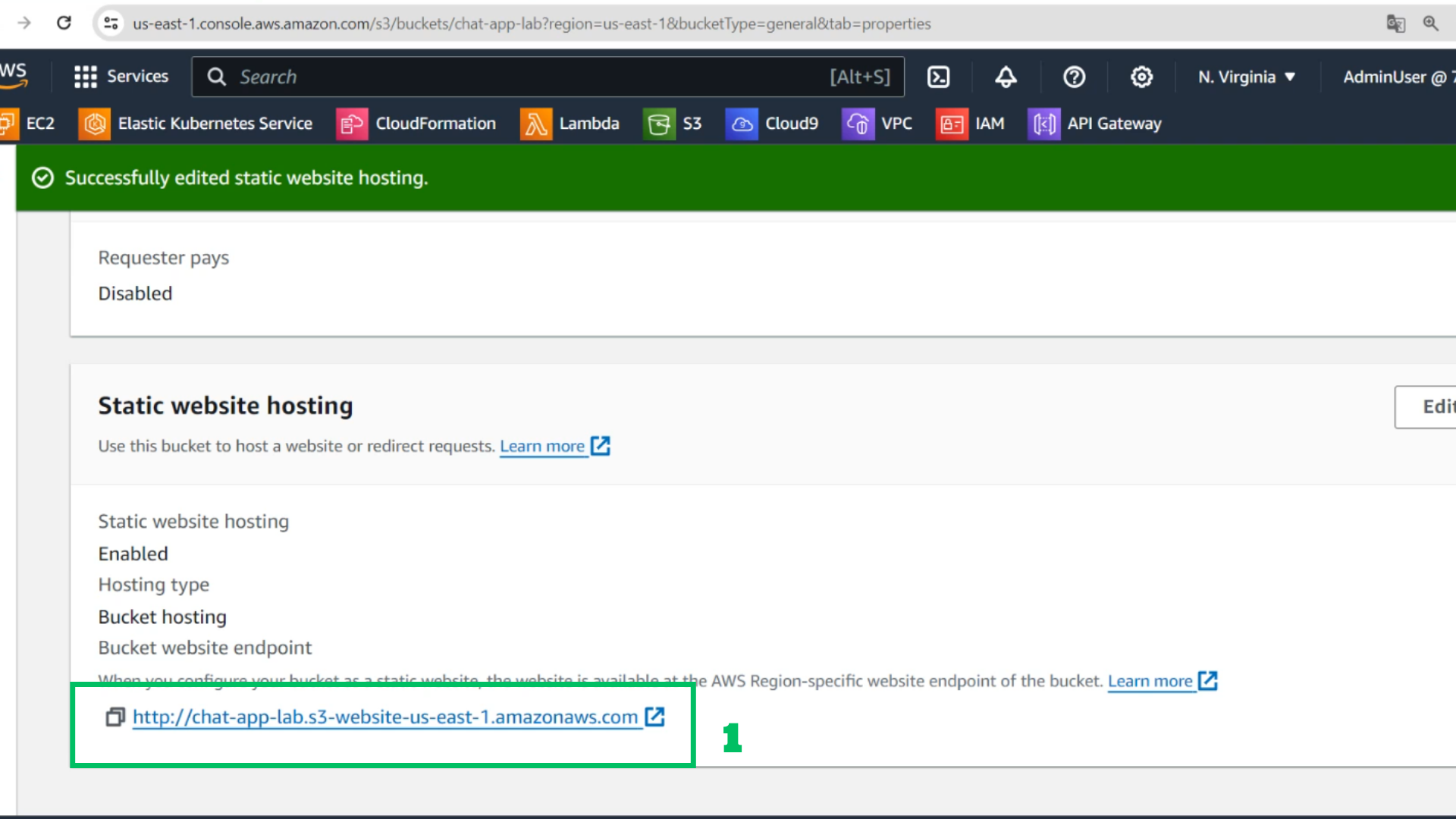
- Copy the website output link
- Access the browser with the copied link