Create DynamoDB tables
- At the AWS Console interface
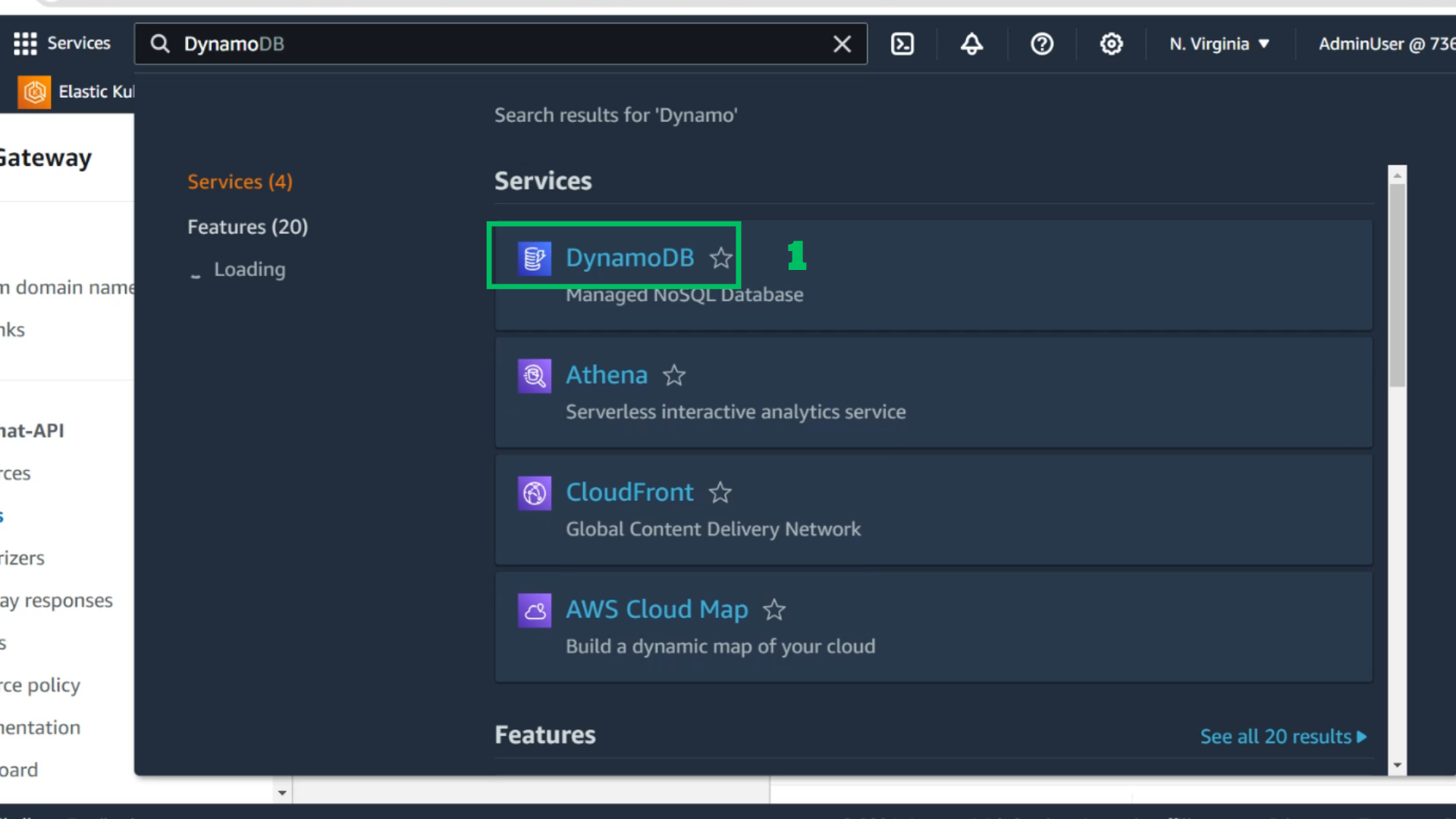
- Choose DynamoDB
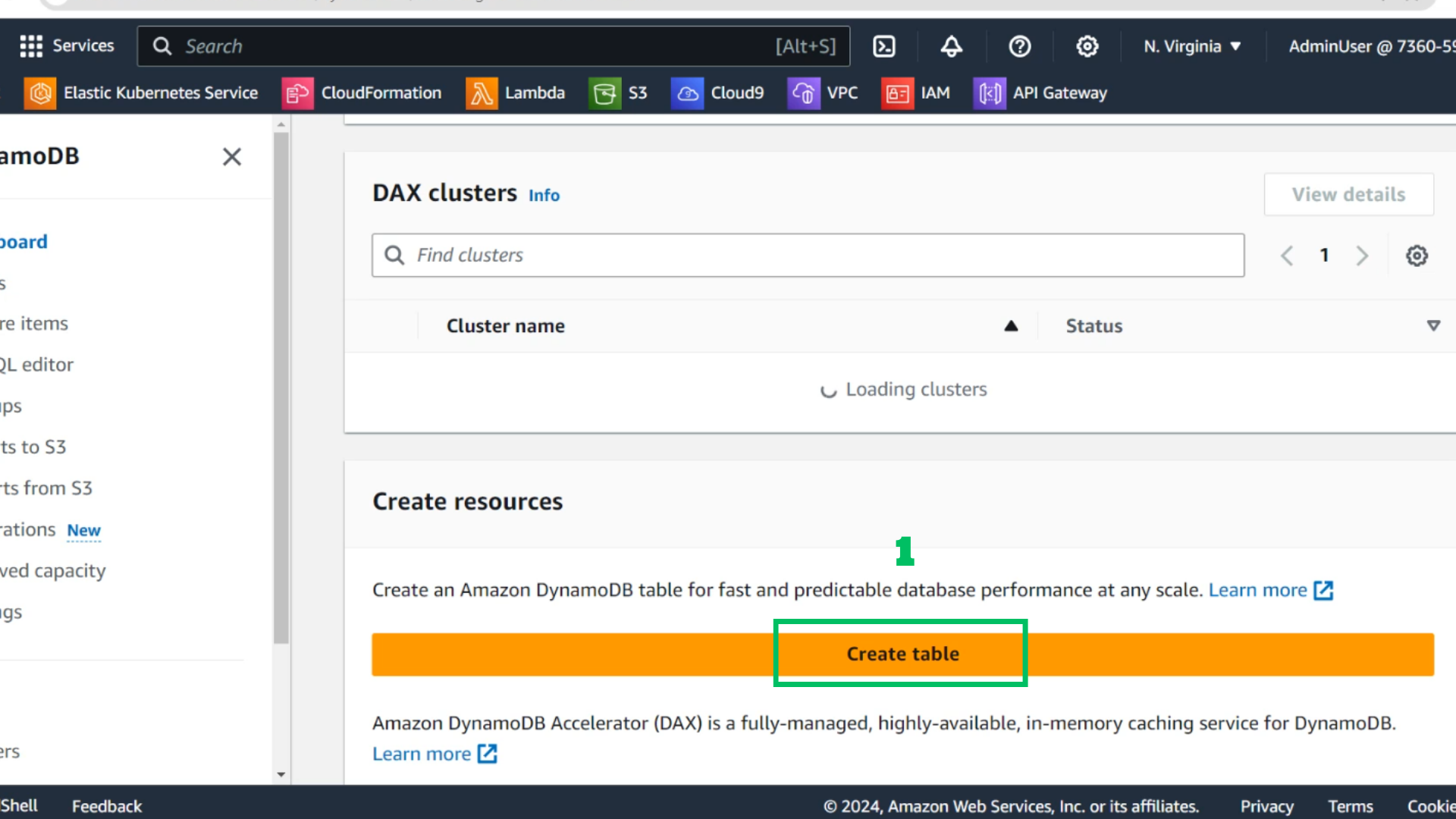
- Choose Create table
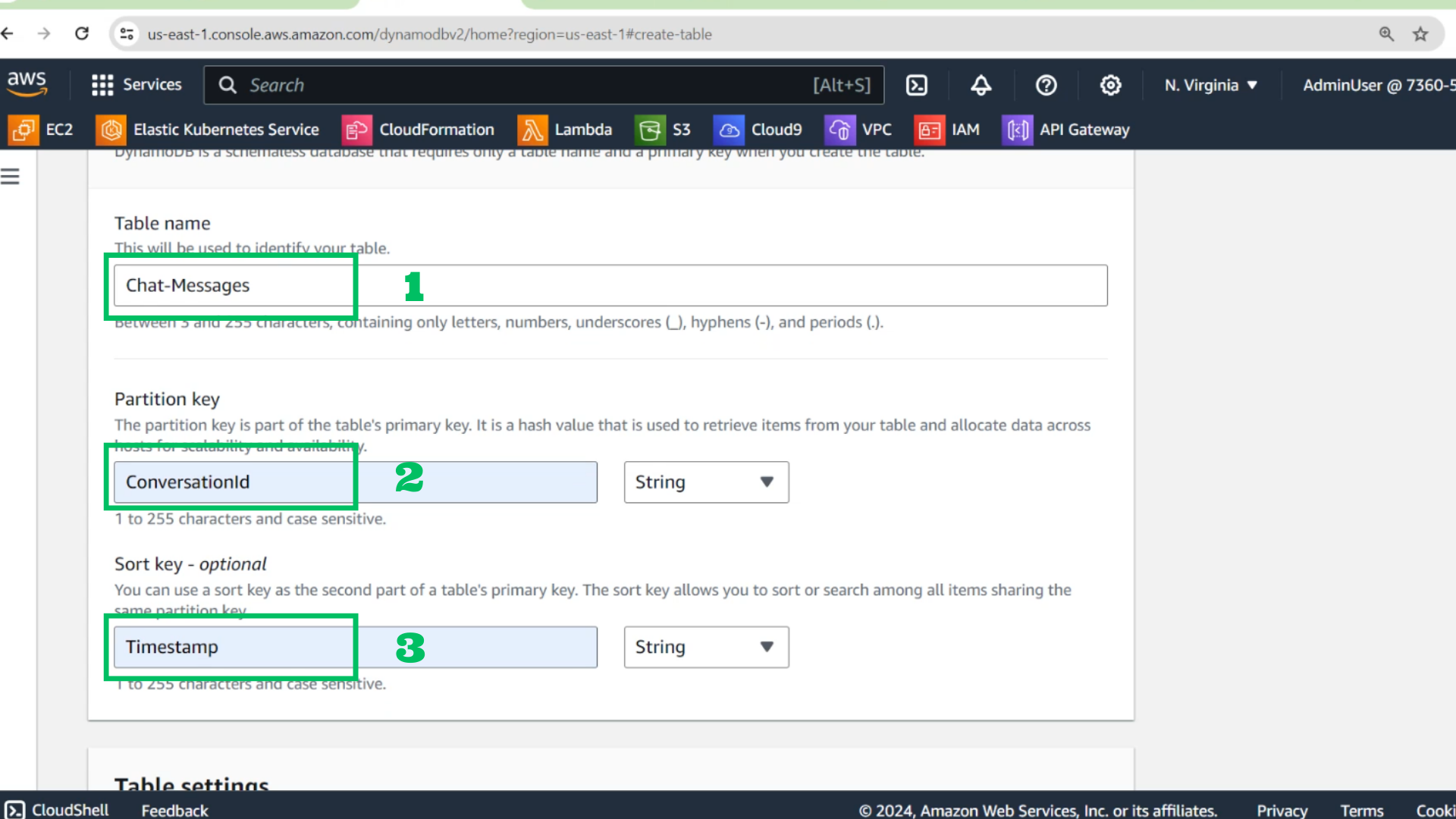
- At the DynamoDB Table interface
- Table name: Chat-Messages
- Partition key: ConversationId
- Sort key: Timestamp
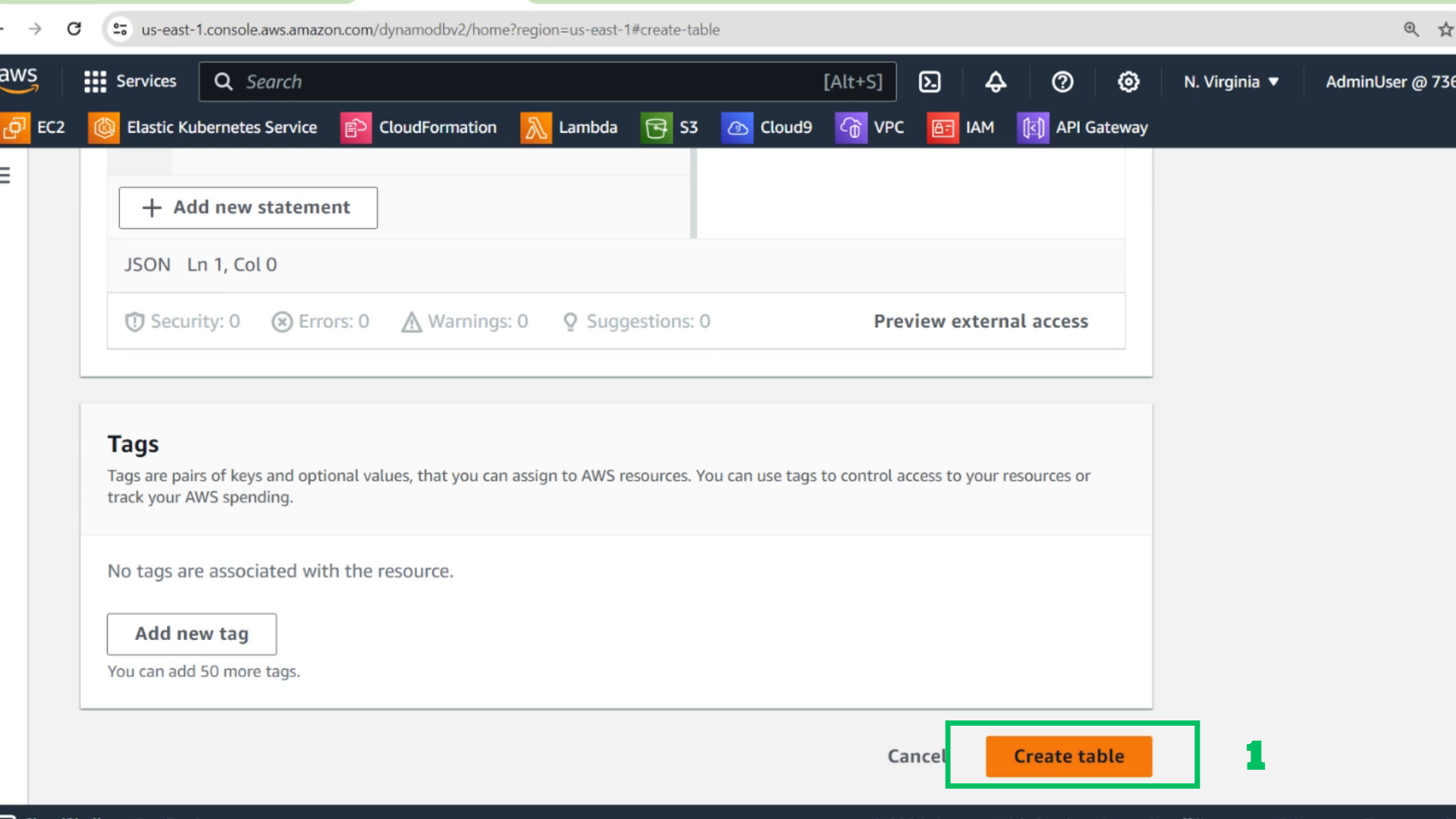
- Choose Create table
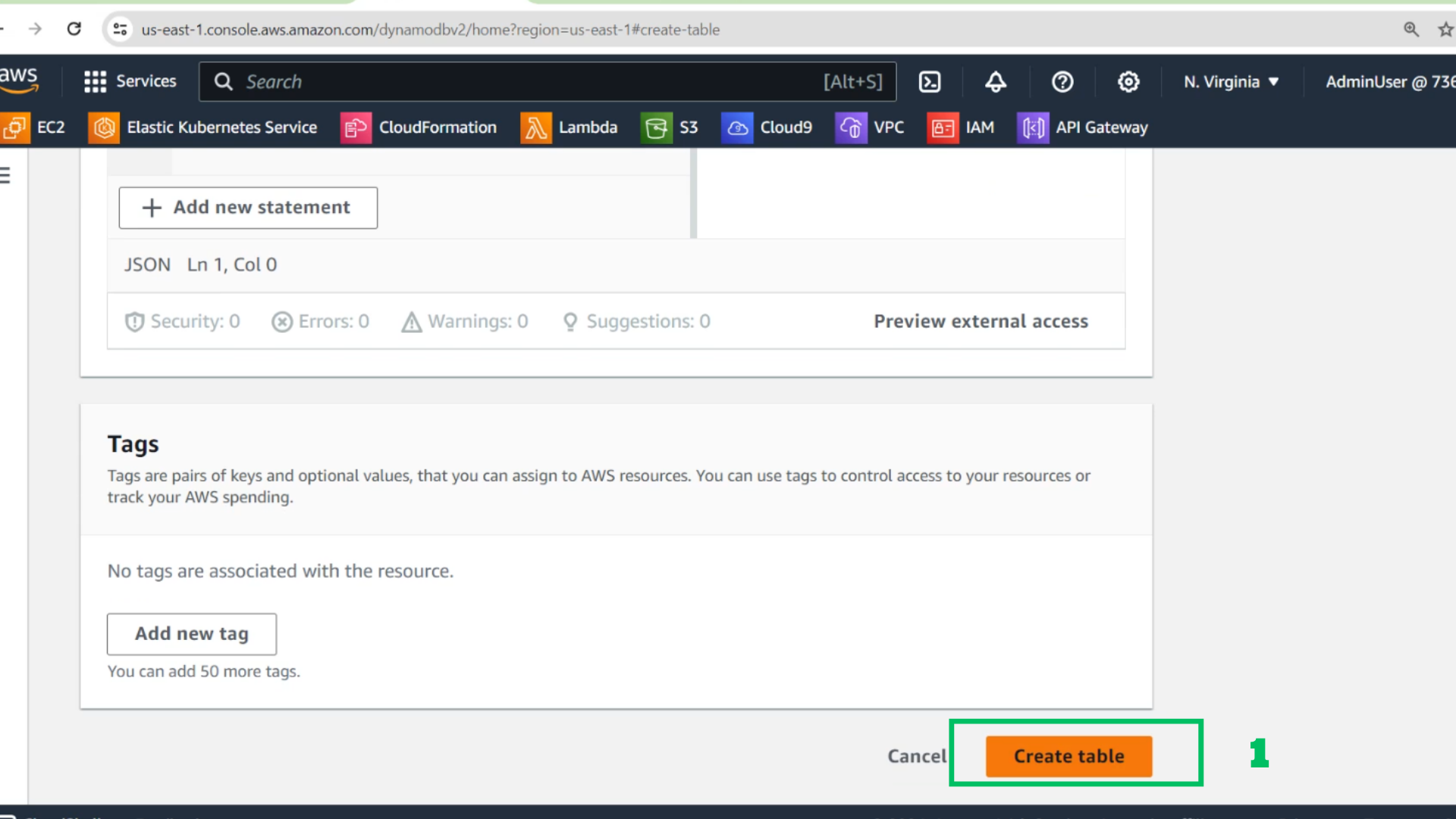
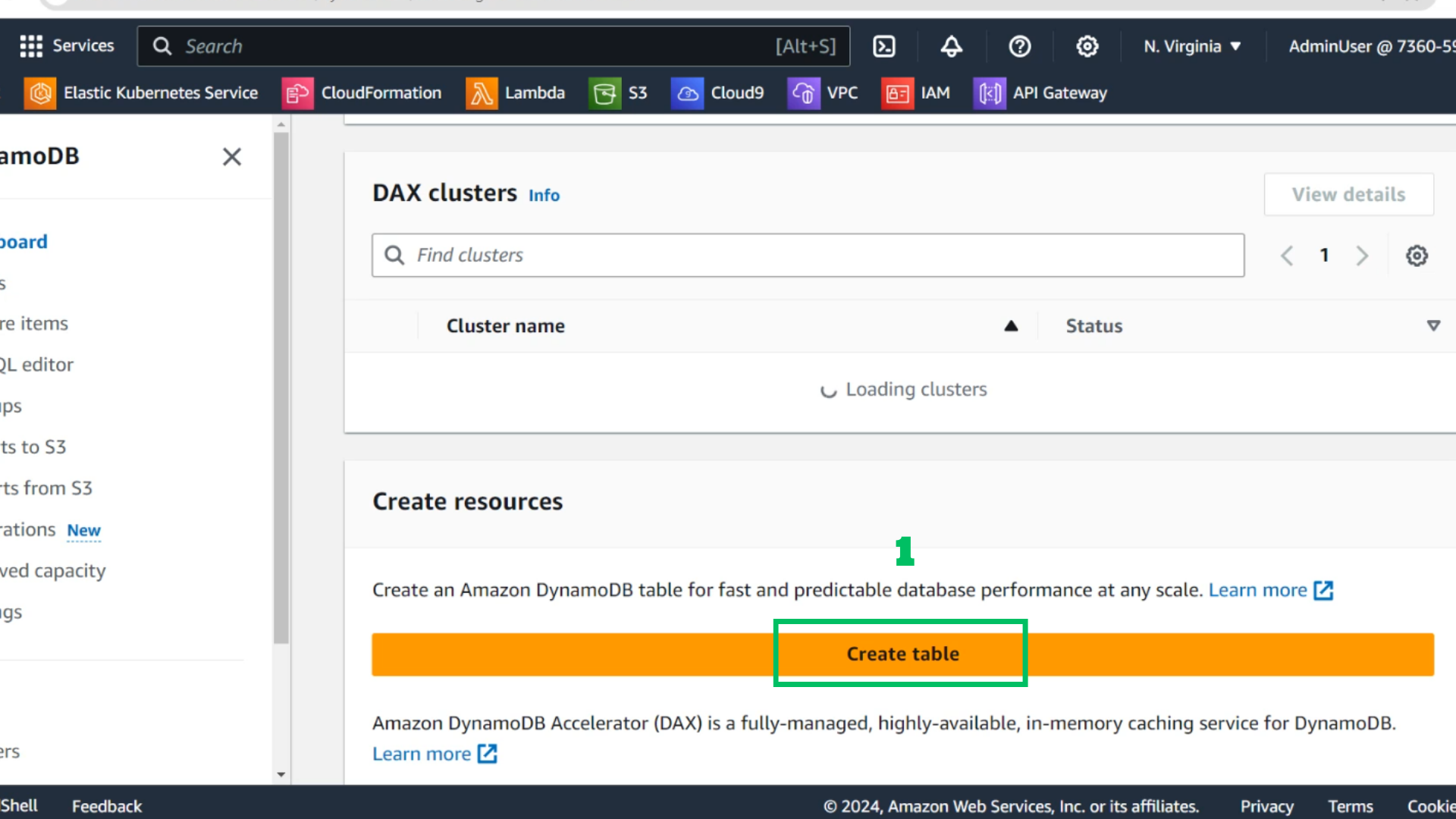
- Choose create table to create the second table
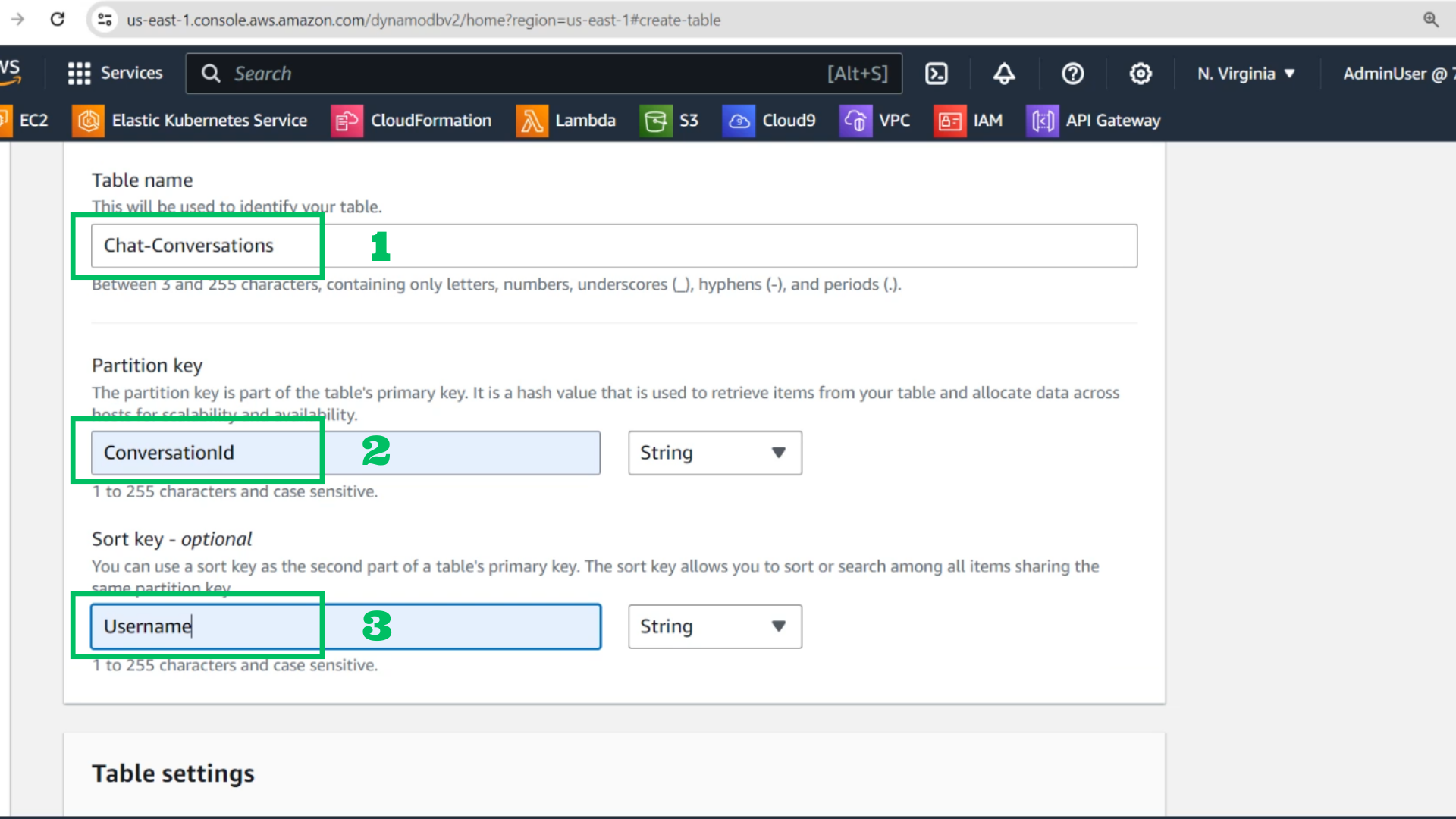
- At the table creation interface
- Table name : Chat-Conversations
- Partition key: ConversationId
- Sort key: Username
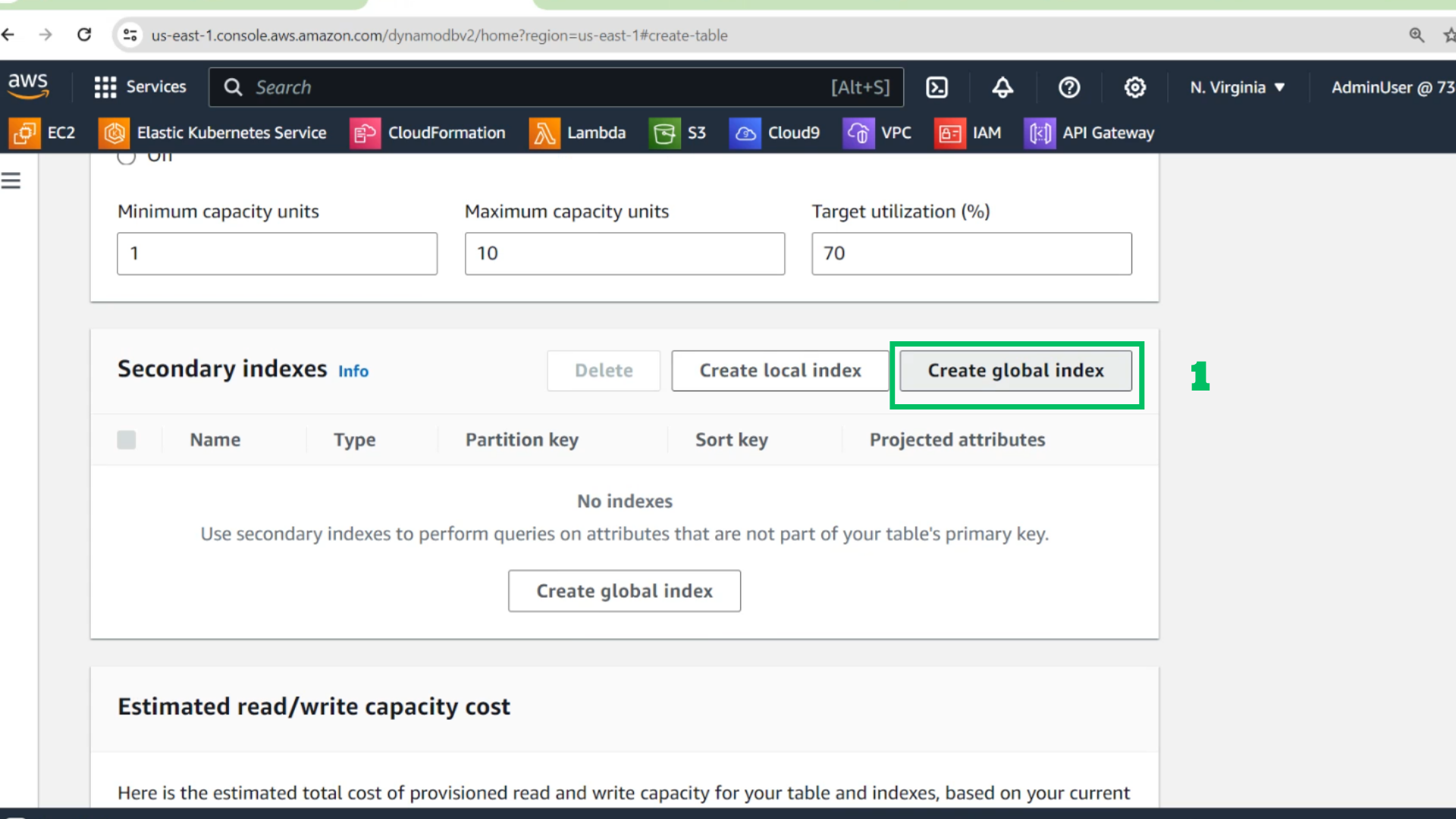
- Scroll down and Choose Create global index
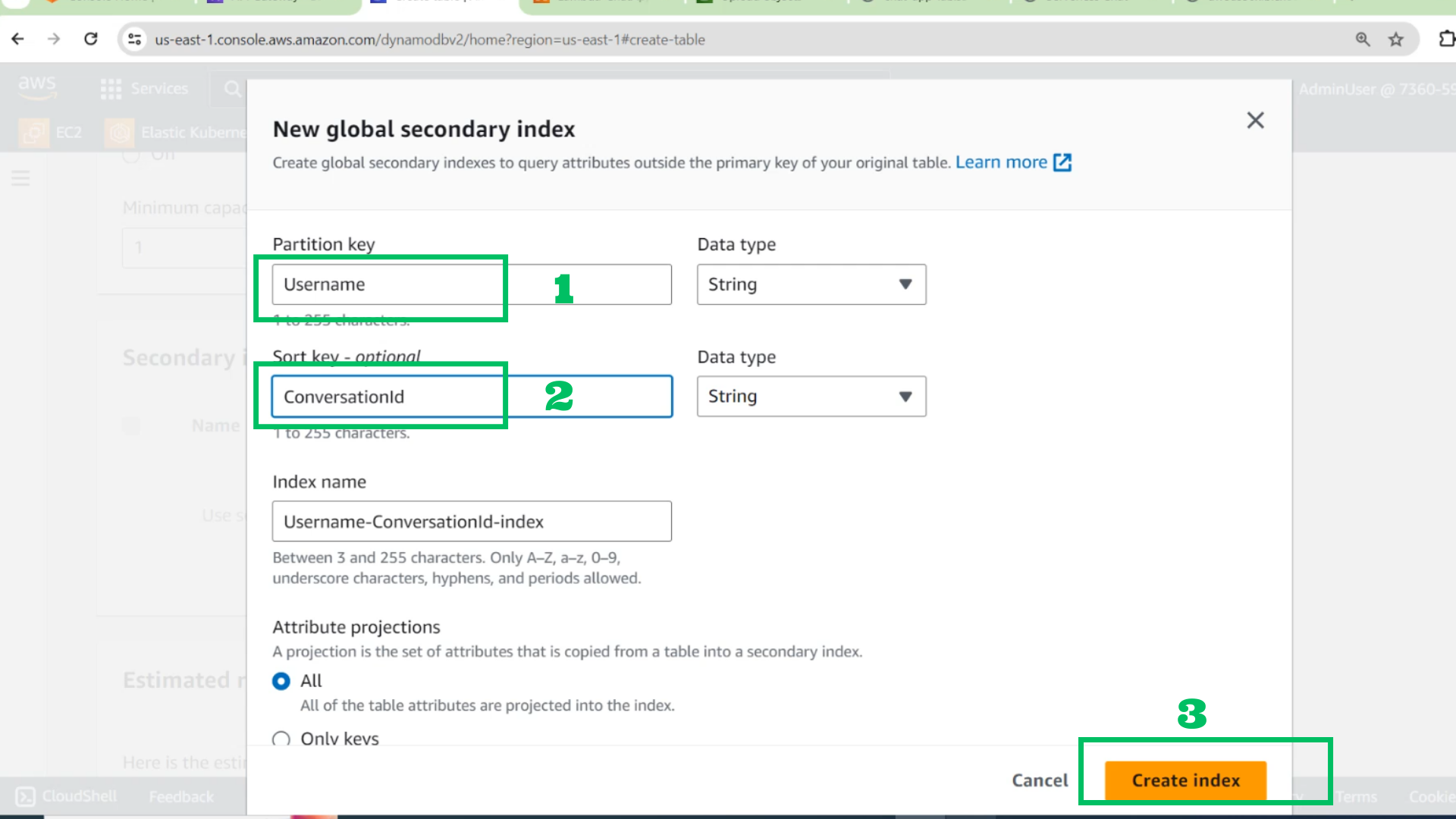
- At the GSI interface
- Partition key : User name
- Sort key: ConversationId
- Choose Create index
- Choose Create table