Build a Complete serverless Chat Website > Creating an API > Adding an API Gateway trigger to the function
Adding an API Gateway trigger to the function
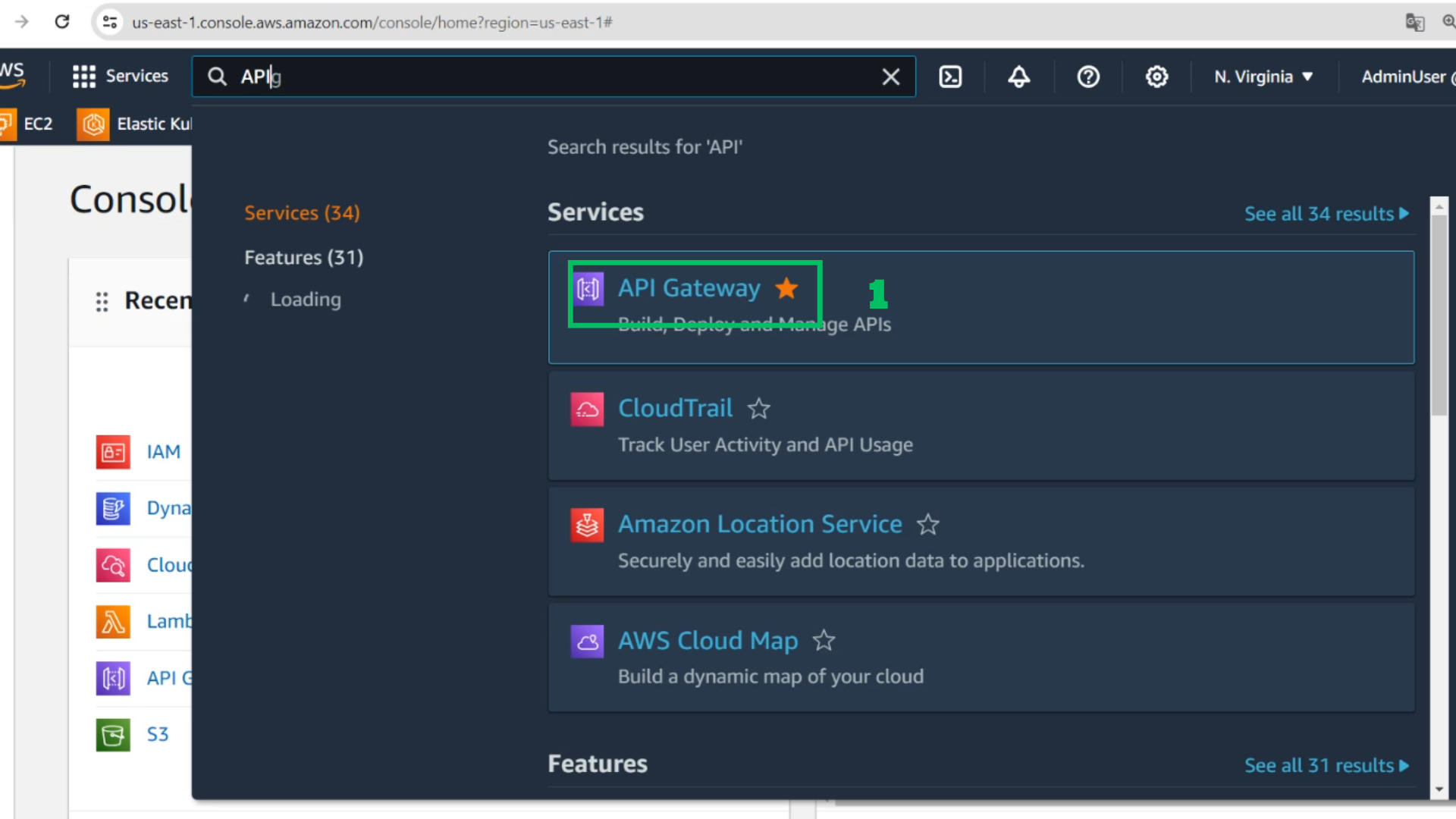
- At the AWS Console interface
Choose API Gateway
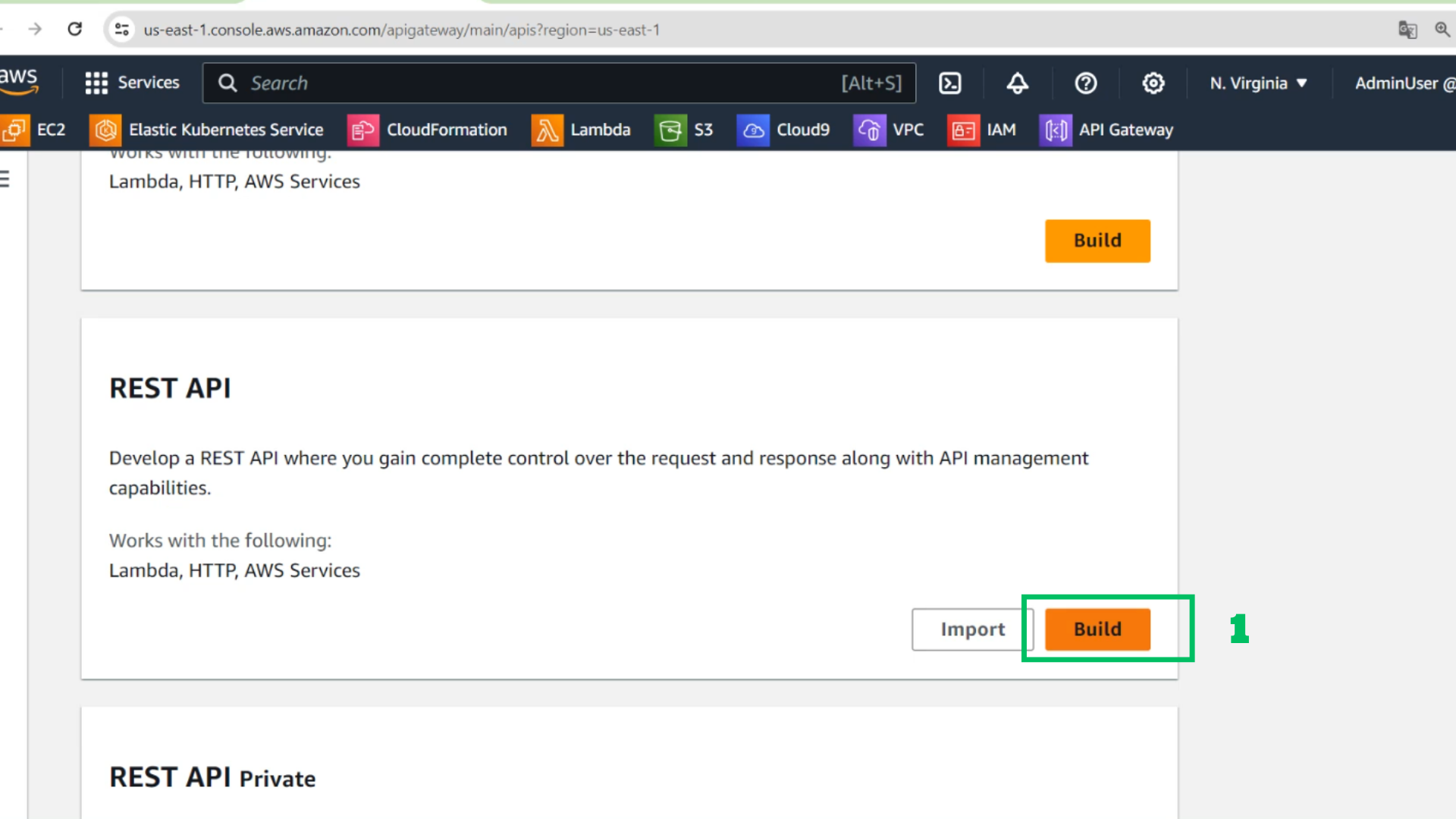
- Choose Build at REST API
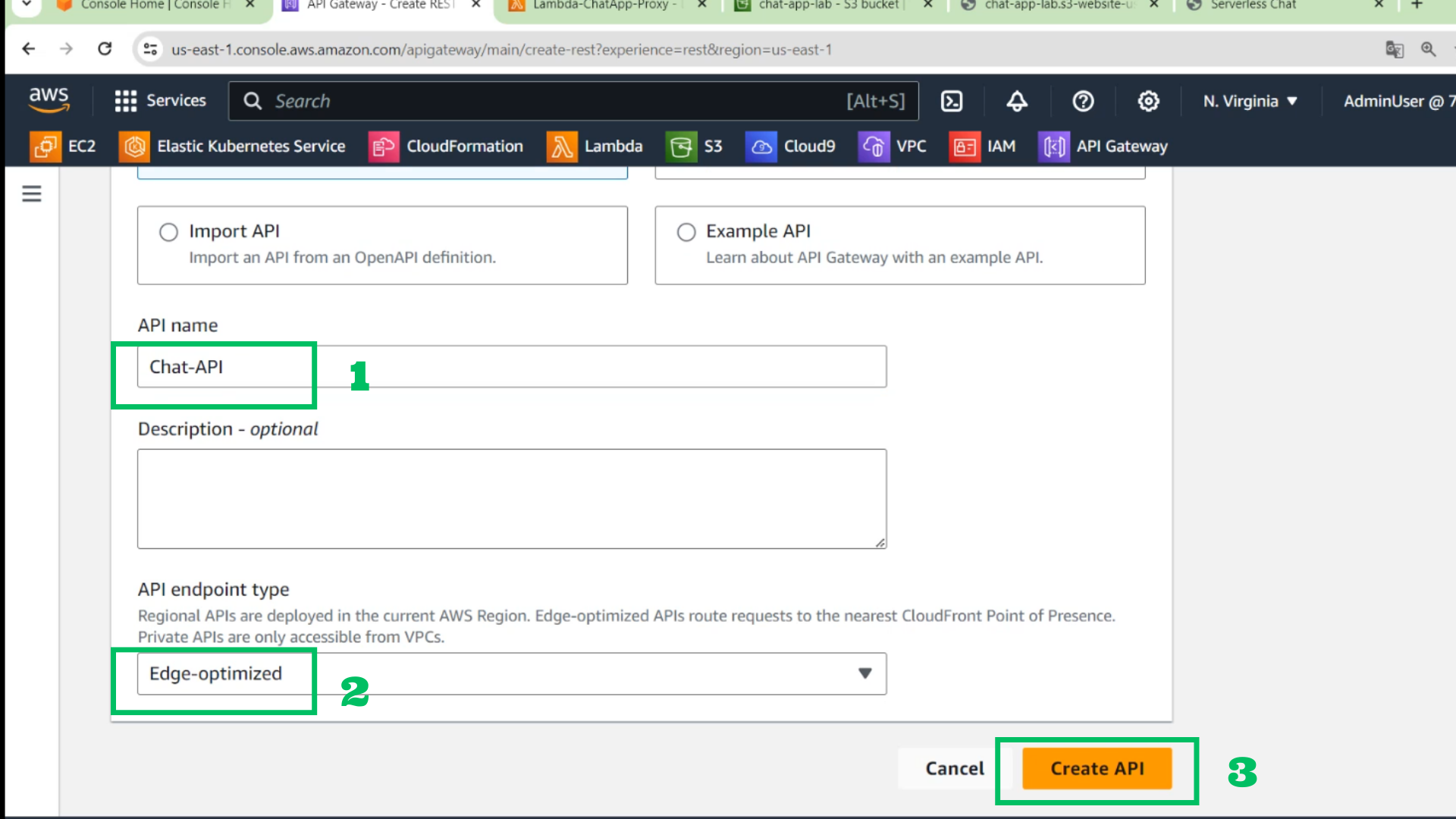
- Configure the API
- Name: Chat-API
- Type: Edge-optimized
- Choose Create API
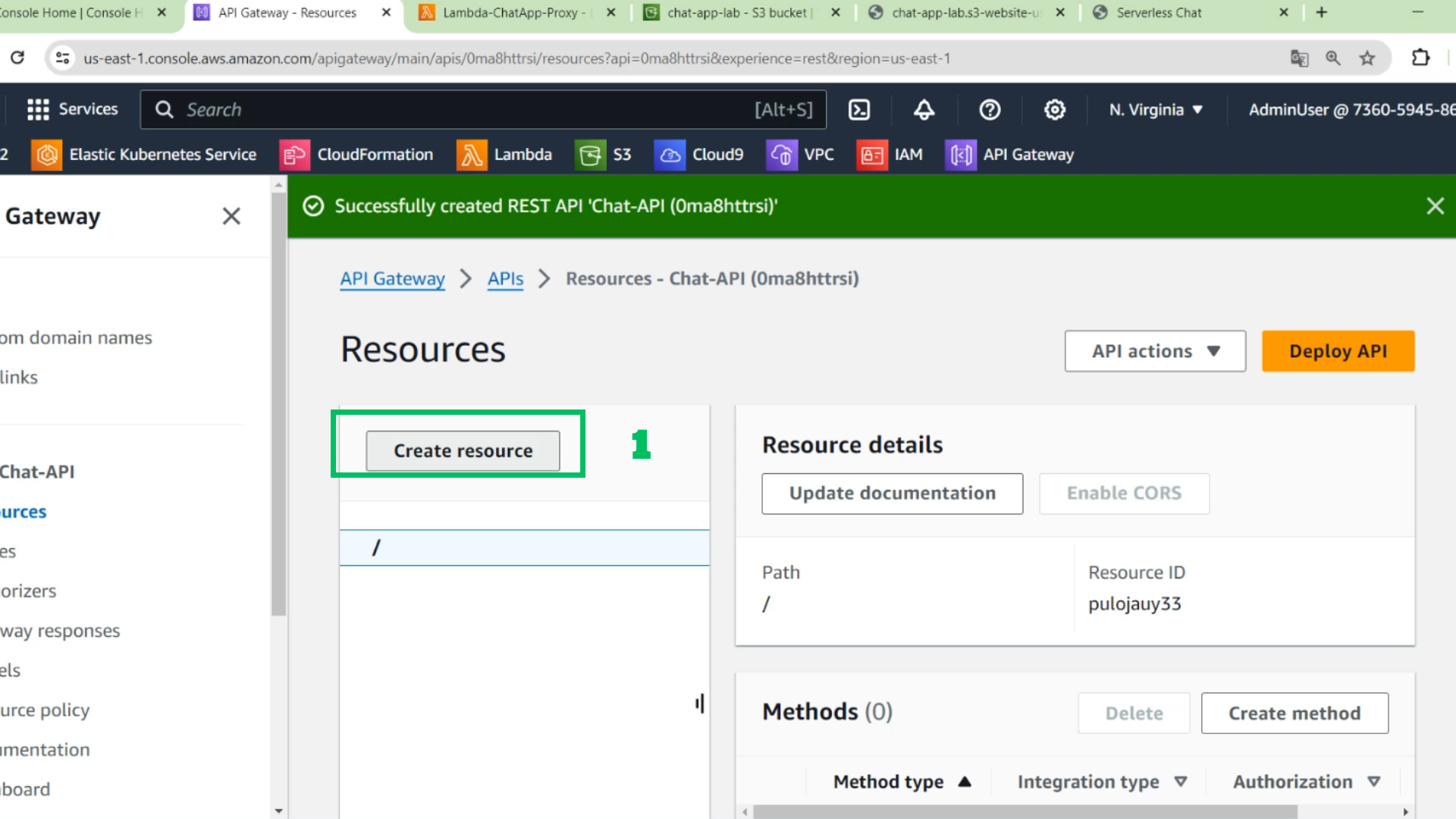
- At Chat-API interface
- Choose Create resource
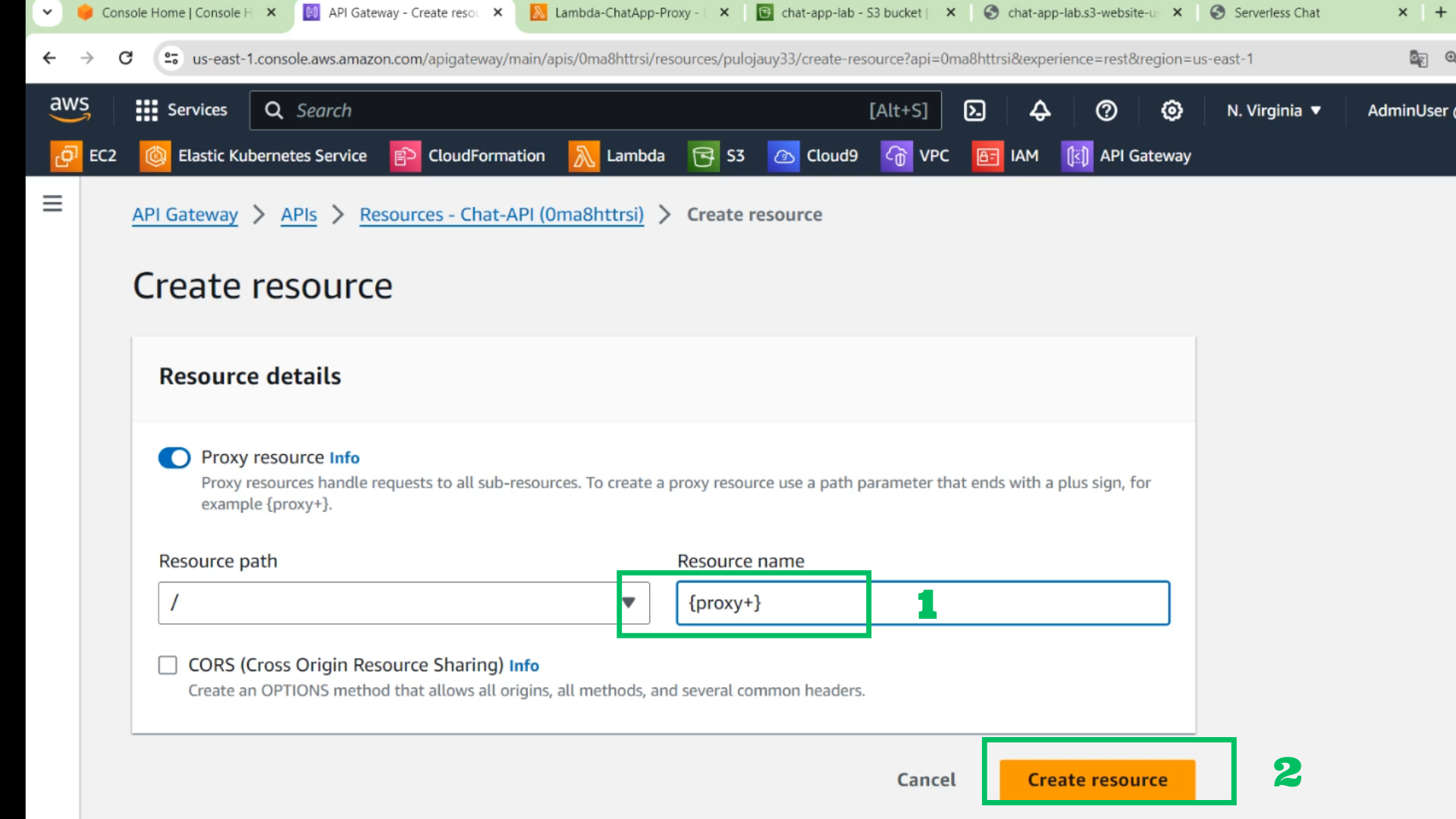
- At the resource interface
- Resource name: {proxy+}
- Choose Create resource
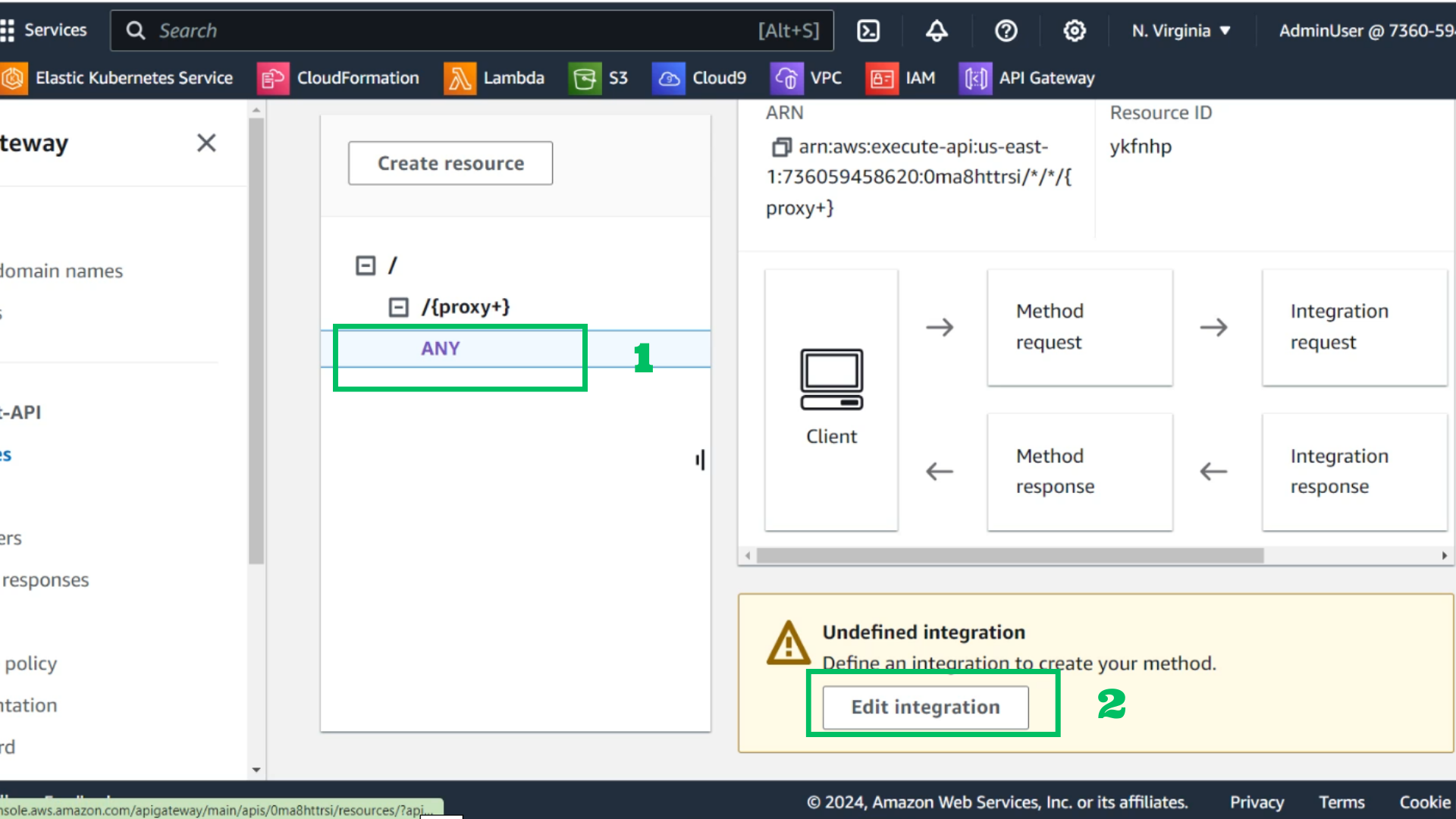
- Choose ANY under /{proxy+}
- Choose Edit integration
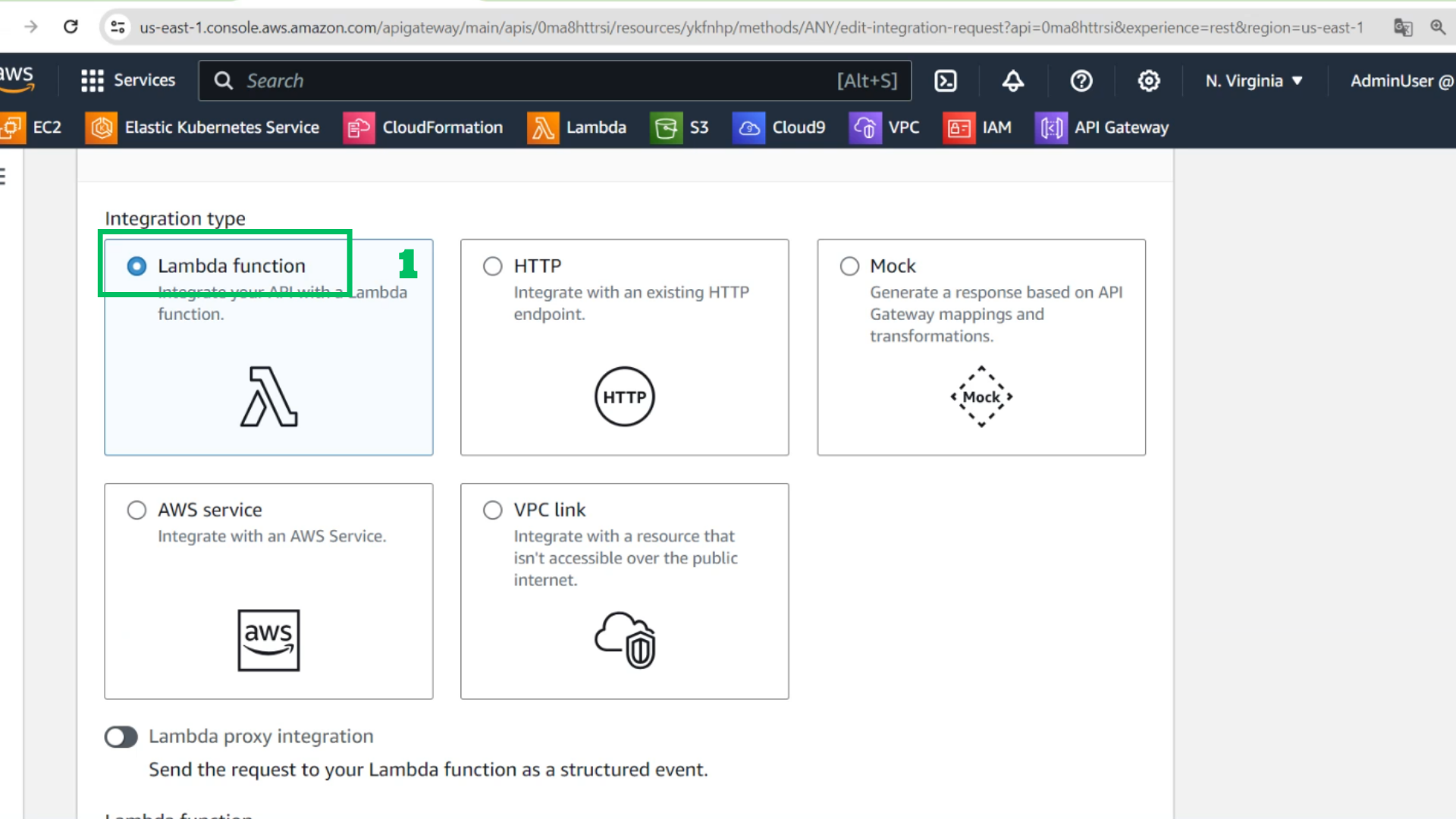
- Choose Lambda function
- Choose the link of the created lambda function: Lambda-ChatApp-Proxy
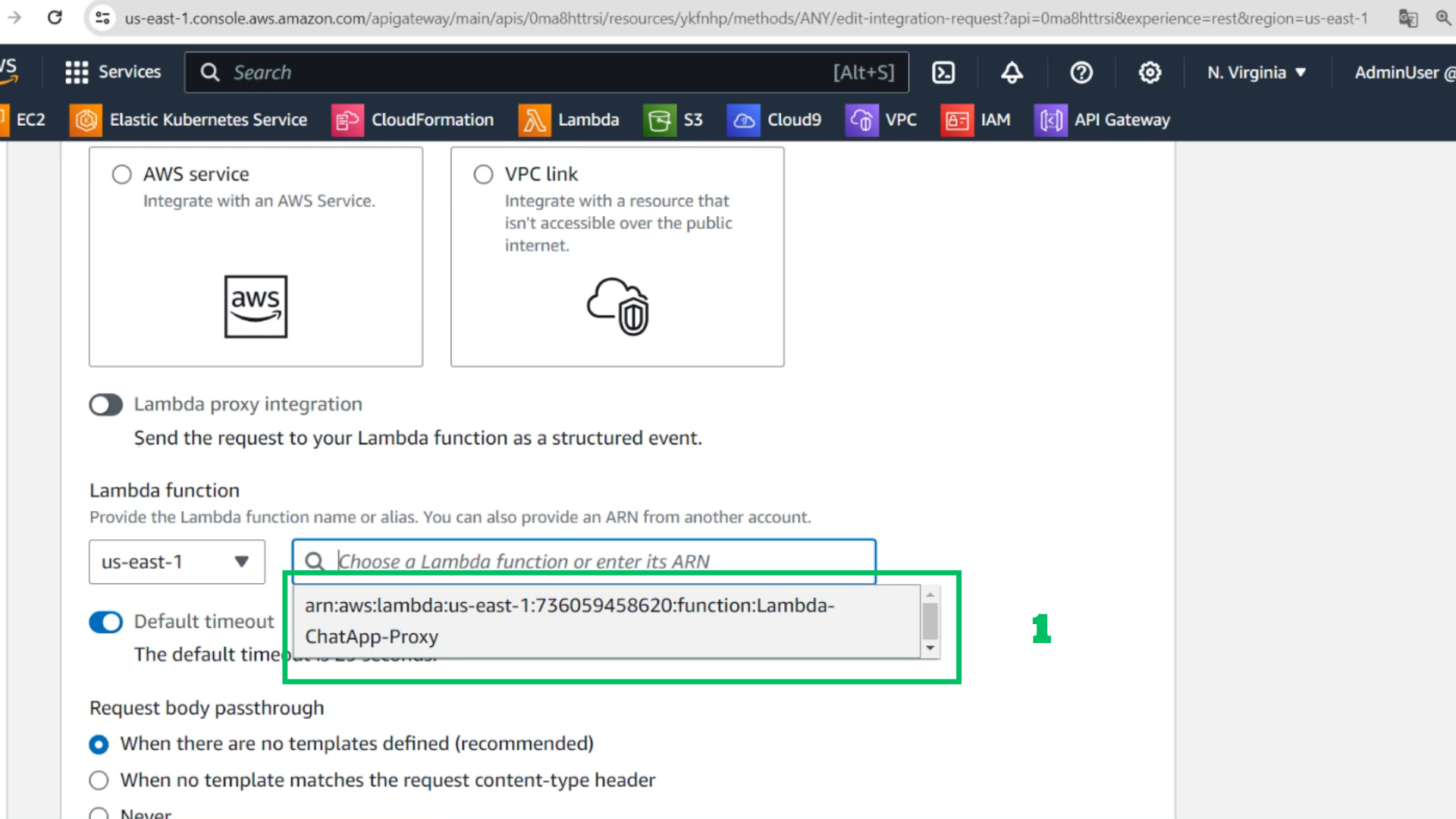
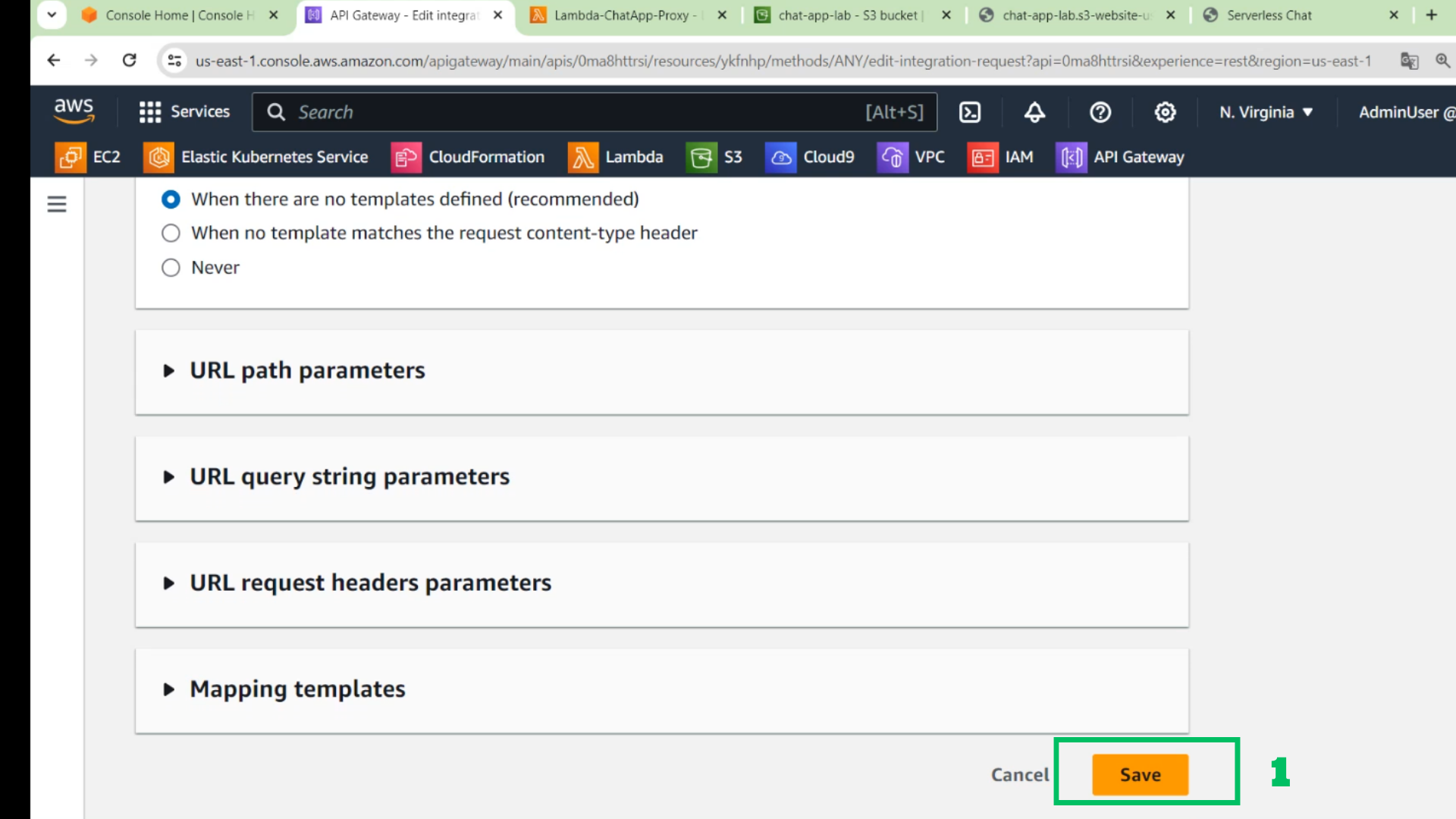
- Leave the rest as default and
- Choose Save
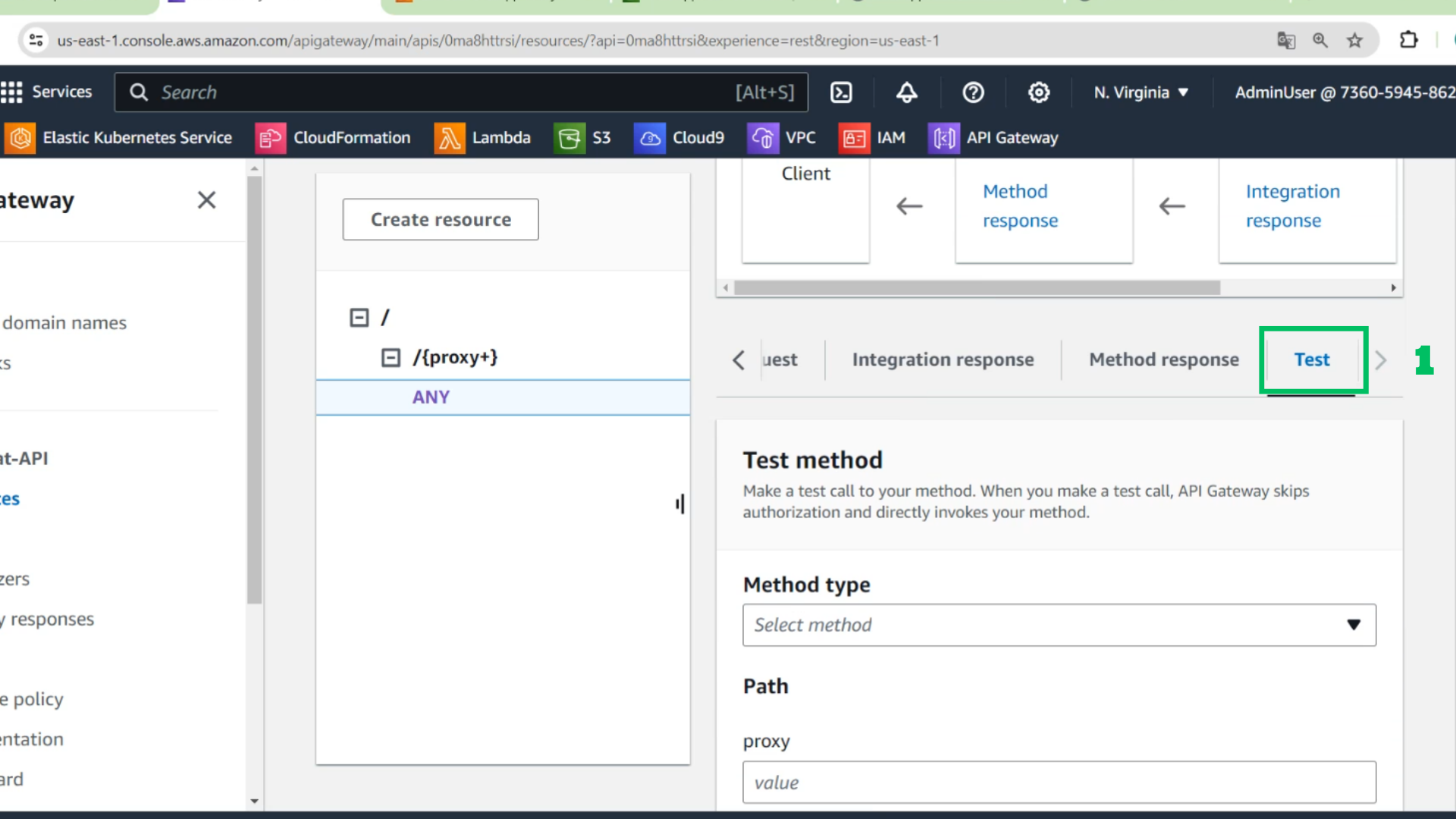
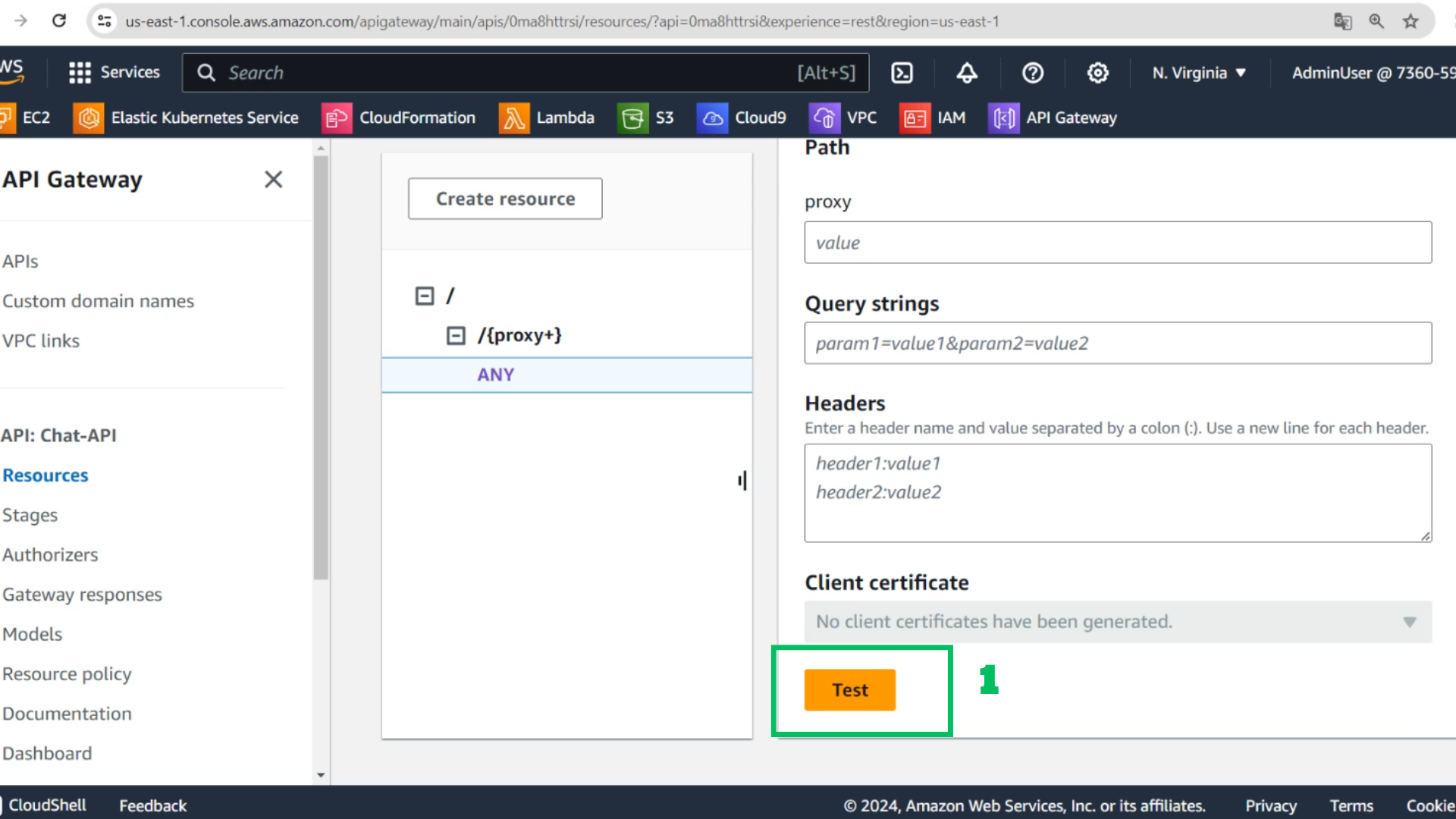
- Choose Test
- Choose method: GET
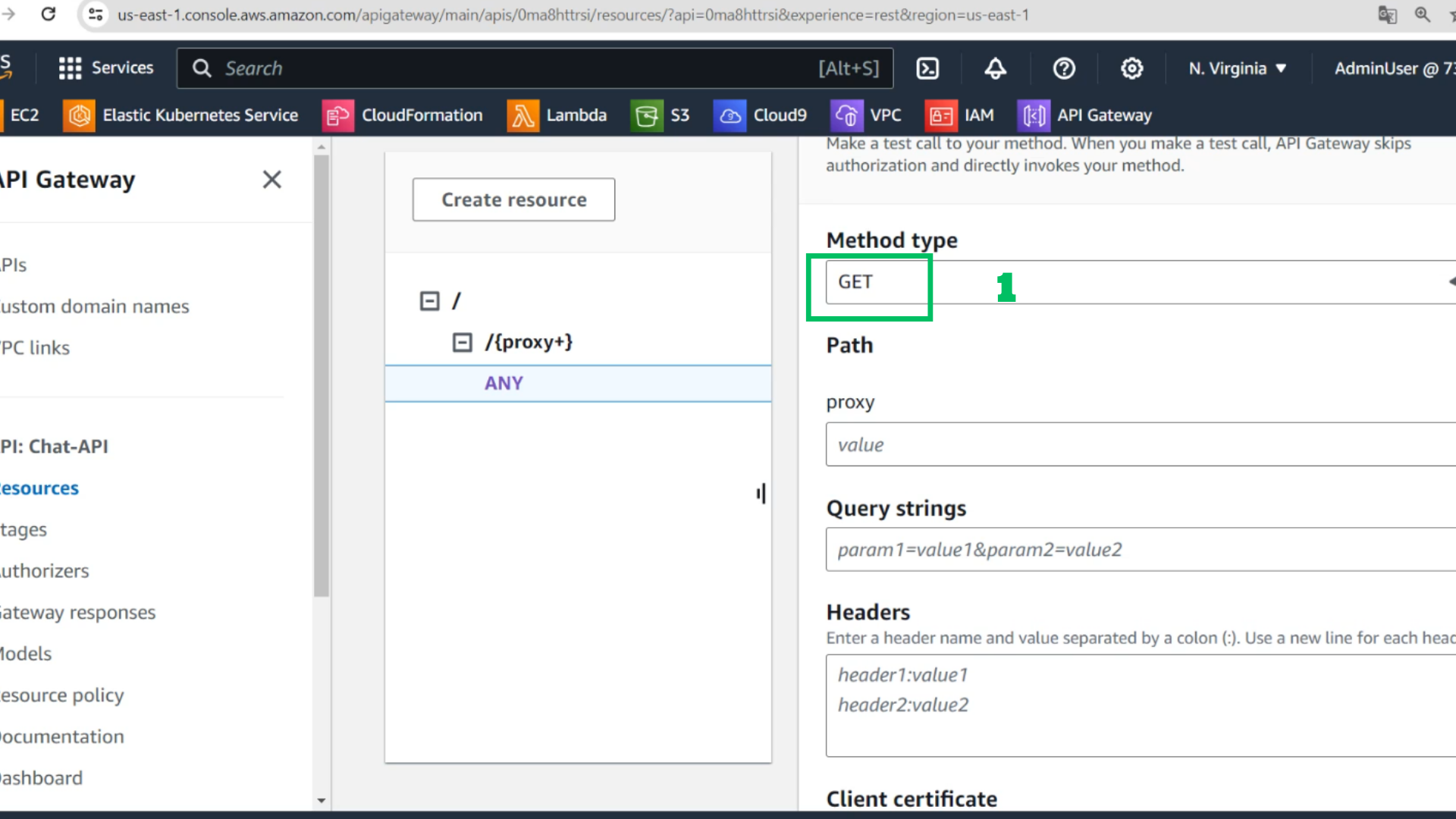
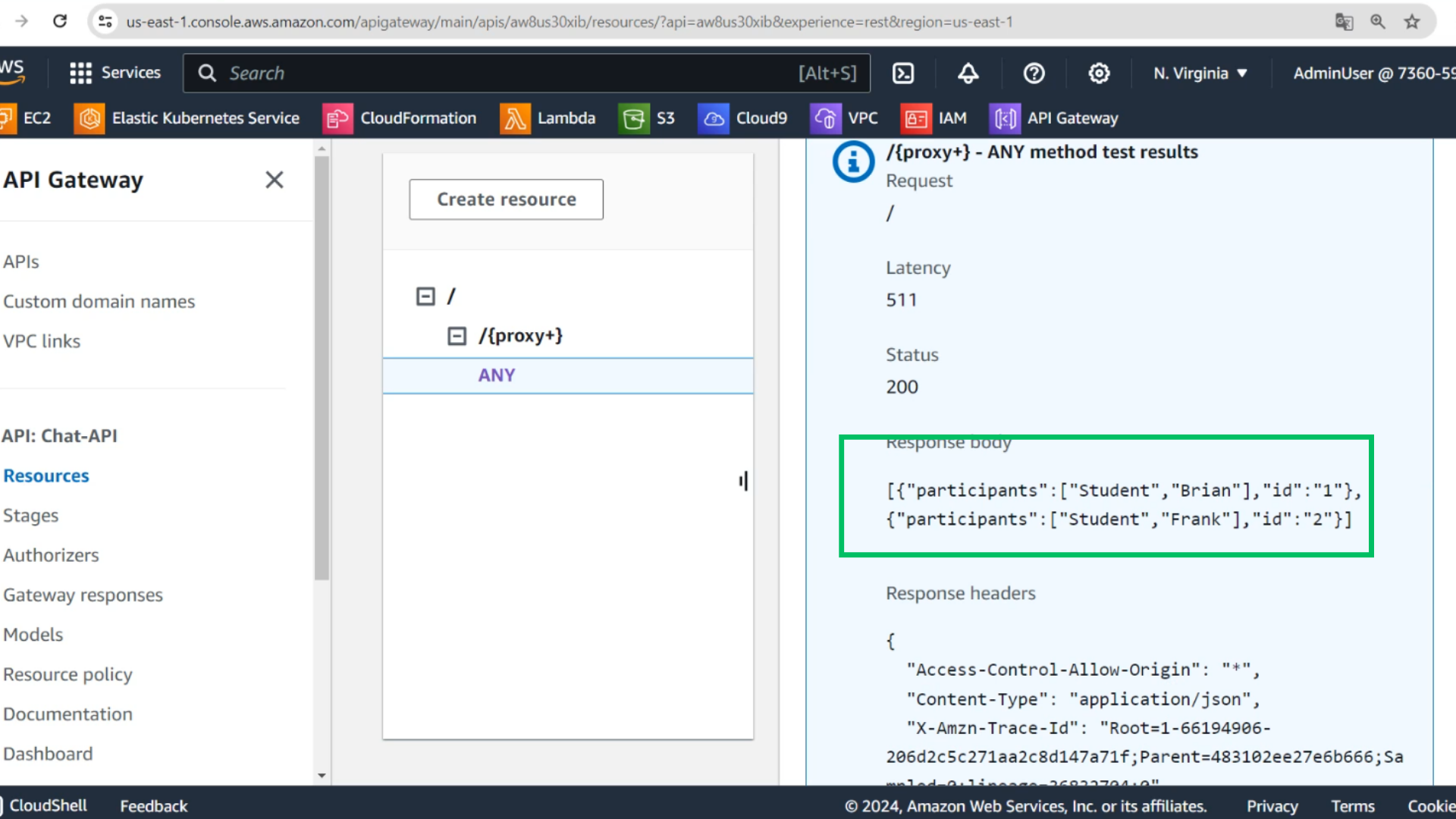
- Test and see the results are returned
- Check results