Build a Complete serverless Chat Website > Use DynamoDB for storage > Update Lambda policy to access DynamoDB tables
Update Lambda policy to access DynamoDB tables
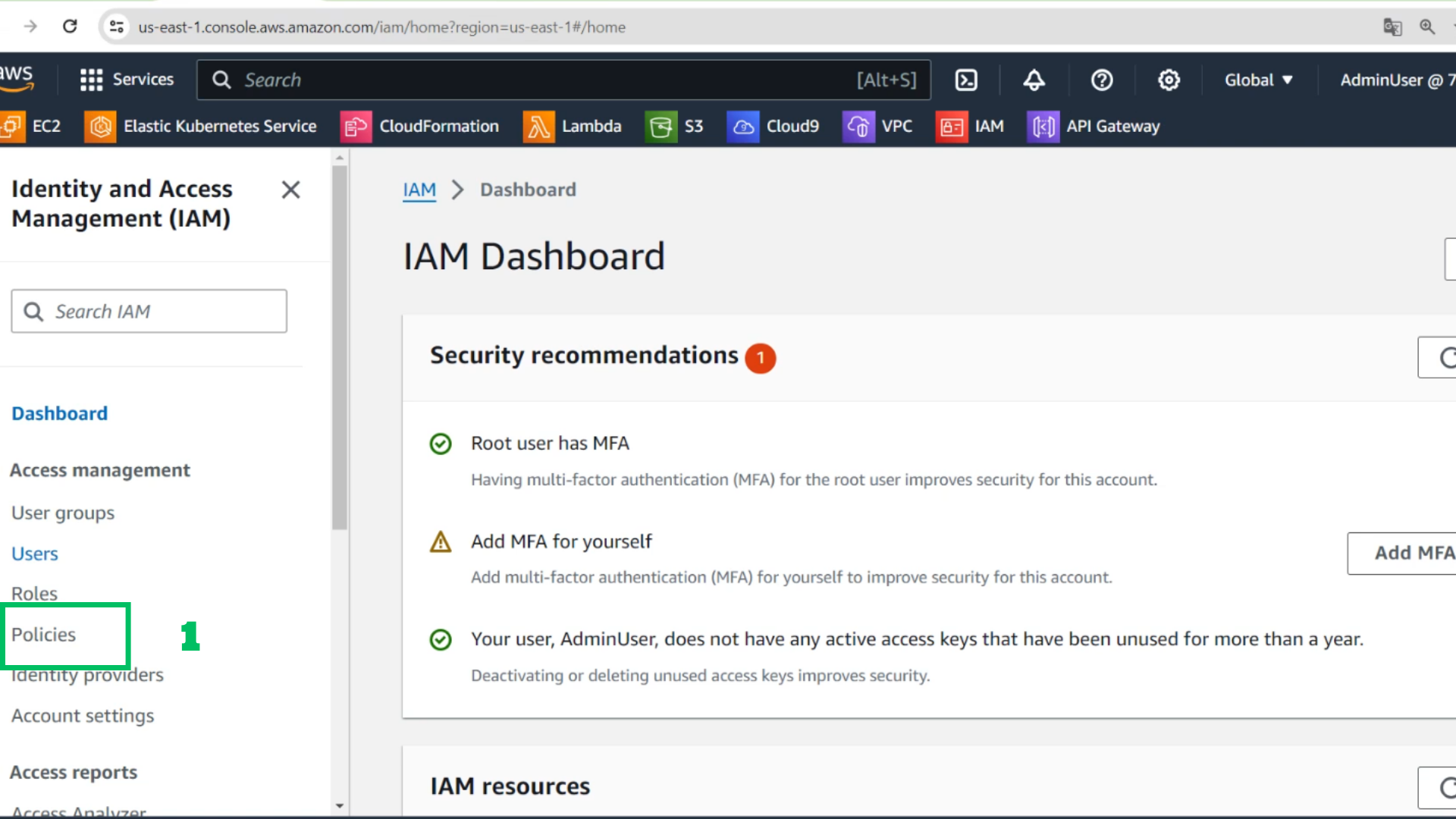
- At the IAM interface
- At the IAM interface
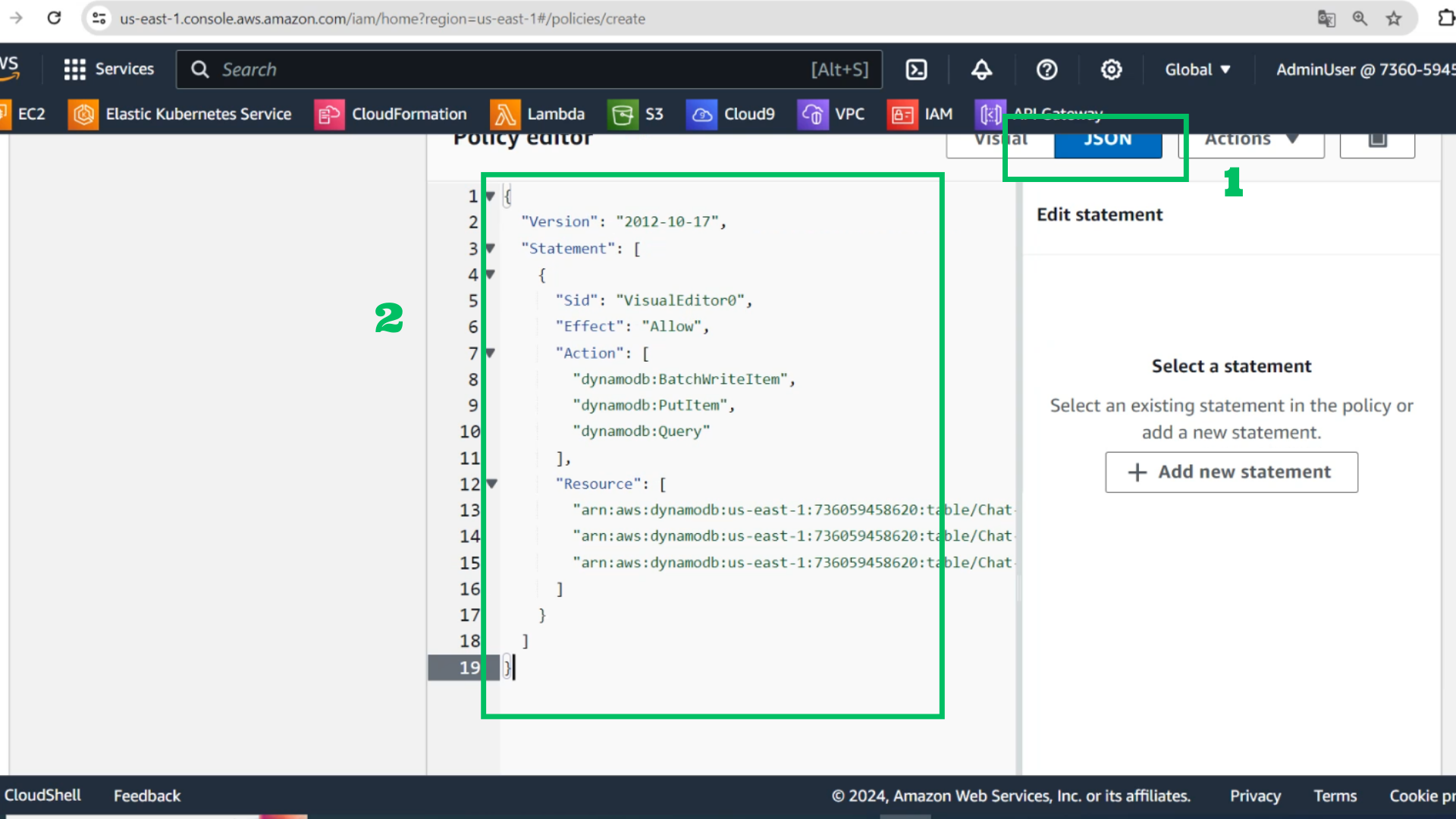
- Complete the policy and copy paste the JSON
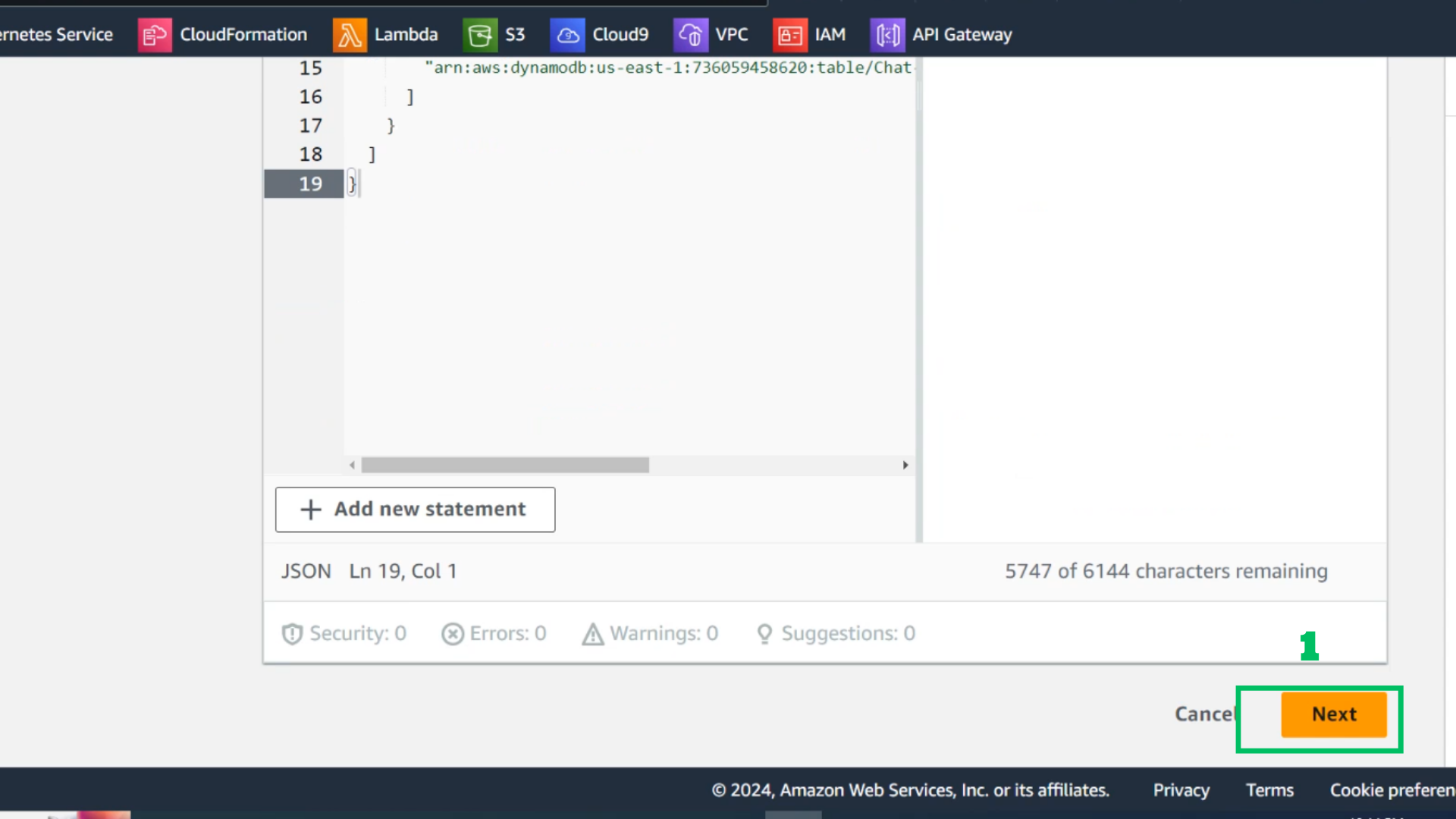
- Select Next
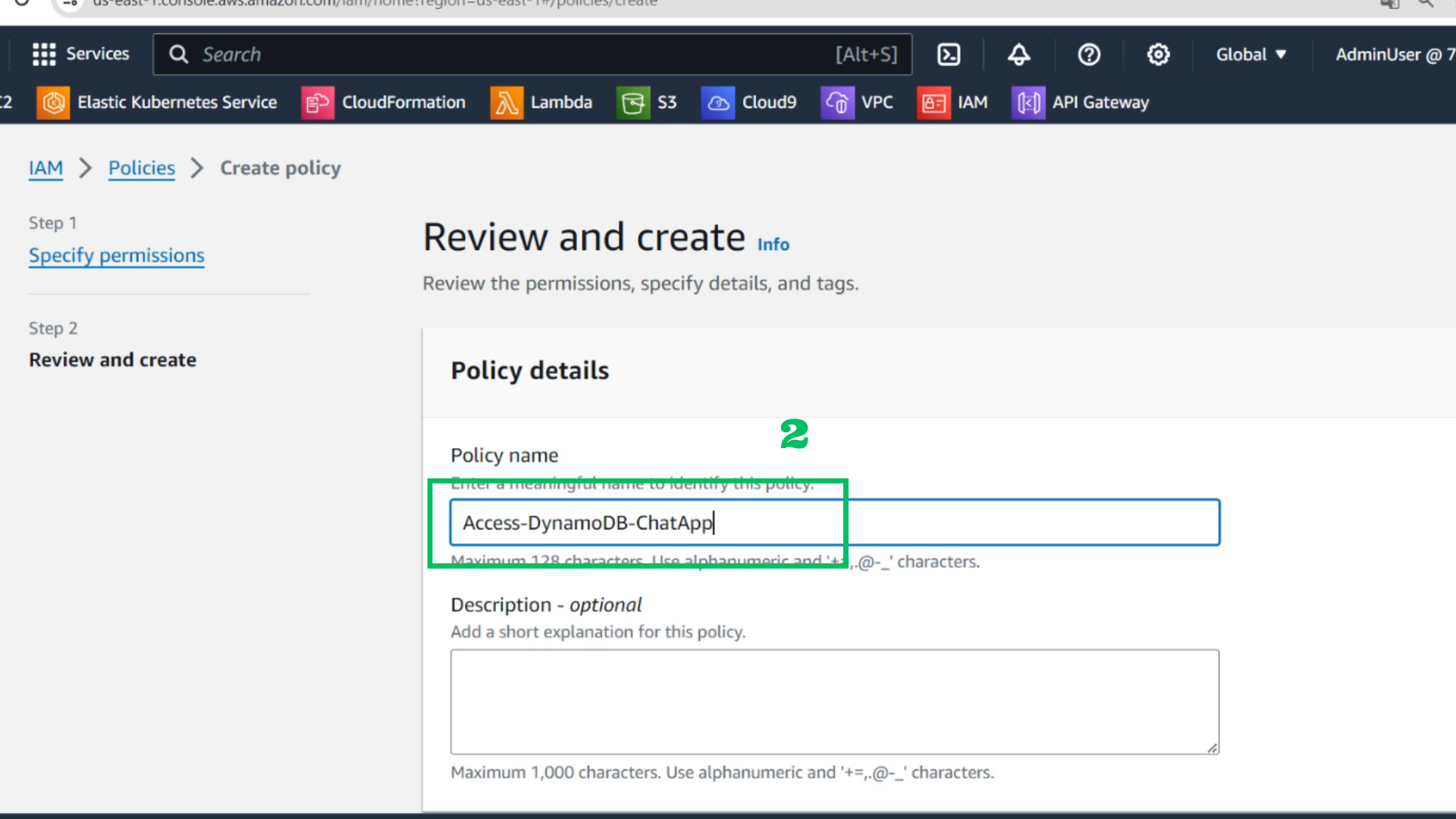
- Click Review and create
Policy name: Access-DynamoDB-ChatApp
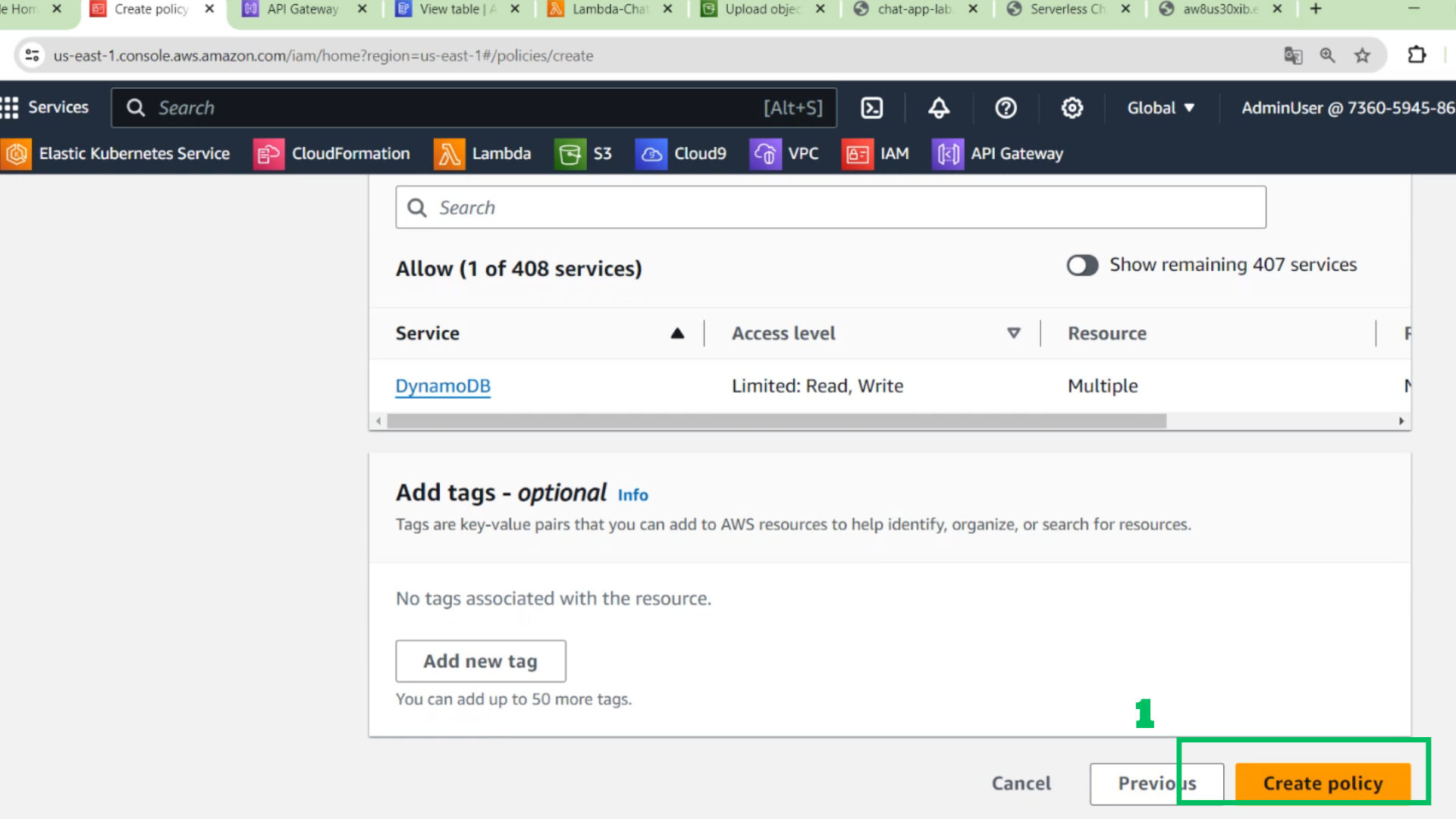
- Select Create policy
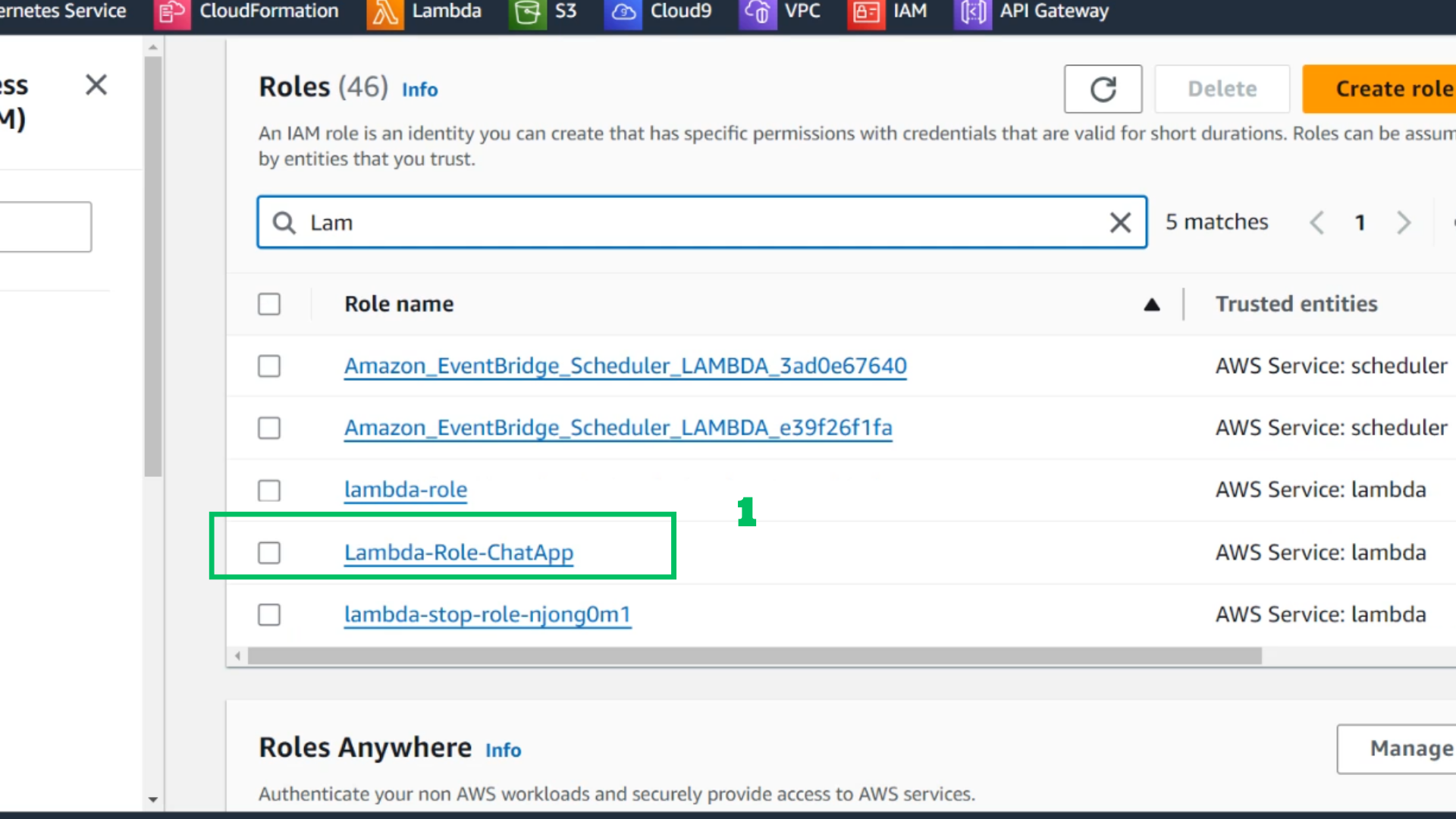
- Find and choose Role: Lambda-Role-ChatApp
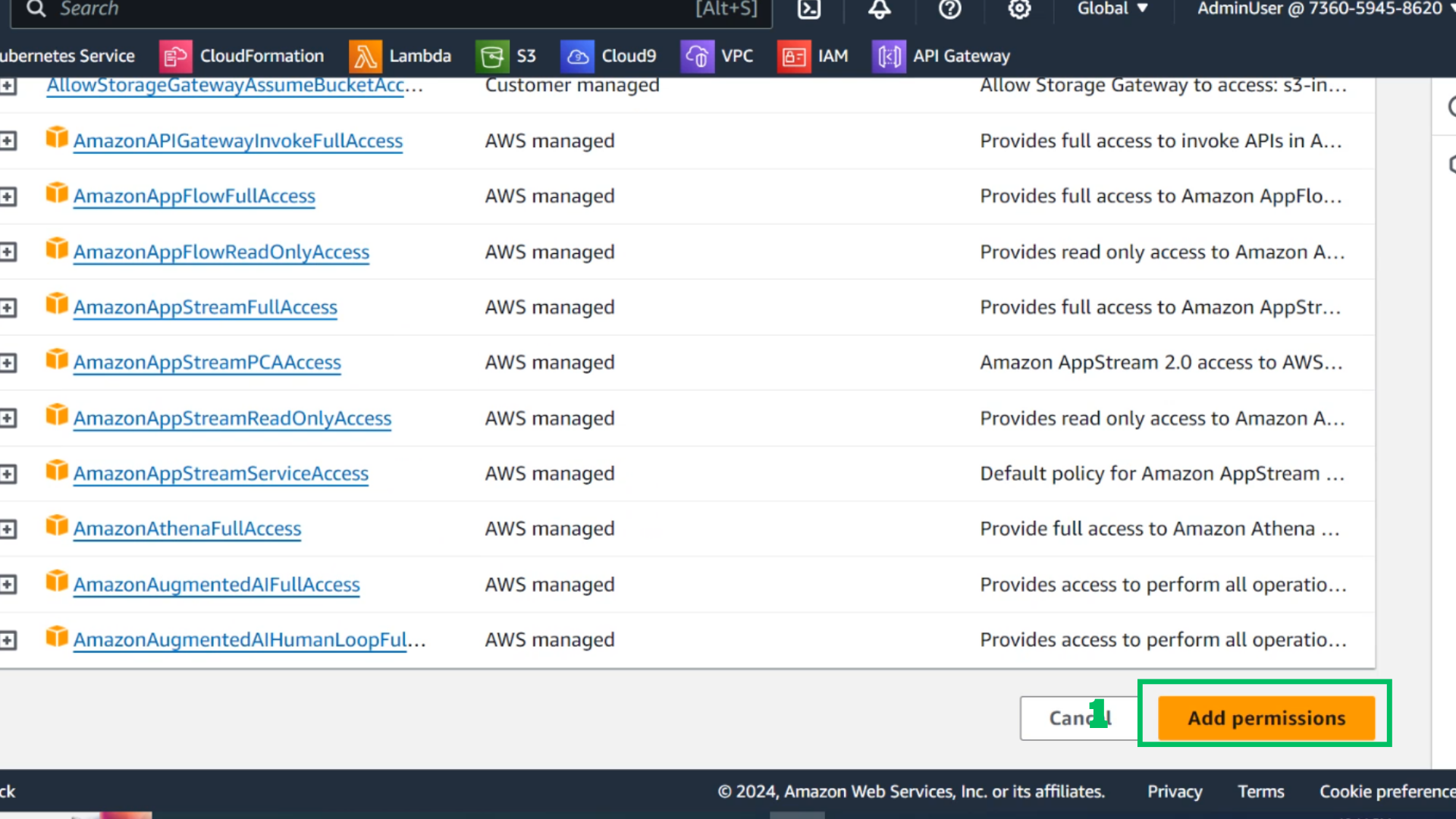
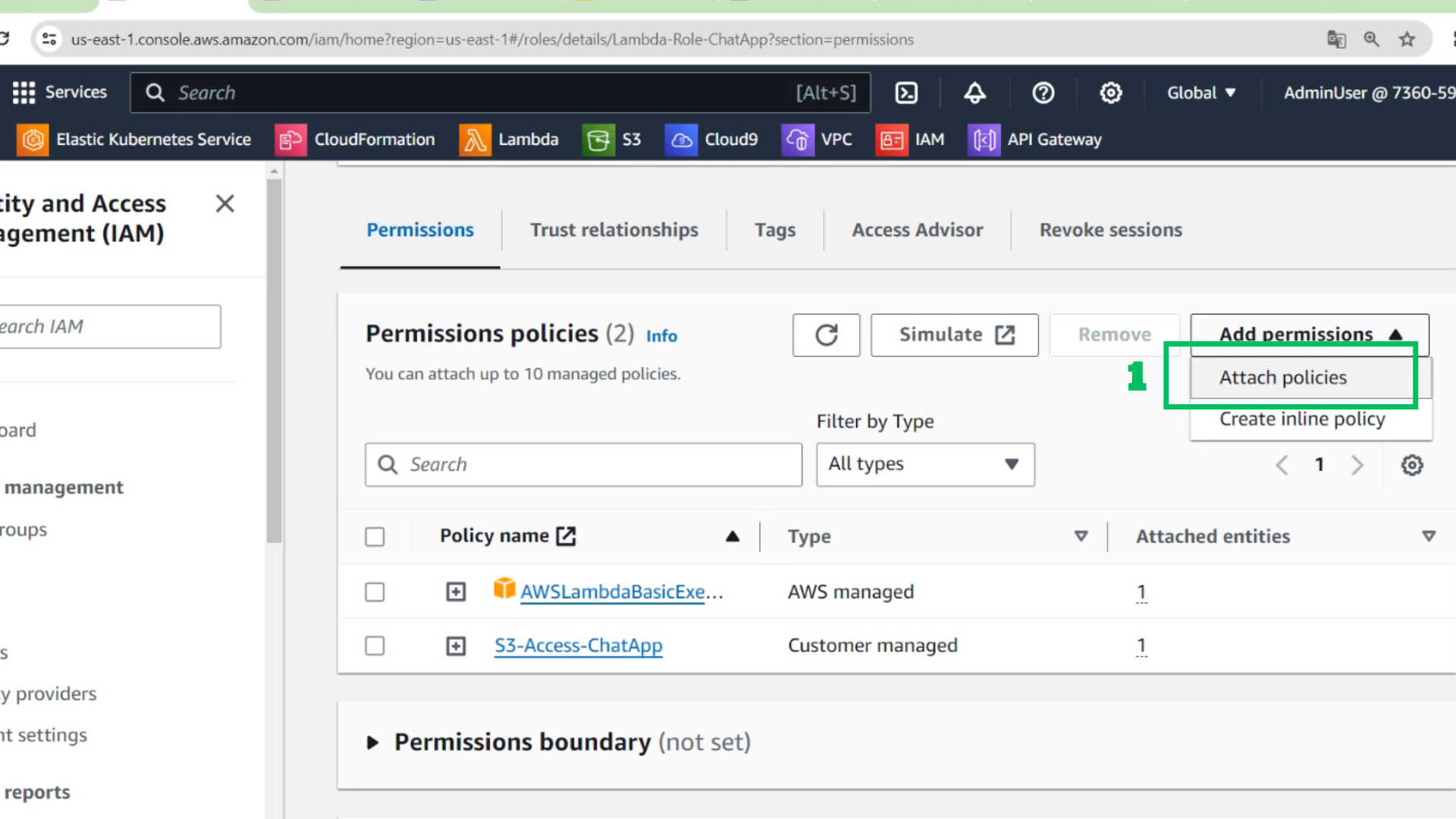
- Choose Add permissions
- Choose Attach policies
- Tick Policy : Access-DynamoDB-ChatApp
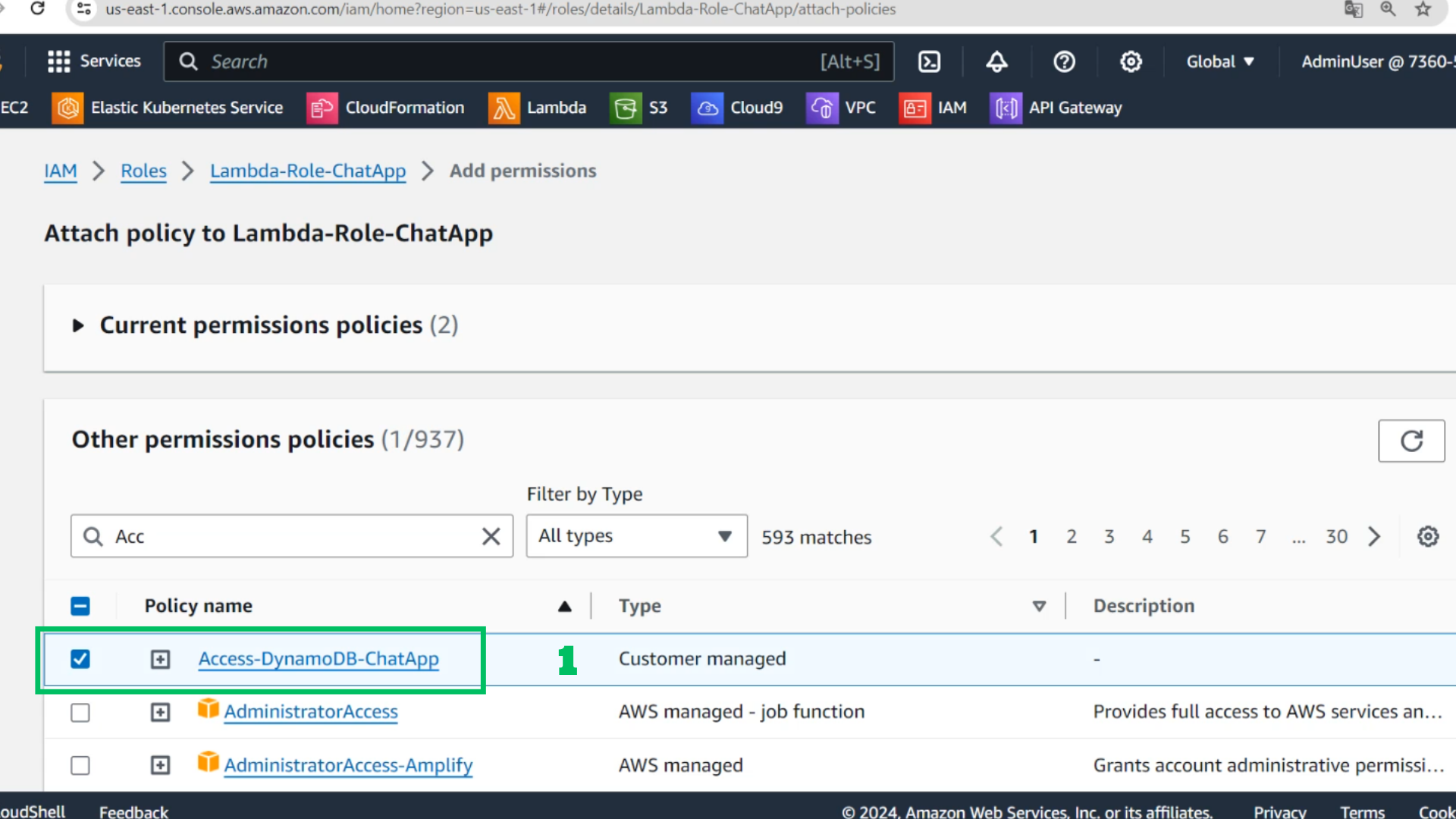
- Choose Add Permission